BetterLinks Pro
Shorten, organise and track campaign and affiliate URLs with redirects, custom domains, click statistics and Google Analytics integration.
Instant access Original unmodified files Free future updates
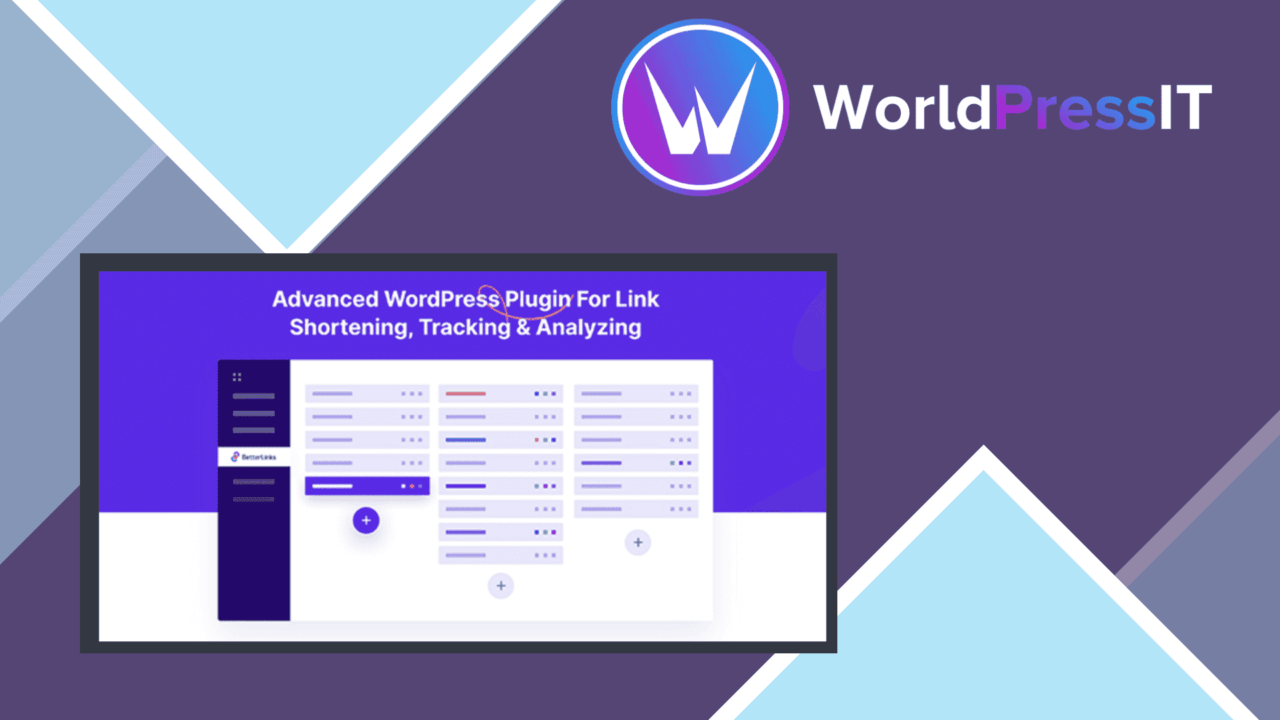
BetterLinks Pro puts URL shortening, redirect control and link reporting in one WordPress plugin. Its focus is practical: replace long URLs with cleaner addresses, then give marketing and affiliate links a place where their destinations, categories and performance can be managed together.
Shorter links, clearer control
The central feature is a link manager for creating short, shareable URLs. That is useful wherever long destination addresses make campaigns harder to present or remember. Each link can be handled as part of a wider collection rather than as an isolated redirect, which gives site owners a single working view of links used across their marketing activity.
Redirect selection is another useful detail. BetterLinks Pro supports both 301 and 302 redirects, so a site owner can choose between a permanent or temporary redirect for a particular URL-management task. The distinction matters for campaigns that change over time: a temporary promotion and a lasting destination do not need to be treated in the same way.
Tracking campaign performance
BetterLinks Pro records click statistics in real time and presents them through an analytics dashboard. That gives an editor or marketer a direct way to inspect link activity and compare how users engage with shortened URLs. The emphasis is on practical link performance rather than on managing destination content itself.
Google Analytics integration extends that reporting beyond the plugin dashboard. Link performance can also be tracked in a Google Analytics account, keeping URL activity closer to the rest of a site’s measurement work. For affiliate links and campaign links, that combination provides two reporting locations: the focused view inside BetterLinks Pro and the broader analytics environment.
Organising the link library
BetterLinks Pro includes categories and link-management tools for keeping a growing collection orderly. Categorisation is particularly relevant when one site contains separate affiliate links, product promotions and campaign destinations. Instead of relying on a list of unstructured short URLs, users can arrange links around the work they support and return to them for later tracking.
- Create short, clean URLs for sharing.
- Choose 301 or 302 redirects for different link-management needs.
- Review click statistics through the analytics dashboard.
- Connect link tracking with Google Analytics.
- Use custom domains for branded shortened URLs.
- Import and export links for backup or migration tasks.
Custom domains and portability
Custom-domain support gives shortened links a branded address instead of relying only on a generic shortening format. That is a useful option for organisations that want the visible link to reinforce their own identity. The import and export tools address a different concern: link data can be moved or retained for backup and migration work rather than remaining tied to one manually maintained list.
What to weigh
The analytics dashboard is a focused reporting layer, not a replacement for the wider analysis available in Google Analytics. Teams that need broader traffic context will still have to work in that separate account, so the plugin is best viewed as a link-management and click-reporting companion.
There is also a trade-off between centralisation and administration. Shortening, categorising, redirecting and tracking links in one place is useful only if the link library is kept organised. Custom domains add another choice to manage, while import and export are most valuable when a site has enough links to justify a structured process. Smaller sites with only a few permanent URLs may find the broader toolkit more than they need.
Who it suits
BetterLinks Pro fits site owners and marketers managing multiple campaign or affiliate URLs from WordPress. It is a sensible match for people who need clean links, redirect choices, click statistics and branded domains in the same workflow. Sites that already use Google Analytics gain an additional link-focused view, while users with only occasional redirects should weigh that wider feature set against the simplicity of their current setup.
The verdict
Download BetterLinks Pro and see for yourself
You get the full BetterLinks Pro release (v3.0.2), ready to install, plus every update that follows. One click and it is yours.
Download BetterLinks Pro v3.0.2- Instant download
- Original developer files
- Updated 13 Sep 2026
Related reviews
Browse allPaid Memberships Pro
Tracks sign-ups, cancellations, upgrades and membership purchases in GA4, giving PMPro site owners clearer data on engag…

GravityCharts
Create responsive bar, line, pie, and area charts from Gravity Forms data, with live updates, branding controls, and ima…

PixelYourSite PRO
Facebook Pixel tracking for WordPress, with custom and standard events, multiple-pixel support, privacy controls and a d…