Pie Register Premium
Custom registration forms, invitation-only access, verification and role-based routing give WordPress sites more control over user onboarding.
Instant access Original unmodified files Free future updates
Custom registration forms are the centre of Pie Register Premium, with a drag-and-drop builder intended for sites that need more than WordPress’s standard sign-up screen. The plugin brings form design, verification, user roles, payment gateways and administrative controls into one registration workflow, with shortcode support for placing forms where they fit the site structure.
Form building
The builder supports fields and layouts that suit a more deliberate onboarding process than a single default form. Multi-step registration breaks a longer sign-up into stages, which gives administrators a way to collect more information without presenting every field at once. Conditional logic adds another layer of control by showing registration choices according to a visitor’s earlier input.
- Drag-and-drop registration form creation
- Multi-step registration processes
- Conditional logic for field and form behaviour
- Shortcodes for embedding forms across the site
- Email templates for registration messages
- Email verification for confirming user registrations
Shortcodes are useful when registration belongs on a dedicated landing page, inside account content or alongside other site elements. Email templates also give administrators a defined place to manage the messages associated with the registration process, while verification helps keep unconfirmed accounts from entering the site unchecked.
Access and payments
Pie Register Premium goes beyond open registration with invitation-only sign-up. That makes the plugin relevant to private communities, controlled enrolment and sites that need to decide who is allowed to create an account. Custom user roles and capabilities provide a way to separate permissions after registration, while role-based redirection can send different users to the part of the site intended for them.
Payment gateway integration extends the same registration flow to paid access. A site collecting a fee during sign-up has the relevant payment step available within its registration tooling rather than treating payment as an unrelated form. The vendor also lists data import and export, giving administrators a route for moving registration data in and out of the system.
Administration and privacy
The administrator dashboard is designed to bring user management alongside form configuration. That is useful for sites where registration is an ongoing operational task rather than a one-time setup: staff can work with user details, roles, registration rules and messages from the same plugin area.
GDPR-oriented features address data protection as part of the registration process. They are a helpful starting point for sites collecting personal information, but the plugin’s settings are only one part of a privacy programme. Retention rules, privacy notices, access requests and the handling of connected services still require decisions outside the form builder.
What to weigh
The breadth of the feature set is also the main cost. A site that only needs a basic registration form will have little reason to configure invitation rules, conditional logic, payment gateways, role routing and data transfer tools. For a larger workflow, those options create more settings to document and maintain, and mistakes in roles or redirects affect what users see after sign-up.
Multi-step forms and email verification introduce additional points in the onboarding path. They support more controlled registration, but each extra step gives a visitor another place to stop or need assistance. Paid registration brings a second dependency as well: the selected payment gateway and its account configuration have to be ready alongside the form itself. These are practical trade-offs of the plugin’s wider scope, not missing features.
Who it suits
Pie Register Premium fits WordPress sites that treat registration as a structured process: membership-style communities, invitation-only areas, paid enrolment and sites with several user groups all have a clear use for its controls. Developers and administrators who need forms embedded in different locations will also value shortcode support, while the import and export tools suit sites managing registration data over time.
It is less compelling for a simple public sign-up page with no role separation, verification requirement or payment step. Its strongest case is a site where onboarding rules matter and the administrator needs those rules to cover form fields, access, communication and user management in one place.
The verdict
Download Pie Register Premium and see for yourself
You get the full Pie Register Premium release (v3.8.4.0), ready to install, plus every update that follows. One click and it is yours.
Download Pie Register Premium v3.8.4.0- Instant download
- Original developer files
- Updated 19 Sep 2026
Related reviews
Browse all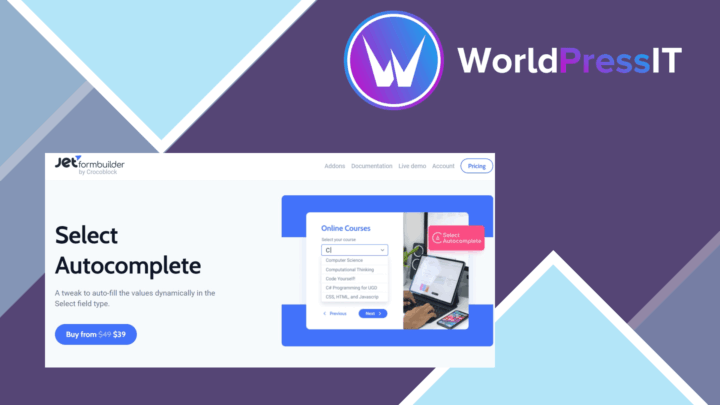
JetFormBuilder Select Autocomplete
Adds predictive suggestions to JetFormBuilder fields, helping visitors complete addresses, names and other repeated valu…
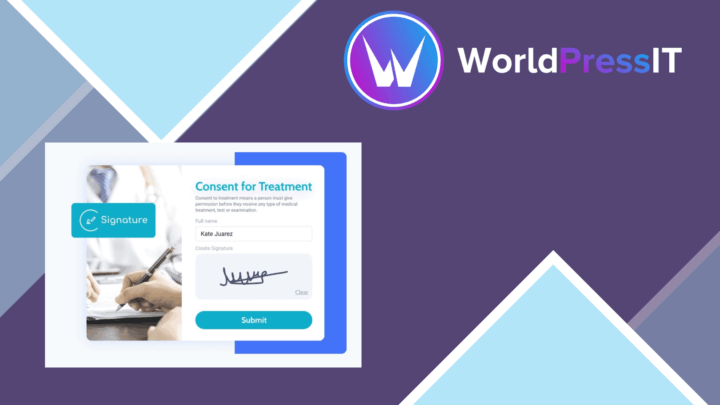
JetFormBuilder Signature
Collect mouse- and touch-drawn signatures inside JetFormBuilder forms, with validation and image saving for agreements,…
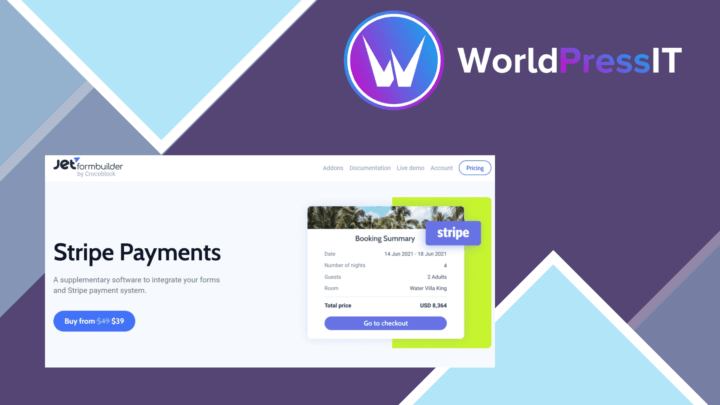
JetFormBuilder Stripe Gateway
Stripe payments inside JetFormBuilder forms, with support for one-time and recurring charges, multiple currencies, payme…