WPMU DEV Branda Pro Ultimate Branding
Customise WordPress login screens and admin areas with your own logos, colours, text and white-label details for a more consistent branded experience.
Instant access Original unmodified files Free future updates
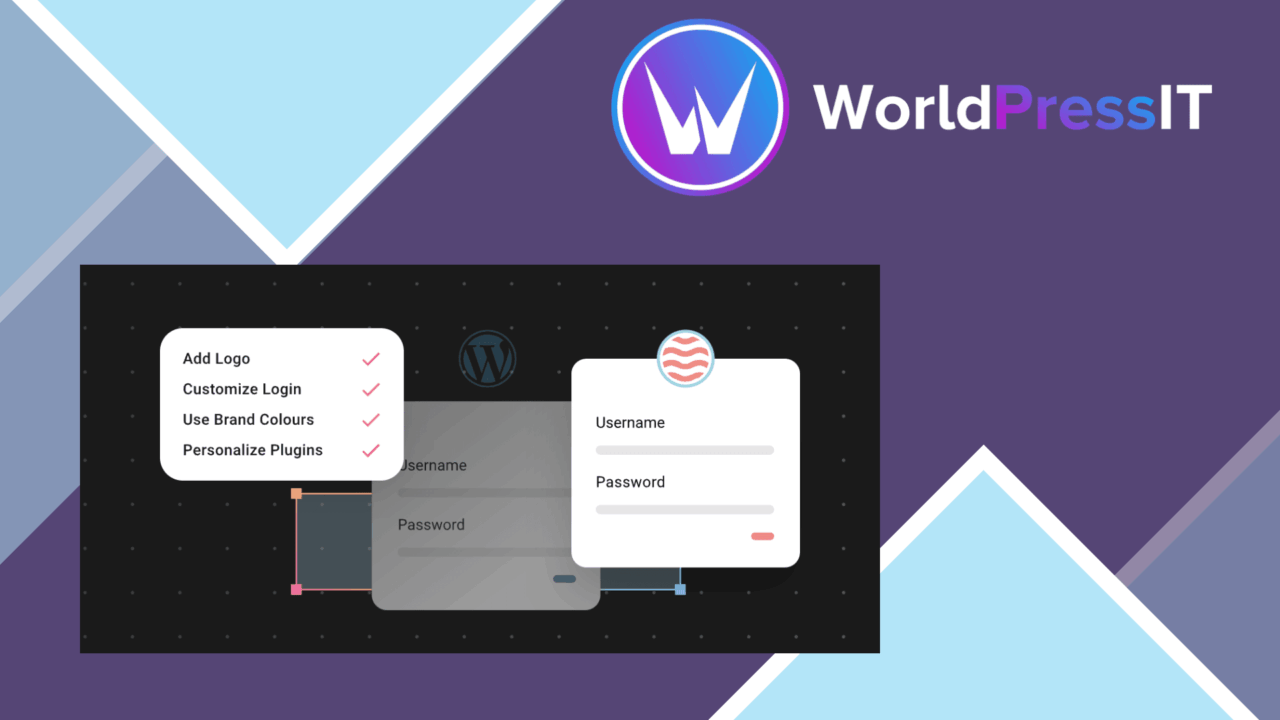
WPMU DEV Branda Pro Ultimate Branding replaces the default WordPress presentation with a branded login page and admin dashboard. Its focus is practical rather than decorative: site owners, agencies and developers get controls for logos, colours, text and other visible WordPress elements in places clients and administrators use every day.
Branding beyond the logo
The plugin treats branding as a collection of admin-facing details rather than a single logo swap. It brings several parts of the WordPress experience into one set of branding controls, helping an agency present a consistent identity across client sites or a business remove the default WordPress appearance from its internal dashboard.
- Upload a custom logo for the site identity.
- Apply colour settings that match an existing brand scheme.
- Customise login and registration pages.
- Hide WordPress branding elements.
- Replace or extend the dashboard footer with custom text.
- Use white-label options for an agency-branded experience.
- Manage branding across multiple sites with multisite support.
- Connect with Google Analytics to track user engagement.
Login and dashboard control
The strongest use case is a WordPress installation that clients or members regularly enter. A custom login page establishes the right identity before authentication, while dashboard colours, footer text and hidden WordPress labels carry that identity into the admin area. Registration customisation extends the same treatment to account creation, which is useful when the default WordPress screens feel out of place beside a company or project brand.
These controls also make the plugin relevant to developers delivering managed websites. Instead of leaving the WordPress name and standard visual treatment exposed, the administrator-facing experience presents the branding chosen for the site. The value is clearest when the dashboard itself is part of the client relationship, not merely a private workspace.
Agency and multisite use
White-label options put Branda Pro on firmer ground for agencies. The agency can present a branded administration experience rather than a generic WordPress one, while multisite support provides a way to manage multiple sites under one account. That combination suits organisations responsible for several branded installations and developers who need a repeatable identity across a portfolio.
The Google Analytics integration broadens the plugin beyond visual presentation. It connects branding administration with user-engagement tracking, so the same toolkit covers selected measurement needs alongside login and dashboard customisation. This is a supporting feature rather than the central reason to choose Branda Pro, but it gives the plugin a wider administrative role.
What to weigh
The breadth of the feature set is also its main cost. Branda Pro brings logos, colours, login screens, registration, footer text, hidden WordPress elements, white-label settings, multisite management and analytics into one plugin, so administrators have more configuration decisions than they would with a simple logo customiser. A small site seeking one visual change could find that scope larger than necessary.
Its branding work is concentrated on the login and WordPress admin experience. It is not presented as a front-end design system, page builder or theme replacement, so it does not address the visual presentation of public-facing pages. Multisite and white-label controls also matter most to agencies and multi-site operators; a single-site owner may use only a fraction of the available controls.
Who it suits
Branda Pro is aimed at agencies, developers and businesses that want WordPress to look like part of their own service rather than a stock installation. It is especially well matched to client dashboards, branded registration flows and multisite projects where repeated admin customisation would otherwise be handled separately. Choose it for control over the WordPress-facing experience, particularly when white-label presentation matters. For a site that only needs front-end branding or a one-off logo change, its broader administrative remit is less compelling.
The verdict
Download WPMU DEV Branda Pro Ultimate Branding and see for yourself
You get the full WPMU DEV Branda Pro Ultimate Branding release (v3.4.32), ready to install, plus every update that follows. One click and it is yours.
Download WPMU DEV Branda Pro Ultimate Branding v3.4.32- Instant download
- Original developer files
- Updated 29 Sep 2026
Related reviews
Browse all
GetPaid Digital Downloads
Sell eBooks, software, and music from WordPress with file delivery, payment gateways, discount codes, customer records,…

Super Speedy Filters
Configurable AJAX filters help visitors narrow posts, products and other content through checkboxes, dropdowns and slide…
pentest-upload
A WordPress upload-related listing with no documented feature set, compatibility information or stated use case, so its…