Bit Form Pro
Build responsive WordPress forms with drag-and-drop fields, conditional logic, email alerts, marketing integrations, spam protection and CSV submission exports.
Instant access Original unmodified files Free future updates
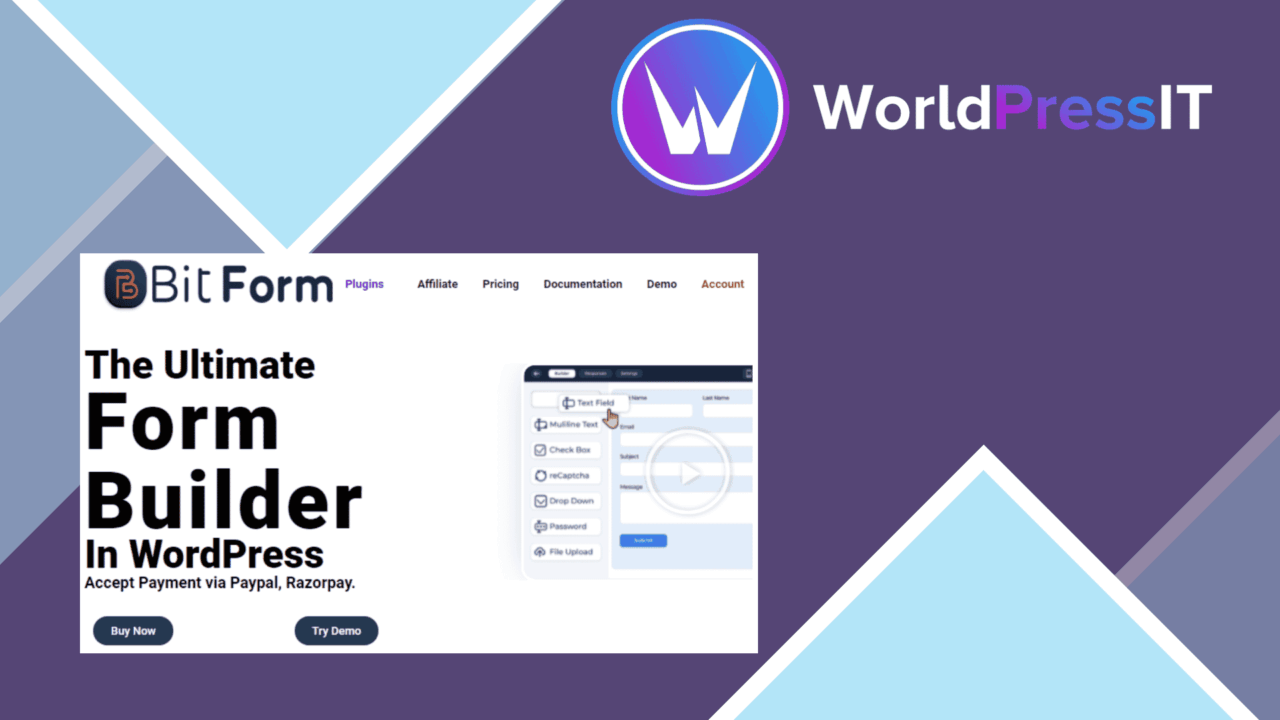
Bit Form Pro is a WordPress form builder aimed at site owners, developers and businesses that need more than a basic contact form. Its central workflow is a drag-and-drop editor, so form structure and field selection happen visually rather than through code. The feature set covers data collection, submission alerts, selected marketing integrations and basic submission management.
Visual form building
The editor is the main reason to consider Bit Form Pro. Fields are arranged with drag-and-drop controls, which gives non-developers a direct way to shape a form and gives developers a quicker starting point for routine data-collection work. The vendor lists text fields, dropdowns, checkboxes and file uploads among the available field types. That combination covers common contact, enquiry, registration and upload scenarios without forcing every form into the same layout.
Responsive design is included, so the forms are intended to remain usable across device sizes. That matters for forms with more than a couple of inputs, particularly when dropdowns, checkboxes and upload controls appear together. The builder is still responsible for the quality of the finished form: field order, labels and the amount of information requested will determine how manageable the experience is for visitors.
Logic and notifications
Conditional logic lets a form show or hide fields according to a visitor’s input. This is useful for keeping an initial question short while revealing follow-up fields only when they apply. A service enquiry, for example, can ask for additional details after a visitor selects a particular option. It also avoids presenting every possible question to every person.
Customisable email notifications cover the immediate response to a submission. Notification content can be shaped around the form rather than relying on one generic message, which is useful when different forms feed different internal processes. Google reCAPTCHA support adds a spam-protection option to the submission workflow.
Connections and exports
Bit Form Pro connects with Mailchimp and Constant Contact, giving forms a route into two established email marketing services. Those integrations are most relevant when a form is collecting subscription or campaign-related information alongside ordinary contact details. The available connection list in the supplied product information is specific, so organisations built around other marketing platforms should check their required service before committing to this workflow.
CSV export provides a straightforward way to take form submissions into a spreadsheet or another system that accepts comma-separated data. It suits periodic review, hand-offs and basic record keeping. The product information does not describe advanced reporting, database views or workflow automation, so CSV should be treated as an export facility rather than a full submission-management system.
What to weigh
The broad field list is useful, but it does not tell us how deeply each field type can be configured. File uploads, conditional fields and marketing connections often bring their own decisions around validation, storage and consent; those details are not specified here. Teams with strict requirements should confirm them before building a large form.
There is also a trade-off between flexibility and maintenance. Conditional logic keeps the visible form shorter, but each show-and-hide rule adds another part of the form to review when questions change. Email notifications and two named marketing integrations are practical, though the feature summary does not indicate a wider integration catalogue. Finally, CSV export is convenient for moving submissions out of WordPress, but it leaves ongoing sorting and processing to the person handling the exported file.
Who it suits
Bit Form Pro fits site owners who want a visual form builder with more control than fixed contact-form fields provide. It is particularly suited to forms that need conditional questions, file uploads, responsive presentation and tailored email notices in one tool. The Mailchimp and Constant Contact connections add value for sites already using either service.
It is less clearly suited to a team seeking a documented automation platform, extensive third-party connectivity or detailed submission analytics. Based on the supplied feature list, its strength is the form-building layer: arranging fields, adapting the questions shown, notifying recipients and exporting collected entries. For those requirements, Bit Form Pro presents a focused set of tools without making coding the centre of the workflow.
The verdict
Download Bit Form Pro and see for yourself
You get the full Bit Form Pro release (v3.3.0), ready to install, plus every update that follows. One click and it is yours.
Download Bit Form Pro v3.3.0- Instant download
- Original developer files
- Updated 17 Sep 2026
Related reviews
Browse all
JetFormBuilder Select Autocomplete
Adds predictive suggestions to JetFormBuilder fields, helping visitors complete addresses, names and other repeated valu…

JetFormBuilder Signature
Collect mouse- and touch-drawn signatures inside JetFormBuilder forms, with validation and image saving for agreements,…

JetFormBuilder Stripe Gateway
Stripe payments inside JetFormBuilder forms, with support for one-time and recurring charges, multiple currencies, payme…