UIXpress
A customisable WordPress interface for improving admin navigation, dashboards and site presentation, with drag-and-drop controls, responsive options and interaction analytics.
Instant access Original unmodified files Free future updates
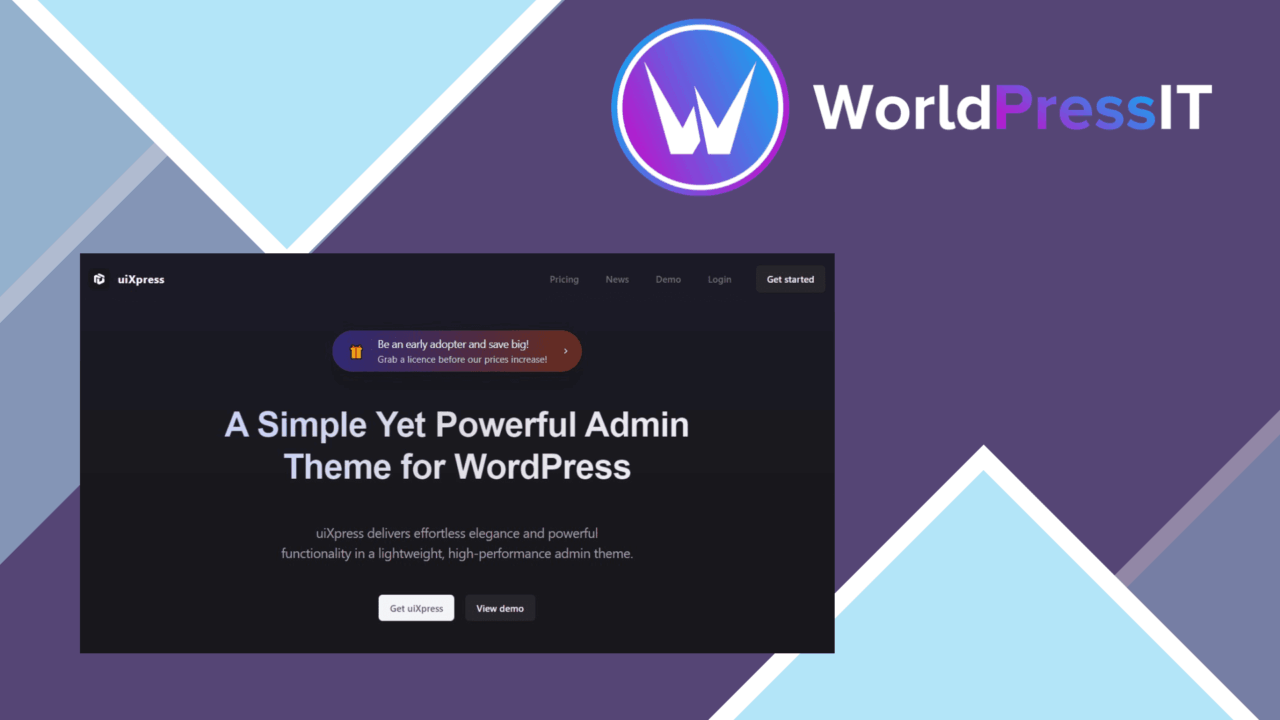
A customisable WordPress interface for administrators and developers, UIXpress focuses on the parts of a site that people use every day. Its stated scope includes a redesigned admin experience, bespoke dashboards, drag-and-drop building tools and white-labelling options, while the feature list also covers front-end presentation, loading optimisation and interaction tracking. That makes it broader than a single-purpose dashboard skin, although the exact value will depend on how much control your project needs.
Admin interface
The strongest case for UIXpress is a WordPress installation where the default back end feels too generic or difficult to navigate. Customisable interface elements let an administrator adjust the look and feel rather than accepting the standard presentation. Bespoke dashboards give different users a more focused starting point, and the white-labelling options suit agencies or internal teams that want the WordPress environment to reflect their own identity.
The drag-and-drop builders are intended to reduce the need for code when arranging these experiences. That is useful for site administrators who need to make regular layout changes without handing every adjustment to a developer. The settings panel follows the same approach, presenting quick adjustments through a visual control surface rather than requiring template edits.
Controls and integrations
UIXpress brings several separate concerns into one interface toolkit. Its responsive design options address presentation across phones, tablets and desktop screens, while advanced loading optimisation is aimed at reducing the friction caused by slow pages. The vendor also lists integrations with Elementor and WPBakery, so teams already using either page builder have a route to keep their existing content workflow alongside UIXpress.
- Customisable UI elements for changing the site’s visual presentation.
- Drag-and-drop tools for arranging dashboards and interface areas.
- White-labelling options for a branded WordPress environment.
- Responsive controls for different device sizes.
- Loading optimisation intended to support quicker page loads.
- Built-in analytics for tracking user interactions and informing performance decisions.
- Connections with Elementor and WPBakery.
Useful visibility
The built-in analytics feature adds a way to track user interactions from within the broader UIXpress setup. For an editor or administrator, that creates a direct link between interface changes and the behaviour they are trying to improve. It is best understood as a convenience layer for monitoring engagement rather than a replacement for a dedicated analytics platform: the supplied information does not describe the reporting depth, integrations or analysis tools included.
What to weigh
UIXpress covers admin customisation, dashboards, responsive presentation, loading, integrations and analytics in one product. That breadth is also the first trade-off. A project that only needs a cleaner admin menu could inherit a larger set of controls than necessary, which means more configuration decisions and more interface areas to maintain.
The second reservation is that the vendor does not provide technical detail about its optimisation method or analytics reporting. Faster loading is an intended outcome, not a stated measurement, and the feature list does not explain which assets or pages are affected. Likewise, interaction tracking is useful in principle, but teams needing detailed reports will still need to assess whether the built-in analytics meets that requirement. Finally, Elementor and WPBakery support adds flexibility, but coordinating another interface layer with an existing builder introduces another place for design and workflow settings to overlap.
Who it suits
UIXpress is a sensible fit for agencies, developers and site administrators who manage several WordPress users or want a branded back end with tailored dashboards. It also has a clear role on projects where responsive presentation, visual configuration and basic interaction tracking belong in the same toolkit. Smaller sites seeking only a minor cosmetic adjustment should weigh the wider scope first. The product makes its strongest case when admin usability is an ongoing project rather than a one-time tidy-up.
The verdict
Download UIXpress and see for yourself
You get the full UIXpress release (v1.5.1), ready to install, plus every update that follows. One click and it is yours.
Download UIXpress v1.5.1- Instant download
- Original developer files
- Updated 17 Sep 2026
Related reviews
Browse all
OceanWP Extra
Adds OceanWP-focused controls for headers, footers, demos, typography and WooCommerce, giving site owners a broader cust…

Give Funds and Designations
Donation funds and designations let supporters direct gifts to specific causes while giving organisations clearer report…
WP All Export Pro Premium
Exports WordPress content, custom fields, taxonomies, and WooCommerce data to CSV, XML, or Excel for analysis, migration…