JetFormBuilder Schedule Forms
Control when scheduling forms accept entries for appointments, bookings and events, with date pickers, time slots, recurring events and conditional fields.
Instant access Original unmodified files Free future updates
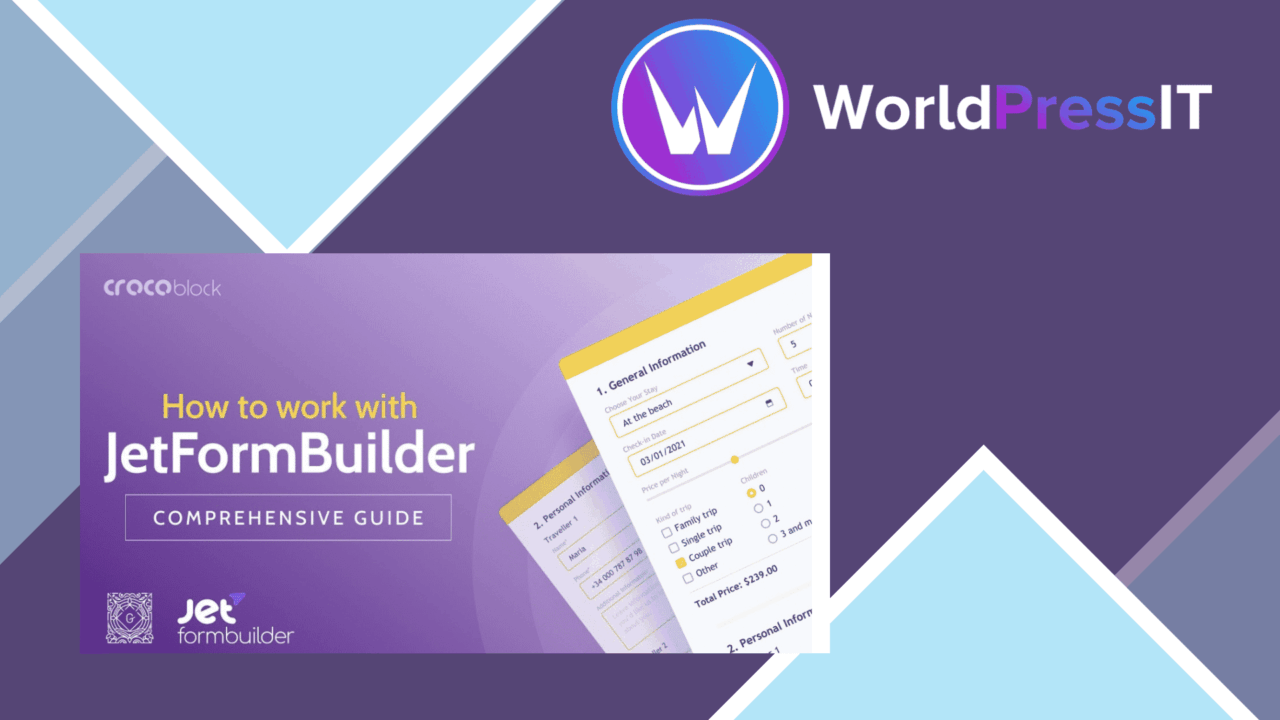
JetFormBuilder Schedule Forms is a separate WordPress plugin for controlling when a form is available and for organising appointment, booking and event enquiries. Its feature set combines availability windows with a visual form-building workflow, payment gateway integrations, notifications and submission management, giving service providers a way to shape the booking process around their own schedules.
Scheduling at the centre
The core use case is a form that needs more structure than a standard contact form. Date pickers and time slots give visitors a way to select a preferred appointment time, while recurring events cover schedules that repeat rather than occurring once. The availability-window control is particularly relevant to businesses that accept enquiries only during defined periods, such as consultation campaigns, event registration windows or limited booking rounds.
This approach keeps the schedule visible at the point where a visitor submits their details. It is a practical fit for freelancers, service providers and businesses that need to collect booking information without directing every enquiry through a separate process.
Useful form controls
The listed form tools cover several parts of the booking journey rather than only the calendar field. The drag-and-drop builder is intended for arranging and customising forms, and conditional logic allows fields to appear or disappear according to earlier answers. That is useful when different services require different information, or when a visitor’s selection determines the next question.
- Date pickers for selecting appointment or event dates.
- Time slots for presenting scheduled options.
- Recurring events for repeating appointments or activities.
- Conditional logic for showing or hiding fields based on user input.
- Custom email notifications for administrators and form users.
- CSV export for moving submissions into a separate data workflow.
- Payment gateway integrations for transactions connected with bookings.
- Multi-language support for forms aimed at an international audience.
From submission to follow-up
Email notifications give both the site administrator and the person completing the form a defined follow-up path. A business can use administrator messages for internal handling while sending users confirmation or next-step information. CSV export adds a simple route for reviewing or sorting submissions outside WordPress, which suits teams that keep operational records in spreadsheets.
Responsive design is also listed as part of the feature set, so the form is intended to remain usable across desktop and mobile screens. Payment gateway support broadens the use case beyond enquiry collection, although the supplied information does not identify the supported gateways or explain the payment flow.
What to weigh
The feature list is broad, but it leaves important scheduling details unspecified. There is no information about capacity limits, blackout dates, time-zone handling, calendar synchronisation or protection against overlapping bookings. Those details matter when the form represents a real-time diary rather than a request for an appointment, so organisations with complex availability rules will need to confirm how those cases are handled.
The plugin also brings several functions into one scheduling layer: form layout, conditional fields, payments, email messages and CSV export. That concentration is convenient, but it means the right fit depends on how closely its workflow matches the rest of a site’s booking and payment setup. The lack of named payment gateways and deeper integration details makes the transaction side harder to assess from the available information.
Who it suits
JetFormBuilder Schedule Forms is aimed at site owners who need appointment or event forms with defined dates, time choices and repeat schedules. It has the strongest apparent fit for straightforward booking workflows that benefit from conditional questions, email follow-up and spreadsheet export. Sites that need an availability window without building a full booking system around a separate calendar service have a focused starting point here, while more demanding reservation operations should first verify the missing capacity, conflict and integration details.
The verdict
Download JetFormBuilder Schedule Forms and see for yourself
You get the full JetFormBuilder Schedule Forms release (v1.0.3), ready to install, plus every update that follows. One click and it is yours.
Download JetFormBuilder Schedule Forms v1.0.3- Instant download
- Original developer files
- Updated 19 Sep 2026
Related reviews
Browse allGeoDirectory Events Tickets Marketplace
Sell tickets from WordPress event listings, give organisers their own ticket tools, and collect a commission from market…
Bookly Square payment Addon
Square payments added to Bookly bookings, with card processing and storage for a checkout that works across desktop, tab…

GeoDirectory Booking
Appointment and reservation management for service businesses, with custom forms, live availability, payment integration…