JetFormBuilder WooCommerce Cart and Checkout Action
Connect JetFormBuilder forms to WooCommerce payments, send customers to checkout, and pre-fill order details for a more tailored purchase flow.
Instant access Original unmodified files Free future updates
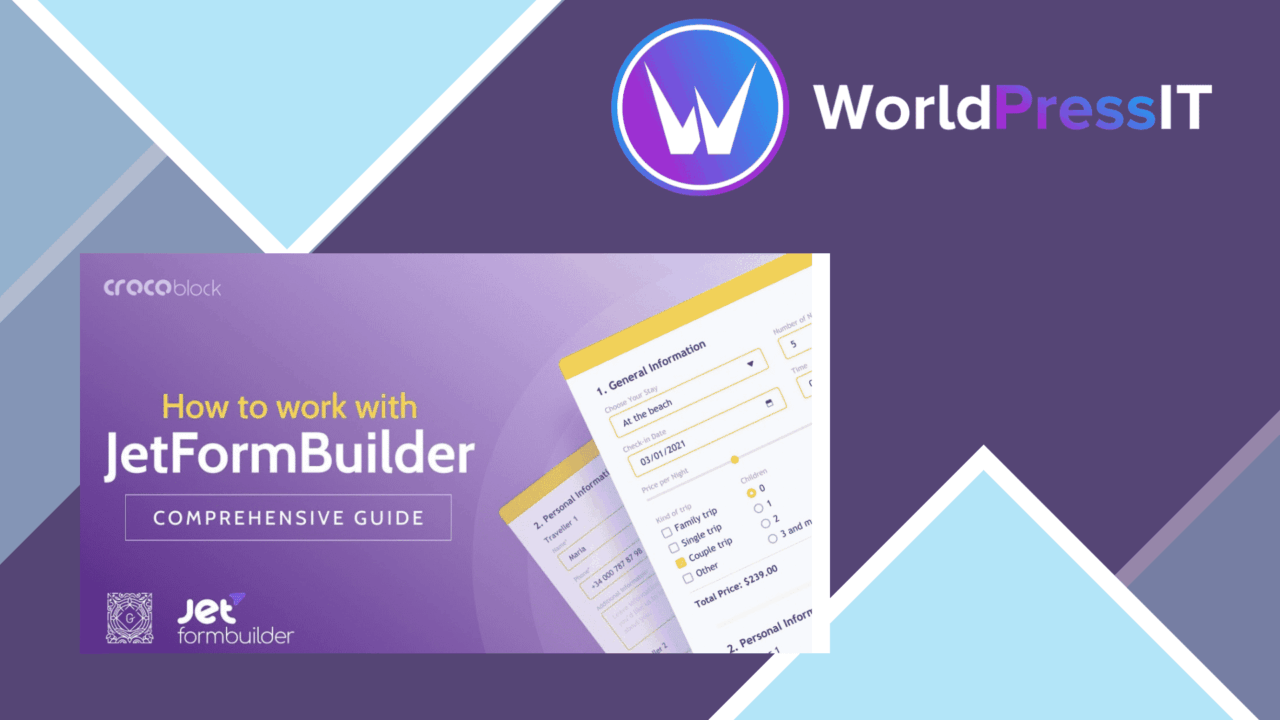
JetFormBuilder WooCommerce Cart and Checkout Action connects a JetFormBuilder form to a WooCommerce purchase flow. Its central job is narrow but useful: add a single item to the cart, move the customer to checkout, and carry form-led information into the order journey. The action is aimed at stores that need something more tailored than a standard product-to-cart button.
A focused checkout action
The add-on places the form at the centre of the transaction rather than treating it as a separate contact or enquiry step. A completed form can add one thing to the WooCommerce cart and redirect the customer to the checkout page. That suits registrations, paid requests, configurable services, and other offers where the form collects important choices before payment.
The redirect is also useful after the order is placed. On the Thank You page, the form fields can be added, changed, or rearranged, with customised settings for each field. The page can show the order data that matters to the customer instead of presenting every available detail.
Useful form controls
The feature set covers several practical checkout requirements:
- Customisable cart and checkout forms for a tailored customer journey.
- JetFormBuilder integration for creating and managing the forms.
- Real-time validation to catch inaccurate or incomplete entries during checkout.
- Conditional logic that shows dynamic fields according to the customer’s selections.
- Guest checkout support for customers who do not need an account.
- Mobile-responsive presentation for smaller screens.
- Compatibility with popular payment gateways as part of the WooCommerce payment flow.
- Built-in analytics for tracking behaviour around the checkout process.
Conditional fields are particularly relevant when the form needs to ask different questions for different choices. Validation addresses the other common source of friction: incorrect data reaching the payment step. Together, these controls give the store owner more influence over what the customer sees and submits.
After payment
The Thank You page is more than a confirmation screen in this setup. Fields can be rearranged and given their own settings, while selected order information can be displayed in a more deliberate format. That gives a service provider room to show the submitted options, relevant order details, or next-step information without exposing data that has no value to the customer.
There is also an option to pre-fill checkout information after the redirect. This reduces repeated entry when the form has already gathered details needed by WooCommerce. The practical benefit depends on how closely the form fields match the information expected at checkout, so field planning remains part of the implementation.
Where it falls short
The focused workflow is also its main limitation. The vendor describes adding a single thing to the cart, so this is not presented as a full multi-product cart management tool. Stores that need quantity-heavy shopping, product comparison, or a more conventional catalogue journey will still rely on WooCommerce’s normal cart experience.
The add-on is also dependent on the JetFormBuilder and WooCommerce combination. It is not a general-purpose checkout form for unrelated commerce systems, and the available description does not explain the depth of its gateway-specific controls or analytics reports. The listed analytics feature is useful in principle, but teams needing detailed funnel reporting should confirm that the supplied tracking views cover their questions.
Who should use it
This action fits WooCommerce stores selling a single selected item through a form, especially when customer choices need conditional fields, validation, or a tailored confirmation page. It is a sensible match for developers and store owners already building with JetFormBuilder and looking to connect those forms to payment without abandoning the WooCommerce checkout.
For a simple product catalogue, the extra form layer may add unnecessary configuration. For a form-led purchase with one item, pre-filled checkout information, guest access, and a controlled Thank You page, its narrower design is the point rather than a drawback.
The verdict
Download JetFormBuilder WooCommerce Cart and Checkout Action and see for yourself
You get the full JetFormBuilder WooCommerce Cart and Checkout Action release (v1.0.9), ready to install, plus every update that follows. One click and it is yours.
Download JetFormBuilder WooCommerce Cart and Checkout Action v1.0.9- Instant download
- Original developer files
- Updated 19 Sep 2026
Related reviews
Browse all
All-In-One WooCommerce Import Export Suite
Bulk-import and export WooCommerce products, orders, and customers with filters, field mapping, scheduling, and support…

Sparks for WooCommerce
WooCommerce features for product discovery, flexible storefront layouts, payments, and international selling, gathered i…
WPC Request a Quote for WooCommerce
Turn product selections or a configured WooCommerce cart into quote requests, with custom pricing, shipping, review stat…