JetFormBuilder ConvertKit Action
Connects WordPress forms to ConvertKit for lead capture, subscriber management and email funnel building, with conditional fields and multiple forms supported.
Instant access Original unmodified files Free future updates
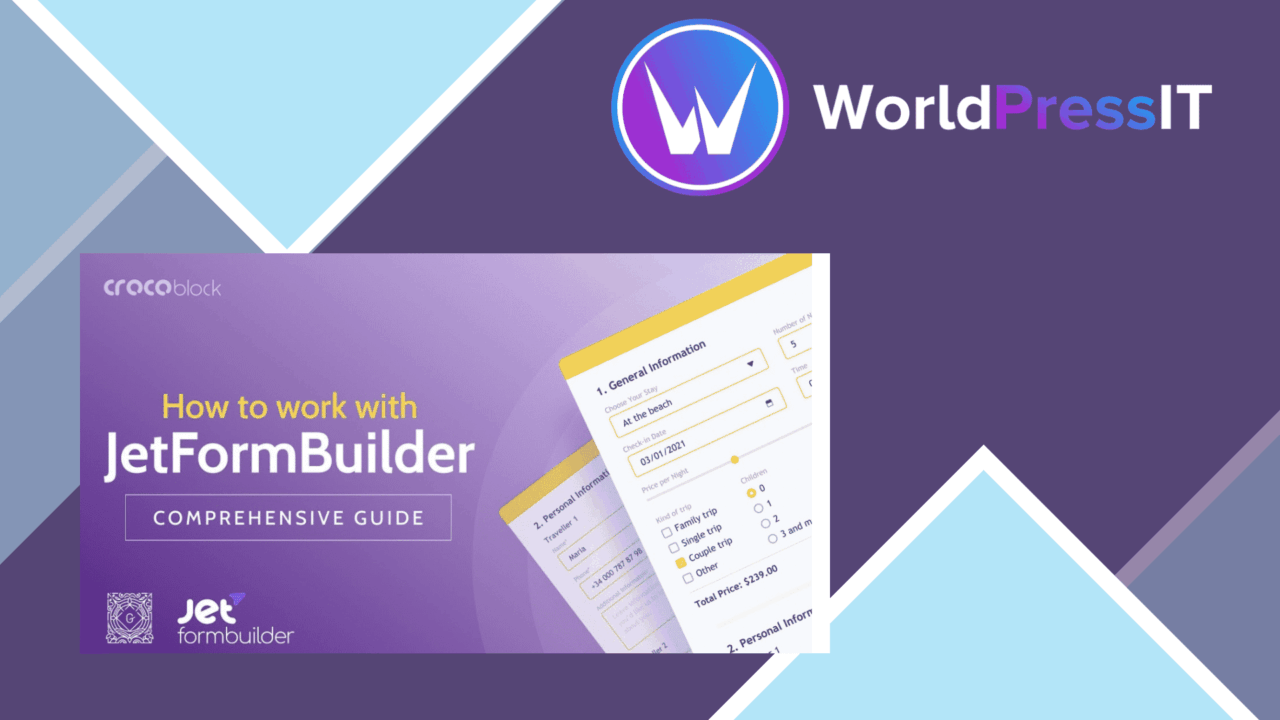
JetFormBuilder ConvertKit Action connects WordPress forms to ConvertKit, turning submitted form data into subscriber activity inside an email marketing workflow. It is aimed at marketers, bloggers and business owners who want lead capture to happen as part of the form process rather than through manual list maintenance.
What it connects
The core purpose is direct integration between a WordPress form and a ConvertKit account. Once connected, the form becomes an entry point for capturing leads and managing email subscriptions. That gives a site owner a practical path from a visitor entering their details to that contact being handled in the email platform.
This is particularly relevant to sites building email funnels. A signup form, contact form or campaign-specific landing page can collect the information needed for ongoing communication, while real-time subscriber management keeps the associated email list aligned with new submissions.
Useful form controls
The add-on is described as supporting more than a single fixed email field. Its form-field controls allow the information collected from visitors to be shaped around the site’s branding and data requirements. Advanced conditional logic also lets fields appear or remain hidden according to earlier user input.
- Direct connection between WordPress forms and ConvertKit.
- Customisable fields for branding and data collection.
- Real-time management of subscribers and email lists.
- Conditional logic for showing or hiding fields.
- Multiple forms on one page.
- Automatic notifications for new subscribers.
Multiple forms on one page is useful for pages that serve more than one conversion purpose, such as a newsletter signup beside a separate enquiry form. The conditional field support adds a way to keep those forms relevant to the answers visitors provide instead of presenting every option to everyone.
Fits email funnels
The strongest case for this add-on is a site where form submissions are the starting point for audience growth. ConvertKit handles the email marketing side, while the WordPress form supplies the capture point. Keeping those tasks connected reduces the need to copy contact details between systems and gives new subscribers a more direct route into the relevant list.
The no-code setup described by the vendor also suits users who want a configuration-based connection rather than custom development. Compatibility with other popular WordPress plugins extends its role beyond a standalone form, although the exact result will still depend on how those plugins handle form data and styling.
Where it falls short
The narrow focus is both its purpose and its main limitation. This is a ConvertKit action for WordPress forms, not a general email marketing system; subscribers, campaigns and broader audience work still belong in ConvertKit. Sites that do not use ConvertKit have little reason to choose it.
The feature description also does not explain the depth of the connection. It names lead capture, subscriber management, notifications and conditional fields, but does not specify detailed mapping for every ConvertKit property, error handling, reporting or advanced campaign controls. Buyers with complex segmentation requirements should confirm that the available form settings cover their data model before making it central to a funnel.
Who should use it
JetFormBuilder ConvertKit Action is best suited to a WordPress site already using ConvertKit and relying on forms to grow its mailing list. It has a clear role for newsletter signups, lead-generation pages and other forms that need conditional questions or several collection points on the same page.
It is less compelling for a site that only needs a basic form, already has a separate ConvertKit connector, or expects the add-on to provide email reporting and campaign management itself. For the intended setup, its value lies in connecting the form interface to the subscriber list with field controls that support more deliberate lead capture.
The verdict
Download JetFormBuilder ConvertKit Action and see for yourself
You get the full JetFormBuilder ConvertKit Action release (v1.0.3), ready to install, plus every update that follows. One click and it is yours.
Download JetFormBuilder ConvertKit Action v1.0.3- Instant download
- Original developer files
- Updated 19 Sep 2026
Related reviews
Browse all
JetFormBuilder MailerLite Action
Connect JetFormBuilder forms to MailerLite, collect the campaign data you need, and add subscribers to the appropriate l…

Starfish Reviews
Collect customer ratings, route satisfied buyers to public review platforms, and show feedback on WordPress pages throug…
Give
Connect WordPress donation forms to MailChimp, collect donor opt-ins, and organise subscribers across lists for more rel…