JetMenu For Elementor
Build multi-column WordPress menus inside Elementor, with custom icons, responsive layouts, animations and WooCommerce categories or filters.
Instant access Original unmodified files Free future updates
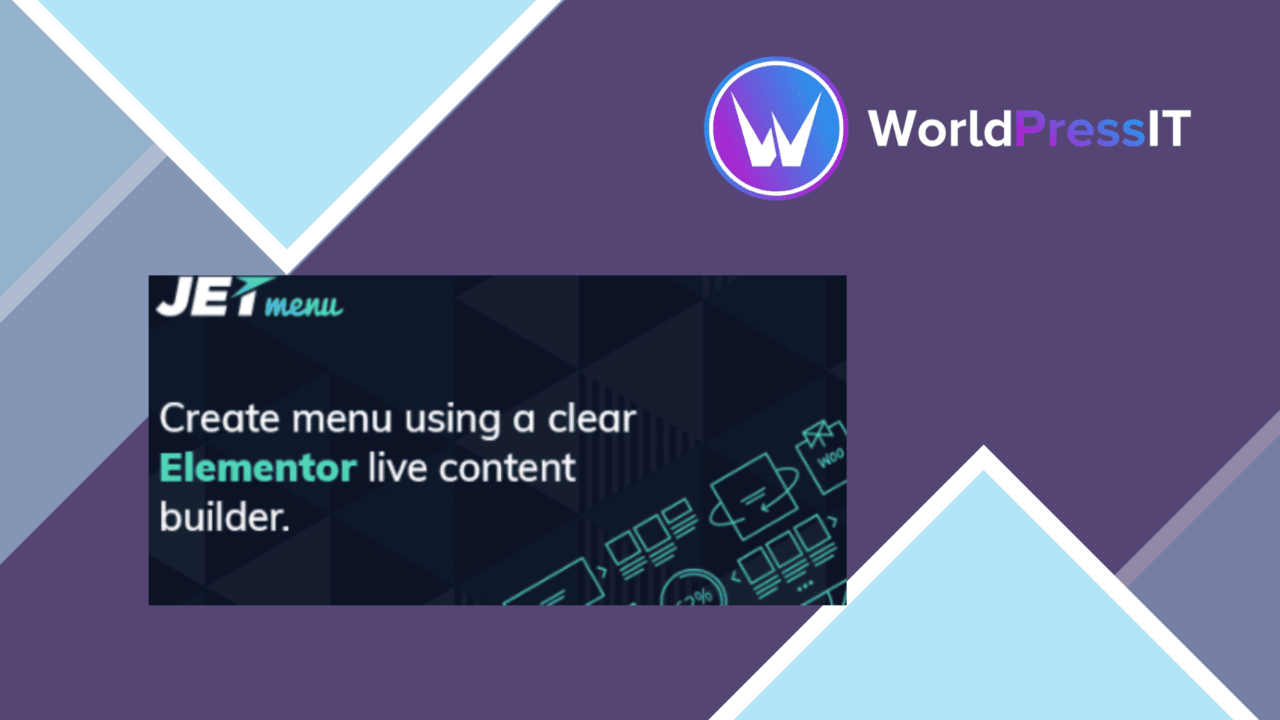
JetMenu For Elementor adds a visual menu-building layer to WordPress sites that already use Elementor. Its focus is navigation rather than page creation: you can turn standard menu items into multi-column mega menus, add visual details, and arrange content in horizontal or vertical layouts without writing code.
Menu building in Elementor
The central idea is a drag-and-drop builder for menu items, presented through the Elementor interface. That gives designers a familiar place to shape navigation alongside the rest of a page, rather than switching to a separate menu system for every change. The result is intended for sites where a simple list of links is not enough and visitors need clearer routes through grouped content.
JetMenu is specifically described as an Elementor plugin, so Elementor is part of the working setup rather than an optional extra. It is also aimed at themes that support Elementor, which keeps the product focused on a particular visual-building workflow instead of trying to cover every WordPress configuration.
Mega menu structures
The strongest part of the feature set is the range of menu structures. Multi-column layouts give you room to group related links and supporting content in one expanded panel. The plugin also offers both horizontal and vertical menu layouts, making it relevant to traditional header navigation as well as side-oriented designs.
- Drag-and-drop arrangement of menu items.
- Multi-column mega menus for grouped navigation.
- Horizontal and vertical menu layouts.
- Custom icons and images attached to menu items.
- Hover effects and animation options.
- Responsive presentation for different device sizes.
Custom icons and images help distinguish categories or important destinations, while hover effects and animations provide visual feedback as visitors move through the menu. These controls are useful when the menu is part of the site’s visual identity rather than merely a utility bar.
Commerce-ready navigation
WooCommerce support gives the menu a more specific role on online shops. Product categories and filters can be included in menus, allowing shoppers to reach product groupings from the site’s main navigation. That is more useful than treating the menu as a fixed collection of pages, especially for catalogues with several product paths.
The responsive design claim is also relevant here. A large desktop mega menu needs a different presentation from a compact mobile navigation area, and the plugin is built with device variation in mind. The supplied feature list does not describe the exact mobile controls, breakpoints, or conversion rules, so those details should be checked against the needs of a particular site.
What to weigh
The first limitation is the Elementor dependency. JetMenu is not presented as a standalone menu builder, so a site without Elementor cannot use its intended workflow. Theme compatibility also follows Elementor support, which narrows the straightforward use cases compared with a plugin built around native WordPress menus alone.
The second trade-off is the amount of design choice. Columns, icons, images, hover effects, animations, and separate horizontal or vertical layouts provide control, but they also create more menu states to organise and maintain. A small site with a handful of links may gain little from that extra configuration, while a large navigation system needs clear grouping and consistent styling to avoid becoming difficult to scan.
Who it suits
JetMenu For Elementor suits designers and site owners who need more than a basic navigation list and want to build that navigation within Elementor. It is a sensible fit for content-heavy sites that need grouped mega menus, and for WooCommerce stores that want product categories or filters exposed in the menu. Sites already committed to Elementor will get the clearest benefit; simpler sites or installations without Elementor have less reason to add this particular layer.
The verdict
Download JetMenu For Elementor and see for yourself
You get the full JetMenu For Elementor release (v3.0.4), ready to install, plus every update that follows. One click and it is yours.
Download JetMenu For Elementor v3.0.4- Instant download
- Original developer files
- Updated 23 Sep 2026
Related reviews
Browse all
Advanced iFrame Pro
Embed external pages, videos, and forms inside WordPress while controlling dimensions, visibility, parameters, and the p…
PublishPress Capabilities Pro
Role and capability management for WordPress sites that need precise control over posts, pages, media, custom post types…
WP Project Manager Pro Business
Task assignment, time tracking, milestones and reports bring project coordination into WordPress for teams that need cle…