Advanced iFrame Pro
Embed external pages, videos, and forms inside WordPress while controlling dimensions, visibility, parameters, and the portion shown to visitors.
Instant access Original unmodified files Free future updates
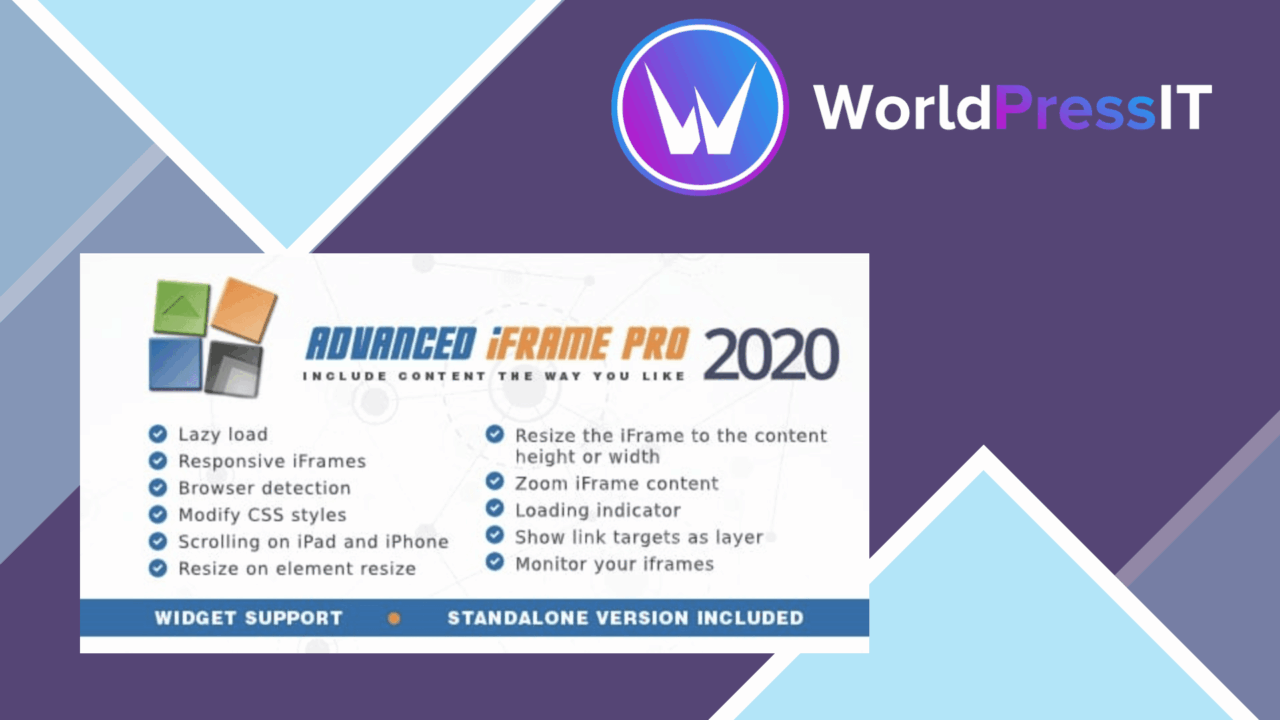
External pages, videos, forms, and other third-party content sit inside WordPress through an iframe, while the surrounding page keeps its own design. Advanced iFrame Pro focuses on the controls that make this arrangement more practical: dimensions, responsive behaviour, source restrictions, lazy loading, and selective display of embedded content.
External content controls
The plugin is aimed at sites that need more than a bare iframe pasted into a page. Its shortcode generator provides a quicker route to configured embeds, with settings for the frame’s width and height rather than relying on a single fixed presentation. That matters for forms and external pages that need a defined viewing area, as well as videos that should sit within a particular content layout.
Advanced iFrame Pro also supports forwarding parameters to the embedded material. This gives a page a way to pass information into the external resource instead of treating every visitor as arriving with the same context. The summary also describes options to hide or change items within the iframe, directly embed information, and display only a portion of the embedded frame. Those are specific controls for cases where the complete third-party page is not the right thing to show.
Responsive and deferred loading
Responsive iframe support addresses the difference between a wide desktop layout and a narrow phone screen. Custom dimensions remain available, so the implementation is not limited to one preset size. Lazy loading is included as another page-delivery option, intended to postpone iframe loading and improve page load times when the embedded content is not immediately needed.
There is also an advanced security setting for restricting iframe sources. This is useful when a site should accept embeds only from known locations. The feature list presents source restriction as a control over where frames come from, rather than as a replacement for checking the external service itself.
Builder-friendly workflow
Integration with popular page builders keeps the plugin relevant to pages assembled outside the standard editor. The shortcode generator gives content authors a repeatable embed format, while the configuration options give developers more control over how the frame appears. In practice, that combination suits a site where several pages need external material but should not each rely on a different hand-written iframe snippet.
The broad use cases are clear: a form hosted elsewhere, a video service, an external information page, or a larger resource where only one section belongs in the WordPress layout. Forwarded parameters and selective display add more control than a basic embed code normally provides.
Where it falls short
An iframe is still a boundary between WordPress and an external page. The plugin controls the frame and provides options for hiding or changing items, but it does not turn the third-party content into native WordPress markup. Changes made by the external service can affect what appears inside the frame, and the embedded page retains its own structure.
Responsive sizing also has a natural limit: the frame itself can adapt to the available space, while the content inside it may still have a layout designed for a different width. Source restrictions improve control over permitted origins, but they do not remove the maintenance responsibility that comes with relying on outside services. Finally, selective display and parameter forwarding introduce configuration work; a simple embed does not require those decisions, while a carefully tailored one does.
Who should use it
Advanced iFrame Pro fits site owners and developers who regularly place third-party pages, forms, or videos into WordPress and need control beyond a fixed iframe. It is particularly relevant when the embedded resource needs responsive dimensions, deferred loading, restricted origins, forwarded parameters, or a narrower presentation than the source page offers.
It is less compelling for a site that only needs one uncomplicated external embed. For that use, the plugin’s extra controls may add configuration without solving a real problem. Its value lies in managing repeated or more particular iframe placements while keeping the surrounding WordPress page under control.
The verdict
Download Advanced iFrame Pro and see for yourself
You get the full Advanced iFrame Pro release (v2026.2), ready to install, plus every update that follows. One click and it is yours.
Download Advanced iFrame Pro v2026.2- Instant download
- Original developer files
- Updated 23 Sep 2026
Related reviews
Browse all
JetMenu For Elementor
Build multi-column WordPress menus inside Elementor, with custom icons, responsive layouts, animations and WooCommerce c…
PublishPress Capabilities Pro
Role and capability management for WordPress sites that need precise control over posts, pages, media, custom post types…

WP Project Manager Pro Business
Task assignment, time tracking, milestones and reports bring project coordination into WordPress for teams that need cle…