Document Library Pro
Organise PDFs, Word files and presentations in searchable, responsive document libraries, with previews, categories and download tracking for site visitors.
Instant access Original unmodified files Free future updates
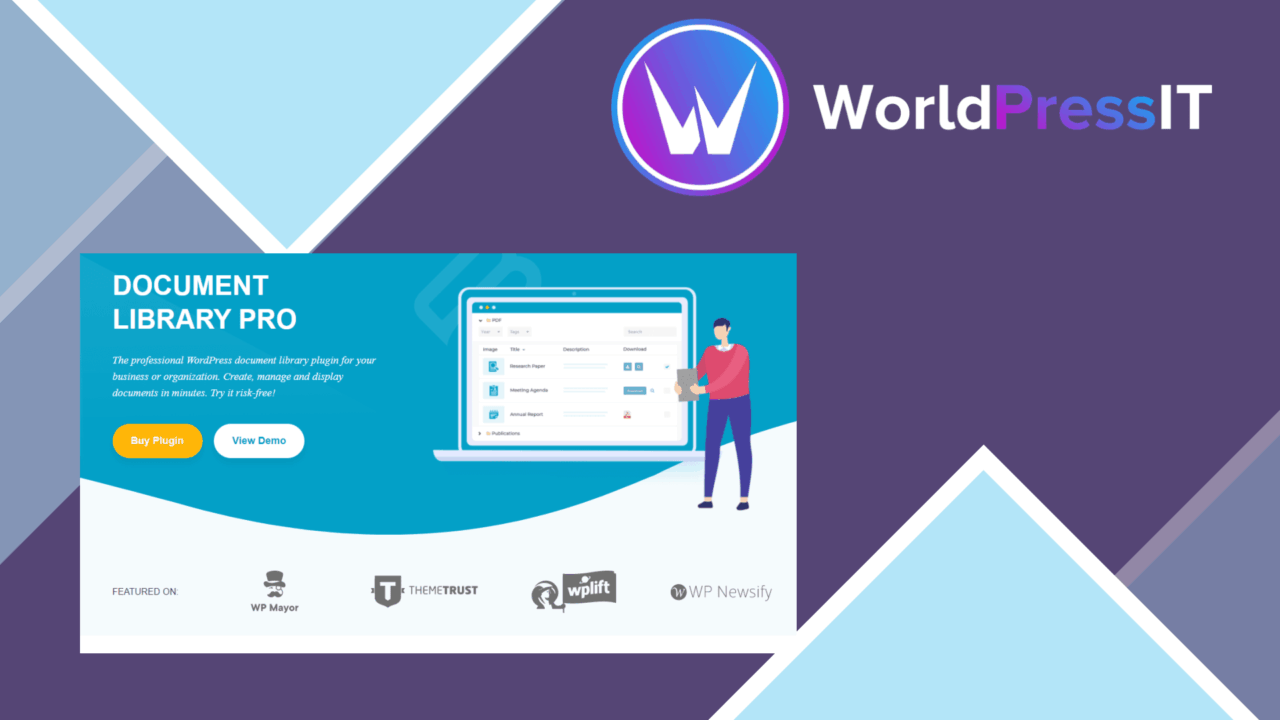
Document Library Pro turns a WordPress site into a structured place for sharing PDFs, Word documents, presentations and other files. Its focus is practical rather than decorative: group documents into categories, give visitors a way to search, and present files in a format that remains usable across desktop and mobile screens.
Document hub
The plugin is built around organised document libraries rather than isolated file links. Categories provide a clear way to separate policies, forms, reports, course materials or other collections, which is useful when a site contains more than a handful of files. Visitors can browse by the structure you create instead of relying on a long page of manually maintained links.
Support for multiple file formats also makes the library suitable for mixed collections. PDFs, DOCX files and PPTX presentations are named directly among the supported formats, while the broader format support gives you room to include other document types. The result is a single document area for businesses, educational sites and publishers that need to share different kinds of material.
Finding the right file
Search is one of the more important features here. A visitor looking for one document does not have to work through every category or scan an extended list manually. The advanced search functionality is intended to shorten that path, particularly on libraries containing a substantial collection of files.
The shortcode generator gives site owners a practical way to place a library inside posts and pages. That keeps the document display tied to the content structure of the site: a resources page, a staff area or a particular section can each contain a relevant library rather than sending every visitor to one central archive.
Presentation and access
Document previews add an intermediate step between seeing a file listed and downloading or opening it. That can help visitors identify the right document before committing to it, especially when filenames are similar. Responsive design is also specified, so the library is intended to remain accessible on smaller screens as well as desktop layouts.
Access control is handled through user role management. This gives administrators a way to control access to specific documents, which suits organisations that need different groups to see different material. Download tracking adds an indication of engagement by recording document downloads, giving site owners a way to see which files attract use.
Where it falls short
The feature list leaves some important boundaries unspecified. Although several formats are named, it does not identify the full list of supported file types or explain which formats receive document previews. Sites with unusual files should therefore confirm that their collection fits the plugin’s format and preview coverage before making it the central archive.
User role management is useful, but it also introduces setup decisions. Someone has to define which roles can access which documents and maintain those rules as the library changes. Download tracking is similarly focused: it records a specific action, not a complete picture of why a document was viewed, who found it through search or what happened after access.
A fit for structured sharing
Document Library Pro suits sites that need more than a media-library link for distributing files. A business can separate internal or public resources into categories, an educator can organise teaching materials, and a blogger can present supporting documents without building each list by hand. Search, previews, responsive presentation and download tracking cover the main stages from finding a file to measuring downloads.
It is best suited to a defined document-sharing workflow rather than a general content-management system. If your priority is a searchable, categorised library embedded in WordPress pages, its feature set addresses that job directly. If your needs centre on highly specific file formats, detailed reporting or finely complex access rules, the unspecified format, preview and tracking details deserve closer consideration first.
The verdict
Download Document Library Pro and see for yourself
You get the full Document Library Pro release (v4.1.0), ready to install, plus every update that follows. One click and it is yours.
Download Document Library Pro v4.1.0- Instant download
- Original developer files
- Updated 26 Sep 2026
Related reviews
Browse allSearchWP
WordPress search for posts, products, PDFs and custom content, with adjustable relevance, AJAX results and search analyt…
Download Monitor
Manage files, place download links in WordPress content, count downloads and restrict access with forms or email submiss…

MainWP Custom Dashboard Extension
A MainWP add-on for organising site statistics, updates, backups and security controls in a dashboard shaped around each…