Formidable Conversational Forms
Conversational forms turn long data-collection journeys into guided questions, with conditional fields, branding controls, mobile layouts and performance reporting.
Instant access Original unmodified files Free future updates
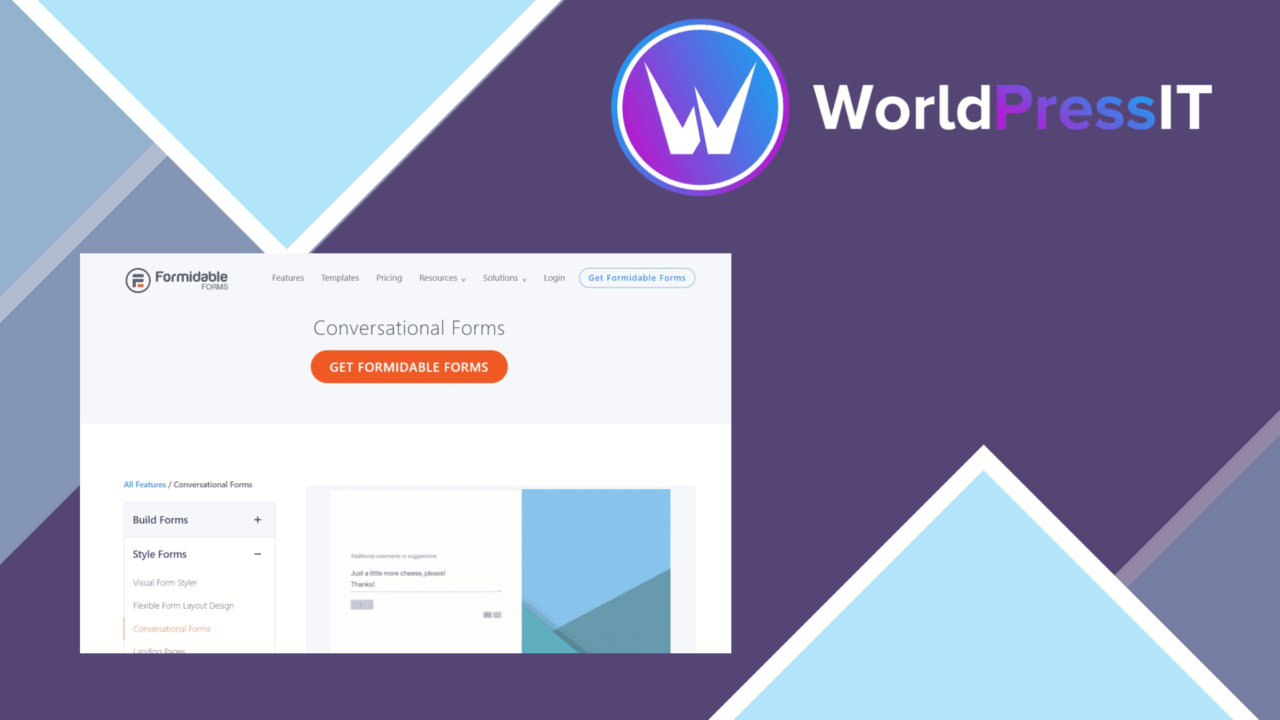
Formidable Conversational Forms changes the shape of a WordPress form from a static block of fields into a guided exchange. Its purpose is straightforward: ask for information in a way that feels easier to follow, while giving the site owner control over the questions, their order and the visual presentation. The feature set covers form building, branching questions, lead-generation connections and reporting, so it is aimed at more than a simple contact form.
A different form flow
The defining feature is the conversational approach. Instead of presenting every question at once, a form can guide visitors through a sequence using multiple steps. That structure gives each question more room on the page and creates a clearer progression for longer enquiries, registrations or lead forms. It also gives the person completing the form a more focused task at each point, rather than asking them to scan a dense collection of fields.
The drag-and-drop builder keeps the construction process visual. Someone preparing a form can arrange and customise fields without writing code, then use templates as a starting point for the design. This is useful when several forms need a consistent structure but still require different questions. The available customisation is also intended to bring the form closer to the surrounding site’s branding rather than leaving it as an isolated interface.
Branching questions
Conditional logic is the feature that makes the multi-step format more than a sequence of pages. Fields can appear or remain hidden according to earlier responses, allowing a form to ask follow-up questions only when they are relevant. A service enquiry, for example, can collect different details for different choices without placing every possible field in front of every visitor.
That approach suits forms where the answer to one question determines what should come next. It also makes the form structure more deliberate: the author needs to map the possible responses and decide which follow-up fields belong to each path. The result is a more focused questionnaire, provided the branching rules remain easy to understand as the form grows.
Useful building blocks
- A drag-and-drop builder for arranging and customising forms without coding.
- Multi-step layouts for guiding visitors through a sequence of questions.
- Conditional logic for showing or hiding fields based on responses.
- Customisable templates for matching a site’s visual style.
- Connections to popular email marketing services for lead generation.
- Mobile-responsive presentation for smaller screens.
- Spam protection features for reducing unwanted submissions.
These pieces cover the practical work around a conversational form. The email marketing connections are particularly relevant to lead-capture workflows, while mobile responsiveness matters because the question-by-question layout needs to remain readable and usable beyond a desktop screen. Spam protection addresses the less visible part of running public forms: keeping unwanted entries from overwhelming the collected data.
Signals after submission
Real-time analytics adds a way to follow form performance and user interactions rather than treating each submission as the only useful outcome. For a marketer, that creates a place to look at how a form is being used. For a site owner, it provides context around the form’s role in a lead-generation process. The reporting is most useful when the form has a clear purpose, such as collecting enquiries or qualifying prospects, because those interactions can then be considered alongside the form’s questions and paths.
Where it falls short
The conversational format is not automatically the right choice for every form. A multi-step flow introduces more screens and more transitions than a short, conventional form, so a visitor with only one or two fields to complete gains little from it. Conditional logic also brings planning overhead: each branch needs a clear rule, and a form with many response paths becomes harder to review and maintain.
The vendor copy describes integrations with popular email marketing services, but does not name the services or explain the depth of those connections. That leaves an important practical detail to confirm before building a lead workflow around a specific provider. The real-time analytics feature adds another layer to interpret as well; it offers interaction data, but it does not replace the need for a clear measurement plan. Finally, templates and visual controls help establish a branded presentation, yet matching a highly customised site still requires attention to the form’s styling rather than relying on the default layout.
Who it suits
Formidable Conversational Forms fits site owners, marketers and developers who collect more than a basic name and email address. It is a sensible option for guided questionnaires, qualification forms and lead-generation journeys where follow-up questions should depend on earlier answers. The combination of visual building, branching, mobile support and interaction reporting gives those workflows a coherent toolkit.
For a short, fixed contact form, its conversational features add little. For a longer form that needs a friendlier sequence and conditional questions, the product’s structure is more relevant. The deciding factor is therefore not the number of available controls, but whether the information being collected benefits from a guided path.
The verdict
Download Formidable Conversational Forms and see for yourself
You get the full Formidable Conversational Forms release (v1.2.1), ready to install, plus every update that follows. One click and it is yours.
Download Formidable Conversational Forms v1.2.1- Instant download
- Original developer files
- Updated 27 Sep 2026
Related reviews
Browse all
WS Form PRO
Create responsive WordPress forms with conditional fields, multi-step layouts, notifications and email marketing connect…

GravityView – Multiple Forms
Bring entries from multiple Gravity Forms into one view, relating submissions through shared field values and giving vis…
GP Advanced Conditional Logic
Build Gravity Forms rules around grouped conditions, dates, formulas and user data, controlling fields, confirmations, n…