FiboFilters Pro
WooCommerce filtering for product catalogues, with faceted search, Ajax results and category-specific controls to help shoppers narrow large ranges.
Instant access Original unmodified files Free future updates
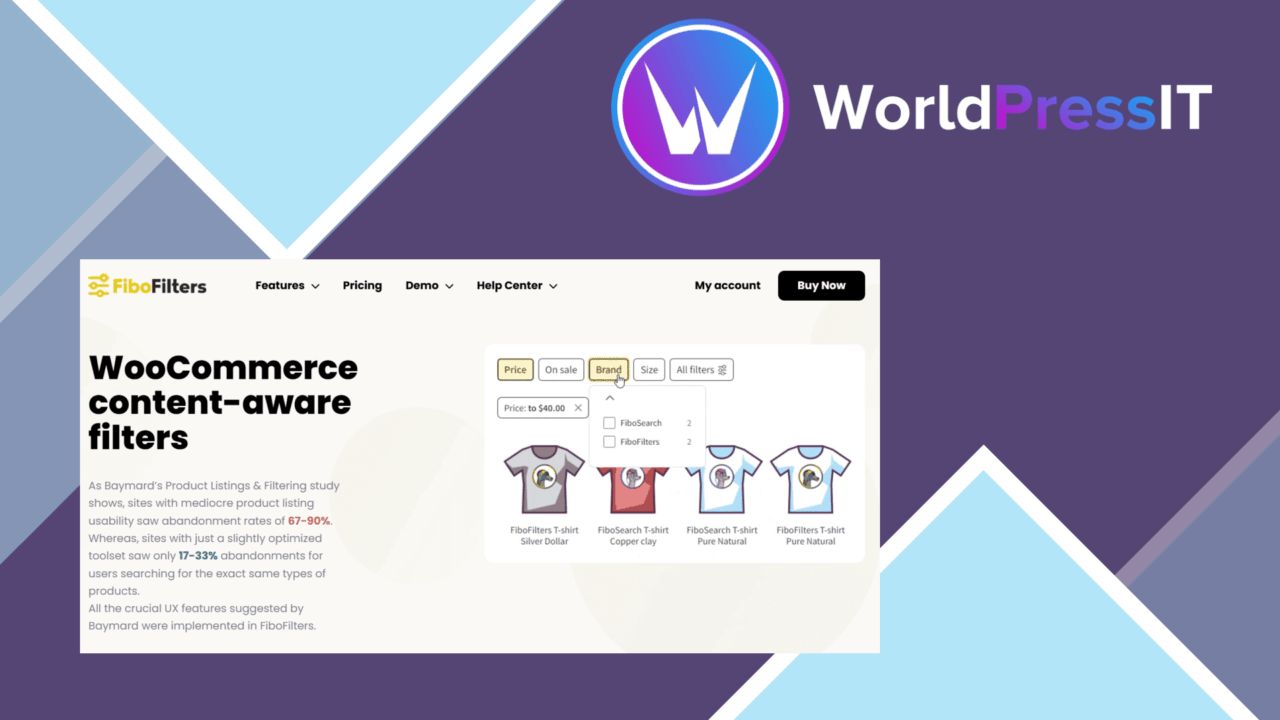
Product filtering is the centre of FiboFilters Pro, a WordPress plugin aimed at making sizeable collections easier to browse. Its strongest stated use case is WooCommerce, where shoppers need to narrow a catalogue by relevant attributes rather than work through an undifferentiated product grid. The plugin also covers posts, pages and custom post types, giving it a wider brief than a product-only filter widget.
Filtering across content
FiboFilters Pro is designed around content-aware filtering rather than one universal control set. Category-specific filters let a shop present options that relate to the current product group, while faceted search gives visitors several routes into the same catalogue. That distinction matters for stores with varied ranges: a filter set for laptops need not resemble one for clothing or furniture.
The same approach applies beyond WooCommerce. Advanced filters for posts, pages and custom post types give site owners a way to expose structured content through the front end. That makes the plugin relevant to directories, resource libraries and other sites where visitors need to narrow a collection instead of relying only on keyword search.
Controls and layouts
The available controls cover familiar shopping patterns. Checkboxes support several selections, dropdowns keep longer option lists compact, and radio buttons suit a single choice. These are practical choices rather than decorative variations, since the right control affects how quickly a visitor understands the available criteria.
Filter styling is customisable, and the layouts are described as adjustable. That gives developers room to align the filter area with the surrounding site rather than accepting a fixed visual treatment. Responsive design is also part of the feature set, so the same filtering interface is intended to work across desktop and smaller screens.
Ajax results
Ajax-powered filtering updates results without a full page reload. For a visitor comparing several combinations, that keeps the interaction focused on the product or content list instead of repeatedly moving through page loads. The feature is particularly suited to faceted browsing, where a shopper changes one criterion and then refines the result again.
Elementor and WPBakery compatibility broadens the placement options. A site built with either page builder has a clearer route to incorporating custom filter layouts, while WooCommerce integration provides the product catalogue context for the plugin’s main retail use.
Where it falls short
The breadth of the plugin also creates configuration work. Supporting products, posts, pages and custom post types means deciding which filters belong to which content set, and category-specific layouts require more planning than a single site-wide filter bar. Stores with a small, simple catalogue may find that flexibility exceeds their actual needs.
Ajax filtering introduces a more involved front-end interaction than ordinary links, while the supplied information does not explain caching, indexing, or performance behaviour for very large catalogues. The plugin is therefore easier to assess as a user-interface and discovery tool than as a complete search-performance strategy. Its compatibility list names Elementor and WPBakery, but it does not establish equivalent support for every theme or builder.
Who it suits
FiboFilters Pro fits WooCommerce stores with varied product ranges and enough attributes to justify faceted navigation. It also suits sites that organise substantial post, page or custom post type collections and want visitors to narrow them through visible controls. Developers working with Elementor or WPBakery gain additional layout options, while the responsive presentation and mix of checkbox, dropdown and radio controls cover common browsing patterns.
It is less compelling for a small catalogue with only a few meaningful categories. For those sites, the value lies in the product-specific and content-aware filtering model, not in adding filters for their own sake. The plugin’s appeal rests on matching each collection with useful criteria and presenting those criteria in a layout visitors can understand.
The verdict
Download FiboFilters Pro and see for yourself
You get the full FiboFilters Pro release (v1.13.0), ready to install, plus every update that follows. One click and it is yours.
Download FiboFilters Pro v1.13.0- Instant download
- Original developer files
- Updated 9 Oct 2026
Related reviews
Browse all
WooCommerce Elavon Converge Payment Gateway
Process card, eCheck and other Elavon payments through WooCommerce, with tokenized records, multi-currency support and o…

Aelia Tax Display by Country for WooCommerce
Country-aware WooCommerce tax display using IP geolocation, with support for multiple tax classes and configurable prici…

GetPaid Multi-Currency
Multi-currency pricing for WordPress stores, with location-based detection, automatic exchange-rate updates, payment gat…