Gravity Forms Color Picker
Adds colour selection to Gravity Forms radio, checkbox and single-line text fields, with swatches, custom palettes and previews for a more visual form interface.
Instant access Original unmodified files Free future updates
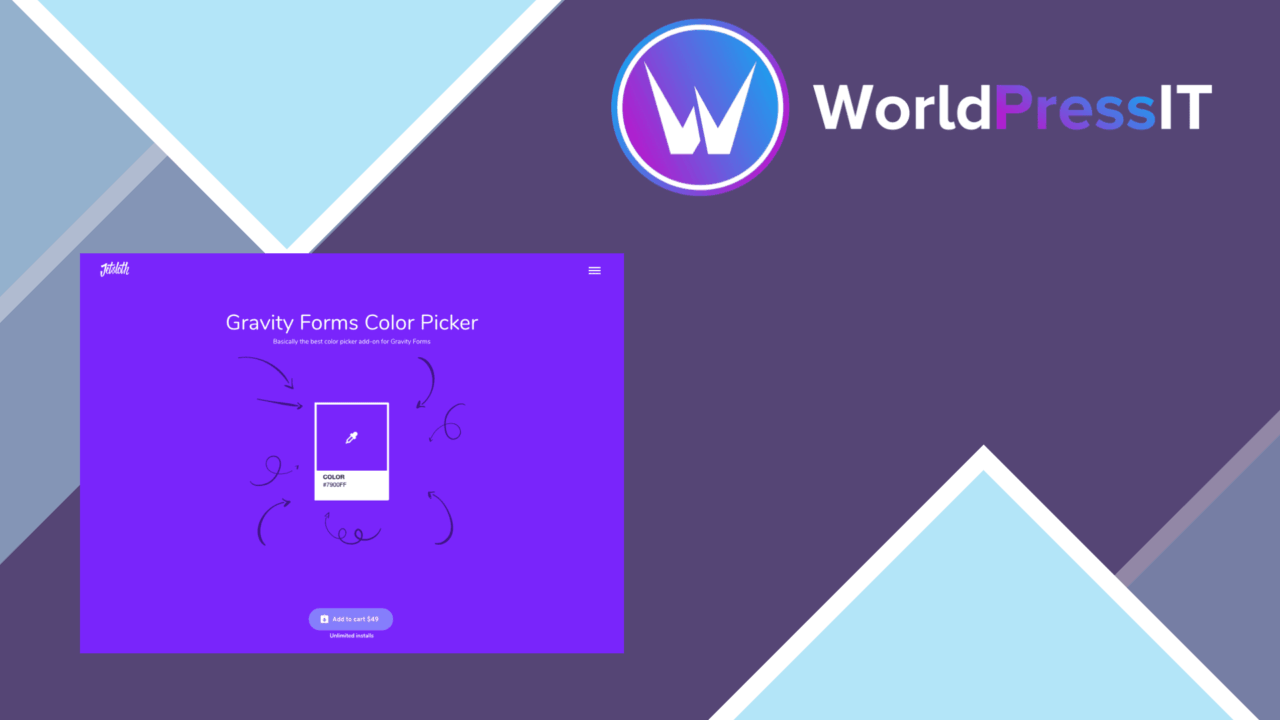
Gravity Forms Color Picker adds a visual colour-selection layer to selected Gravity Forms fields. Rather than asking visitors to enter a colour value without context, it presents colour choices through fields that are already familiar to the form builder: radio buttons, checkboxes and single-line text inputs. That makes the add-on relevant to brand questionnaires, design requests, product customisation forms and any other workflow where a colour is part of the response.
Colour choices in forms
The main idea is straightforward. A colour-enabled radio or checkbox field gives respondents a set of visible swatches to choose from, while a single-line text field supports colour entry in the form. The add-on is based on the same approach as the developer’s Image Choices add-on, so the emphasis is on presenting options visually rather than changing the broader form-building experience.
This is a focused enhancement rather than a new form editor. Existing Gravity Forms fields remain the foundation, with the colour option added as part of configuring the field. That keeps the feature relevant for site owners who already organise their forms around radio, checkbox and text inputs.
Formats and palettes
Colour handling is not limited to one notation. The feature list identifies support for HEX, RGB and RGBA formats, giving designers and developers room to use familiar values from their existing style systems. A custom palette also helps keep the available choices aligned with a site’s branding instead of presenting an arbitrary collection of colours.
- Colour swatches for radio and checkbox fields.
- Colour selection support for single-line text fields.
- HEX, RGB and RGBA colour formats.
- Customisable palettes for branded form choices.
- Real-time previews of the selected colour.
- Responsive presentation across different device sizes.
A clearer selection interface
The strongest case for the add-on is the immediate visual feedback. A real-time colour preview lets users see their selection as they make it, which is more informative than a plain text value or an unlabeled list of options. For a form collecting brand preferences or design specifications, that preview gives the respondent a direct visual reference during selection.
The vendor also describes compatibility with popular WordPress themes and page builders, including Elementor. That places the feature inside the existing page layout rather than treating the form as a separate destination. Responsive design is another stated part of the package, which matters when a form is used on smaller screens where a long list of colour values would be especially awkward to interpret.
What to weigh
The add-on’s focus also defines its limits. It is built around Gravity Forms, so it is not a general-purpose colour control for other WordPress form systems. Its field coverage is specific as well: radio fields, checkbox fields and single-line text fields are named, while the supplied information does not extend that support to other Gravity Forms field types. That matters if a form design relies on a different input structure.
There is also a choice between visual simplicity and colour-data flexibility. Swatches and previews are easy to understand, but a custom palette still needs to be planned and maintained so that users see useful options rather than an unfocused set of colours. Conversely, HEX, RGB and RGBA values are useful for technical workflows but less approachable for visitors who simply need to pick a colour. The best result therefore depends on whether the form offers curated choices or expects users to work with colour notation directly.
Who it suits
Gravity Forms Color Picker suits sites that already use Gravity Forms and need colour to be an explicit part of a submission. Designers collecting preferences, developers building configuration forms and site owners matching inputs to a visual identity all have a clear reason to use it. The combination of swatches, custom palettes, multiple colour formats and live previews gives those forms more visual context without replacing the underlying Gravity Forms workflow.
It is less suited to projects seeking a broad form-system overhaul or colour controls across unrelated field types. For the narrower job of turning selected Gravity Forms inputs into recognisable colour choices, its feature set is direct and easy to understand.
The verdict
Download Gravity Forms Color Picker and see for yourself
You get the full Gravity Forms Color Picker release (v1.4.0), ready to install, plus every update that follows. One click and it is yours.
Download Gravity Forms Color Picker v1.4.0- Instant download
- Original developer files
- Updated 2 Oct 2026
Related reviews
Browse allGravityView – Math
Aggregate Gravity Forms submissions into readable calculations, from entry counts and averages to highest values, with f…

Gravity Forms Fetcher
Retrieve, filter, display, and export Gravity Forms entries from WordPress, with shortcode support for presenting select…
Jetsloth
Bulk-create and organise Gravity Forms fields with shared labels, types and settings, plus previews and reusable templat…