Envira Gallery Tags Addon
Tag and filter images inside Envira galleries, giving visitors a clearer route through large collections and helping photographers organise visual content.
Instant access Original unmodified files Free future updates
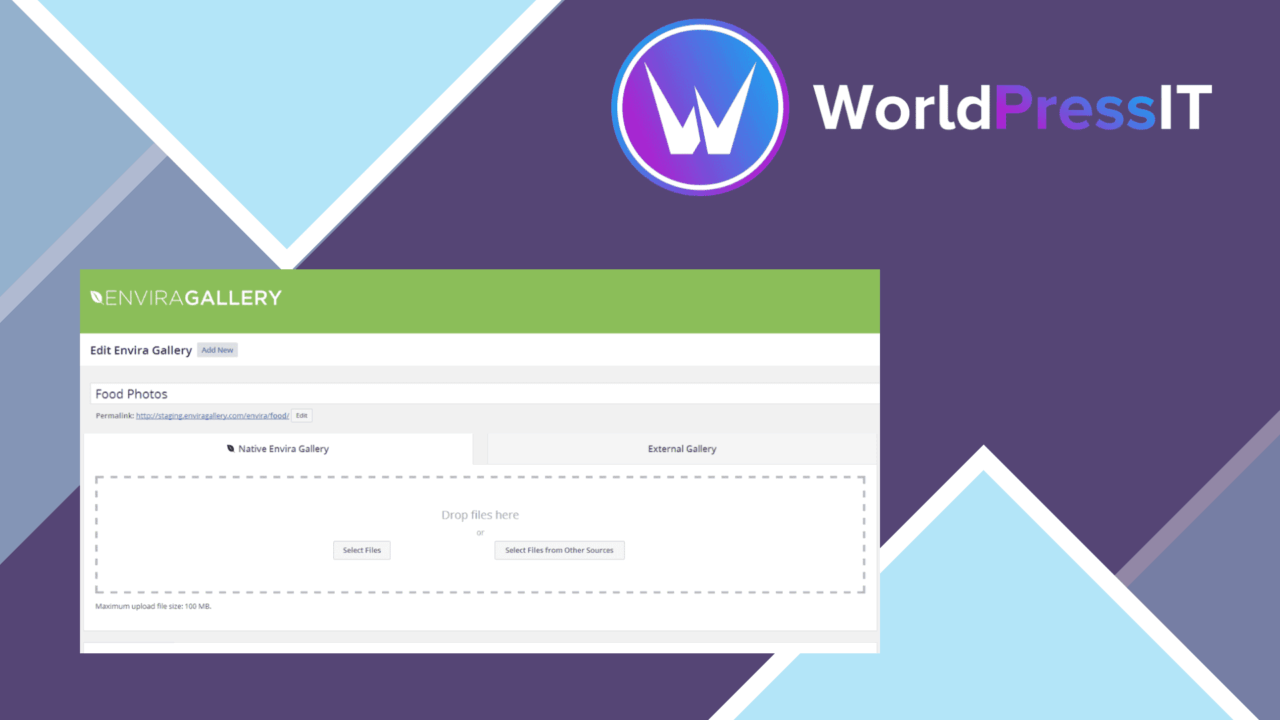
Envira Gallery Tags Addon adds tag-based organisation and filtering to Envira Gallery. It is aimed at sites where a gallery contains more images than a visitor wants to browse in one uninterrupted grid. By attaching descriptive tags to individual images, you create a second route through the collection: visitors can select a subject or category instead of searching by sight alone. The result is a more structured gallery experience for photographers, artists, and businesses with varied visual content.
A tagging layer
The central feature is straightforward. Images in an Envira gallery receive one or more tags, allowing the same image to sit in several useful categories. A photographer could group an image by location, subject, and project; an artist could separate work by medium or collection. The vendor specifically positions the addon for large image collections, where consistent labelling gives the gallery a clearer internal structure.
Multiple tags per image are important here. They avoid forcing each image into one exclusive group and provide a more flexible way to describe work that belongs to several themes. The interface is described as easy to use for adding and managing tags, so the organisational work stays close to the gallery rather than requiring a separate content system.
Filtering for visitors
Tags are not only an admin-side filing system. The addon lets visitors filter galleries by tag, making the labels part of the browsing experience. Someone interested in one subject can narrow the displayed images without moving through every item in the full gallery. That is a practical improvement for portfolios, catalogues, and other collections where the same page needs to serve several interests.
The filtering model also supports a more deliberate navigation pattern. Instead of adding separate galleries for every category, you can keep related work together and let the visitor choose a view. That keeps the gallery structure more compact, while the tag controls provide the extra direction.
Presentation controls
Customisable tag display options give the feature some visual flexibility. The tag controls do not have to be treated as an unrelated block; they can be adjusted to fit the design of the surrounding gallery. This matters for image-led sites, where an awkward control bar can compete with the work itself.
Responsive design is another stated part of the addon. Tag displays are intended to remain usable across device sizes, which suits galleries viewed on phones as well as larger screens. Integration with Envira Gallery and compatibility with popular WordPress themes and plugins round out the practical appeal, although the addon’s role remains focused on tagging and filtering rather than gallery creation as a whole.
What to weigh
The first trade-off is dependency: this is an addon for Envira Gallery, not a general-purpose tagging system for arbitrary WordPress media galleries. Sites that do not already use Envira Gallery have little reason to choose it, and adding another component increases the importance of keeping the parent gallery setup consistent.
Tag filtering also introduces editorial work. A large collection needs clear, repeatable labels; vague or overlapping tags will make the filter list harder to understand and reduce its value. The controls add another element to the gallery interface as well. On a small gallery, that extra navigation may occupy attention without solving a real browsing problem. The feature earns its place when the image count or range of subjects justifies the added structure.
Best fit
Envira Gallery Tags Addon suits photographers, artists, and businesses managing substantial or varied image collections through Envira Gallery. It is particularly relevant when visitors need to browse by subject rather than simply move through a fixed sequence. Smaller galleries with one clear theme will get less from the tagging layer, but sites with overlapping categories have a concrete reason to use it.
The verdict
Download Envira Gallery Tags Addon and see for yourself
You get the full Envira Gallery Tags Addon release (v1.10.5), ready to install, plus every update that follows. One click and it is yours.
Download Envira Gallery Tags Addon v1.10.5- Instant download
- Original developer files
- Updated 10 Oct 2026
Related reviews
Browse all
Meow Gallery Custom Links
Add internal or external destinations to individual gallery images, with new-tab options and page-builder support for po…
Envira Gallery Google Photos Addon
Import Google Photos albums into WordPress galleries, keep additions and deletions in step, and present the images throu…

Smart Slider Pro Plugin
Create responsive image, video, and post sliders with layered text, buttons, animations, templates, and an SEO-friendly…