Woffice
A WordPress theme for intranets, extranets and community networks, combining dashboards, project tools, access controls and responsive member-facing pages.
Instant access Original unmodified files Free future updates
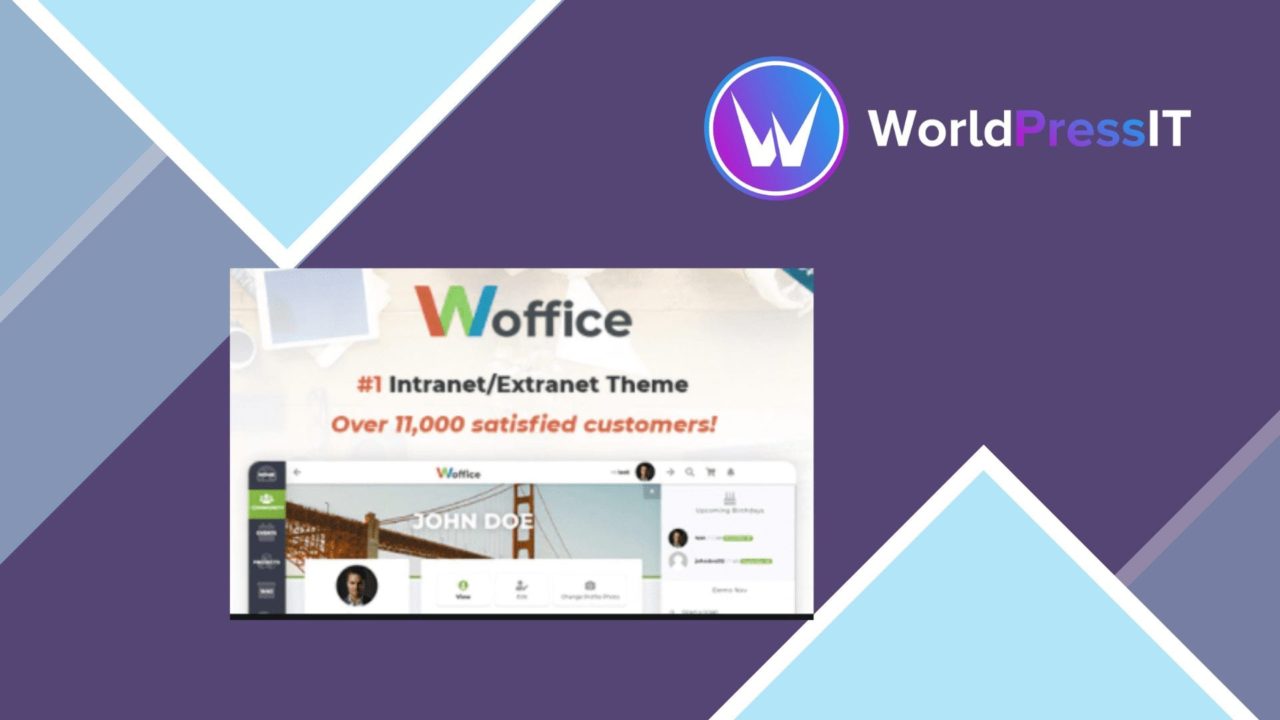
Woffice is a WordPress theme for organisations that need a private intranet, an external member area, or a shared community network. Its focus is less on presenting a public-facing brand and more on bringing communication, collaboration and document sharing into one central site. The stated use cases cover businesses, government teams, schools, associations and charities, so the theme is aimed at groups with several types of user and information to organise.
A private-workspace theme
The central idea is a customisable dashboard where users reach the tools and information relevant to them. That dashboard gives Woffice a useful starting point for an internal portal: instead of treating the WordPress front end as a sequence of standard pages, it frames the site as a working environment. The Material Design influence also gives the theme a defined visual direction, while the vendor describes the interface as straightforward to customise.
This approach suits an organisation that wants one recognisable home for internal activity. It is also broad enough to cover an extranet, where some content and interactions need to be available to people outside the organisation. The exact structure still rests with the site owner, but the theme is built around that distinction between shared access and controlled information.
Tools for daily work
Woffice brings several practical functions together rather than concentrating on one narrow content type. Its feature list includes:
- A dashboard with widgets for quick access to important tools and information.
- Project management features for team collaboration and task assignments.
- Advanced user roles and permissions for restricting sensitive information.
- Customisable login and registration forms for a more tailored entry point.
- Responsive layouts for phones and tablets as well as larger screens.
That combination gives the theme a clear internal-workflow angle. A team can use the dashboard for orientation, project tools for assigned work and permissions for separating information between groups. The responsive design matters for organisations whose members do not stay at a desktop, while custom login and registration forms help the site feel like an organisation’s own portal rather than a generic WordPress installation.
Connections and reach
BuddyPress support extends the theme towards community features, including user profiles, activity streams and messaging systems. WooCommerce compatibility adds a route to e-commerce functions inside the same site. Those integrations make the theme more adaptable for associations, schools and membership-led organisations that need both a social layer and a way to handle transactions or paid activity.
Multilingual support is another useful inclusion for organisations working across languages or regions. It broadens the audience the site can serve, although the vendor material does not specify the translation workflow or the exact language tooling involved. Documentation and support are also listed as part of the product, which is important for a theme with several administrative areas and integrations to configure.
What to weigh
The first trade-off is scope. Woffice combines dashboards, projects, permissions, community integrations, commerce support and multilingual capability, so a small team seeking only a simple internal noticeboard could be taking on more structure than it needs. Its value increases with the number of workflows and user groups that must share one portal.
The second trade-off is administrative planning. Roles, permissions, project assignments and dashboard widgets all need a coherent information model before they become useful. A poorly planned intranet can leave users unsure where work belongs or which information they should see. The theme supplies the relevant building blocks, but it does not remove the organisation’s responsibility to define those rules.
Who it suits
Woffice is best matched with organisations that want a WordPress-based work and community hub rather than a conventional marketing theme. Businesses and government teams get a foundation for controlled internal communication; schools get a possible network for staff, students or groups; associations and charities get room for profiles, messaging, projects and shared information.
Choose it when a dashboard-led portal, user permissions and collaboration tools belong in the same site. For a public brochure site or a very small private area, its wider feature set is harder to justify. For a multi-group intranet or extranet with community requirements, the combination is more relevant and clearly focused.
The verdict
Download Woffice and see for yourself
You get the full Woffice release (v5.4.41), ready to install, plus every update that follows. One click and it is yours.
Download Woffice v5.4.41- Instant download
- Original developer files
- Updated 29 Oct 2026
Related reviews
Browse all
Listivo
A WordPress theme for building classified-ad and directory sites, with configurable listings, location search, user prof…

Service Finder – Provider and Business Listing
A directory theme for businesses and service providers, with location-aware search, profiles, reviews, maps and payment…
Triply
Tour booking theme for travel agencies and operators, with custom booking forms, tour layouts, payment gateways and mult…