WPCodeBox 2
Add PHP, HTML, CSS, and JavaScript snippets from one WordPress workspace, with categories, conditional loading, version tracking, and import or export tools.
Instant access Original unmodified files Free future updates
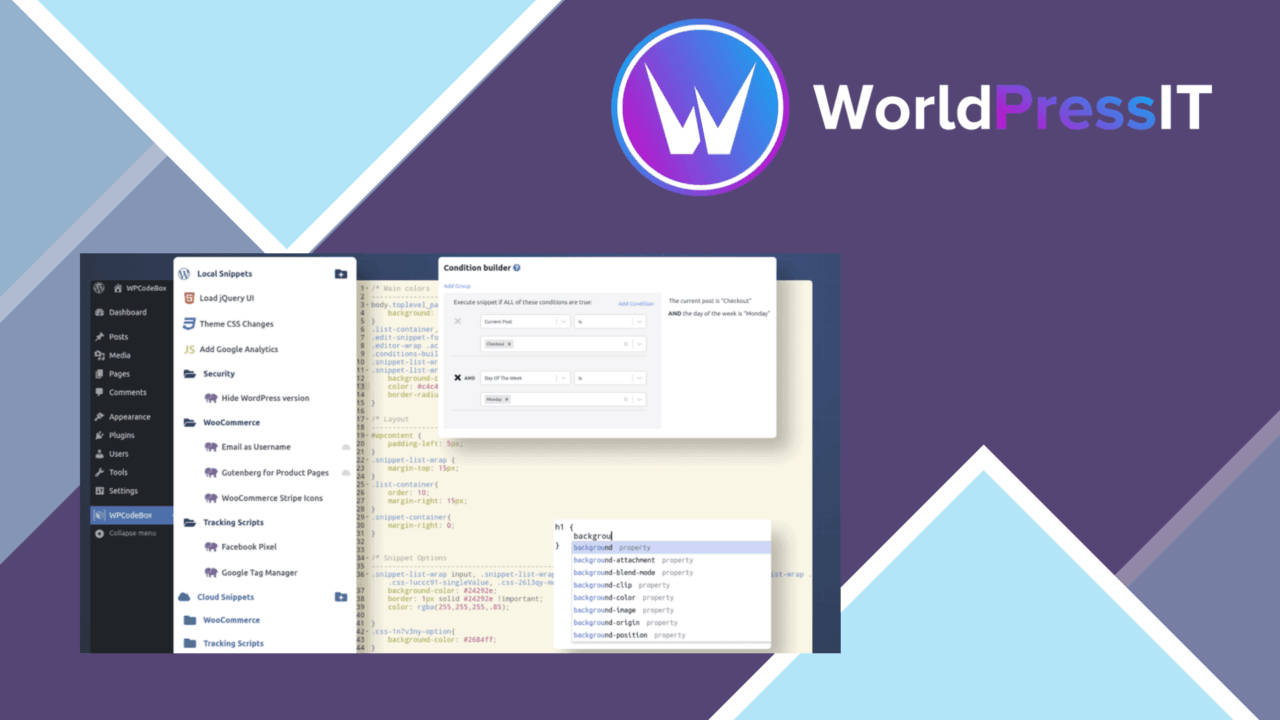
Custom code is often the quickest way to adjust a WordPress site, but placing that code in theme or plugin files makes it harder to find and maintain. WPCodeBox 2 provides a dedicated workspace for PHP, HTML, CSS, and JavaScript snippets, giving site owners and developers one place to organise those additions.
A central snippet workspace
The plugin’s main strength is its focus on code organisation rather than on one narrow type of customisation. Snippets can be managed together, grouped into categories, and displayed with syntax highlighting. That combination gives a growing collection some structure: a PHP function, a small CSS adjustment, and a JavaScript enhancement do not have to be treated as unrelated items scattered through the WordPress installation.
Syntax highlighting is a modest but important feature for this kind of tool. Clear indentation and colour-coded code make a snippet easier to scan before editing, especially when the collection includes several languages. Categories add another layer of order for projects that separate frontend styles, administrative tweaks, and functional code.
More control over execution
WPCodeBox 2 includes conditional loading, so snippets do not have to be treated as site-wide code by default. Conditions can control when and where a snippet executes, which is useful for keeping a targeted change tied to the relevant part of a site. A site owner working on a particular area can therefore organise code around its intended context instead of placing every change in a single global block.
The plugin also includes version control for snippets. The supplied feature list does not describe the depth of that history, but tracking changes gives an editor a record of how a piece of code developed. That is more useful than repeatedly overwriting a snippet with no indication of what changed between revisions.
Transfer and reuse
Import and export tools address the repetitive work involved in maintaining similar code across WordPress installations. A snippet collection can be transferred rather than recreated by hand, while multi-site compatibility supports using WPCodeBox 2 across multiple sites. The repository described by the vendor adds a source of ready-to-use snippets, although the practical value of any repository entry still depends on how closely it matches the site’s requirements.
This reuse-oriented design suits developers who maintain several sites or keep a personal collection of dependable code. It also gives less experienced site owners a more structured place to work than direct edits to a theme or plugin file.
What to weigh
WPCodeBox 2 organises code; it does not remove the need to understand what that code does. Support for four code types broadens its usefulness, but it also means that mistakes in PHP, CSS, HTML, or JavaScript remain the responsibility of the person adding the snippet. The interface can make code easier to manage without making unverified code safe.
Conditional loading introduces another point to diagnose. When a snippet does not appear in the expected place, its execution conditions need checking alongside the code itself. Import and export also save transcription work without guaranteeing that a transferred snippet suits every site. Differences between installations, themes, or surrounding plugins still call for a review before reuse.
Who it suits
WPCodeBox 2 is a good fit for WordPress users who regularly add small pieces of PHP, HTML, CSS, or JavaScript and want those changes separated from theme and plugin files. Developers gain categories, change tracking, transfer tools, and conditional execution in one code-focused workspace. Site owners with only an occasional, very small edit might find the broader management features more than they need, while anyone maintaining a reusable snippet library gets a clearer reason to adopt it.
The verdict
Download WPCodeBox 2 and see for yourself
You get the full WPCodeBox 2 release (v1.3.1), ready to install, plus every update that follows. One click and it is yours.
Download WPCodeBox 2 v1.3.1- Instant download
- Original developer files
- Updated 7 Oct 2026
Related reviews
Browse allSnipVault
Manage PHP, CSS, JavaScript and other WordPress code from one organised workspace, with validation, revisions, security…

Aelia Foundation Classes for WooCommerce
A developer-oriented foundation for WooCommerce extensions, with shared tools for settings, logging, geolocation, curren…
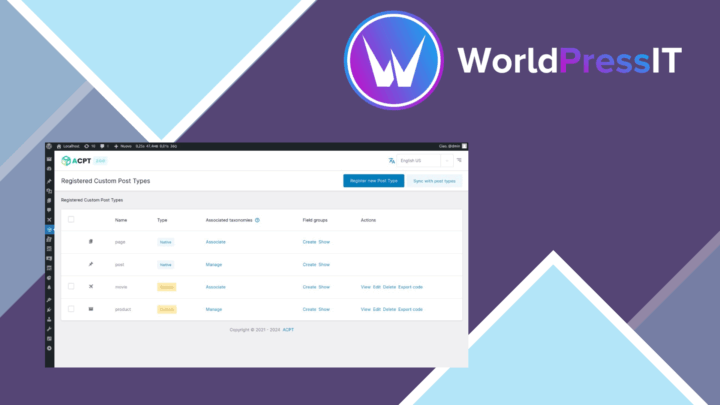
ACPT
Create structured WordPress content with custom post types, fields, taxonomies, templates and permissions from one admin…