Image Upload for bbPress Pro
Add image uploads to bbPress topics and replies, with format support, size controls, moderation options, and responsive display for forum communities.
Instant access Original unmodified files Free future updates
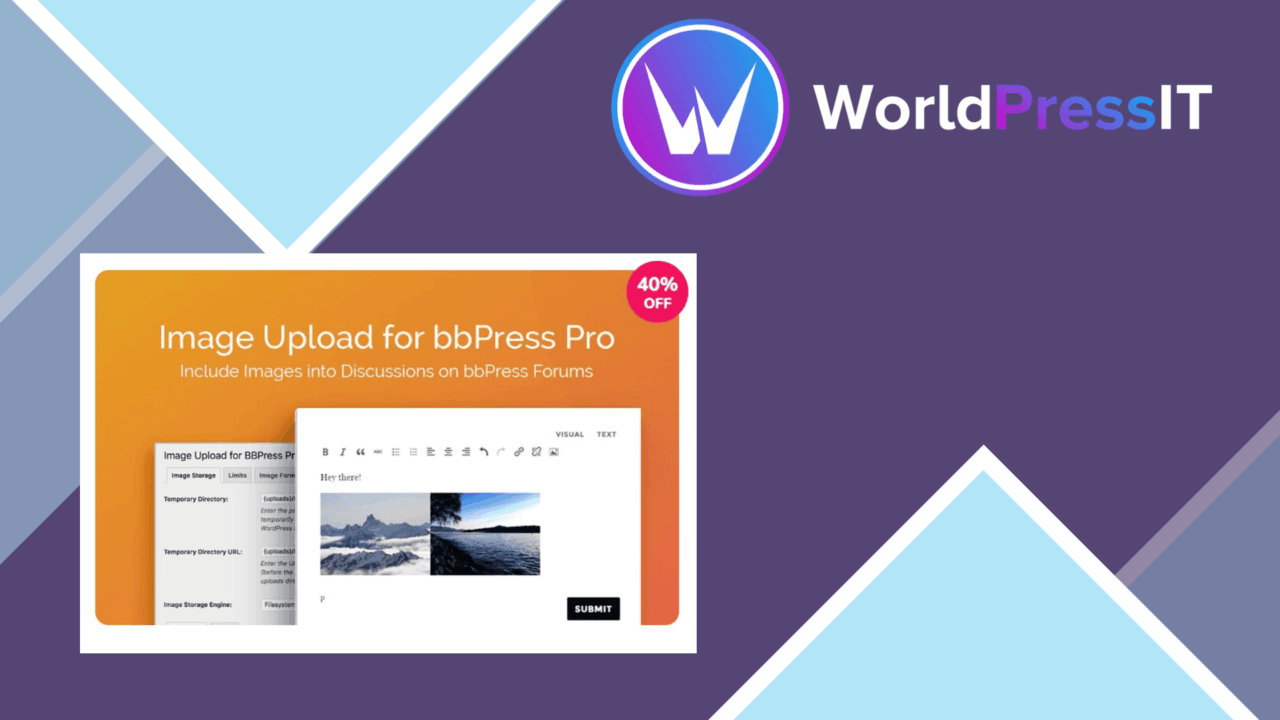
Image Upload for bbPress Pro adds image attachments to bbPress topics and replies, giving forum members a way to explain a point with a photograph, screenshot, diagram, or other graphic instead of relying on text alone. It is aimed at community sites where visual context matters and where the forum editor is the natural place for members to share media.
Forum media
The plugin puts image uploads directly into the bbPress posting flow. That keeps a member’s image with the topic or reply it supports, rather than sending the conversation to a separate media-sharing service. For support forums, hobby communities, and discussion boards built around visual material, that is a useful change to the basic text-only experience.
The vendor specifically lists JPEG, PNG, and GIF support. Those formats cover common photographs, screenshots, illustrations, and simple animations. The listing also refers to a wider range of file types, but it does not provide a complete format table, so administrators with more specialised media requirements should confirm the exact coverage before committing to a particular workflow.
Controls for uploads
Administrators get controls for maximum file size and image dimensions. These settings matter because a forum that accepts images from many members needs a clear boundary around what is published. A smaller limit keeps casual uploads within a predictable range, while larger dimensions suit communities where detail is important. The settings panel is described as straightforward, so the main work lies in choosing limits that match the forum rather than learning a complicated interface.
- Image uploads inside bbPress topics and replies
- Support for JPEG, PNG, and GIF images
- Configurable file-size and dimension limits
- Moderation before uploaded images appear
- Responsive image presentation across devices
- Compatibility intended for existing bbPress themes and plugins
Moderation and display
The moderation option is important for public forums. Images can introduce material that would not appear in a text-only discussion, so holding uploads for review gives administrators a point of control before publication. It also makes the plugin more suitable for communities that need approval workflows rather than unrestricted member posting.
Responsive presentation keeps the resulting images suited to different screen sizes. That is especially relevant for forums visited from phones, where a fixed-width image can make a reply difficult to read. The stated integration with bbPress themes and other plugins is helpful for sites that already have a forum design in place, although the listing does not identify specific themes or extensions.
What to weigh
Image uploads add responsibility as well as context. Moderated forums will need someone to review submissions, and even unmoderated forums should establish sensible size and dimension limits before members begin posting images. The named format support is useful but not a substitute for a full compatibility list, particularly for communities expecting formats beyond ordinary web images.
The product description also focuses on uploading, limits, moderation, and display. It does not document image editing, compression, galleries, or a separate media-management workflow. That is not a problem for a forum that needs attachments beside replies, but it makes the plugin a narrower choice for sites looking to organise or transform a large image collection.
Who it suits
Image Upload for bbPress Pro fits bbPress communities where an image improves the answer: technical support boards sharing screenshots, creative groups showing work, and interest forums discussing equipment, locations, or projects. Its value comes from placing the upload in the conversation while giving administrators control over file boundaries and publication. Sites that only need occasional text discussion will gain less, but forums built around visual evidence get a more expressive posting format without changing the role of bbPress.
The verdict
Download Image Upload for bbPress Pro and see for yourself
You get the full Image Upload for bbPress Pro release (v2.1.38), ready to install, plus every update that follows. One click and it is yours.
Download Image Upload for bbPress Pro v2.1.38- Instant download
- Original developer files
- Updated 9 Oct 2026
Related reviews
Browse all
Ultimate Member Social Login Addon
Social sign-in for Ultimate Member sites, with account creation, branded login buttons, role controls and login-method a…

Ultimate Member Social Login Addon
Social account login for Ultimate Member sites, with branded buttons, account linking and automatic registration across…
UserPro
Build member profiles, front-end registration and social login into WordPress, with directories, private messaging and r…