WooCommerce Social Login
Social login for WooCommerce stores lets shoppers use familiar accounts at registration, login, and checkout, while giving owners provider buttons, styling controls, and usage analytics.
Instant access Original unmodified files Free future updates
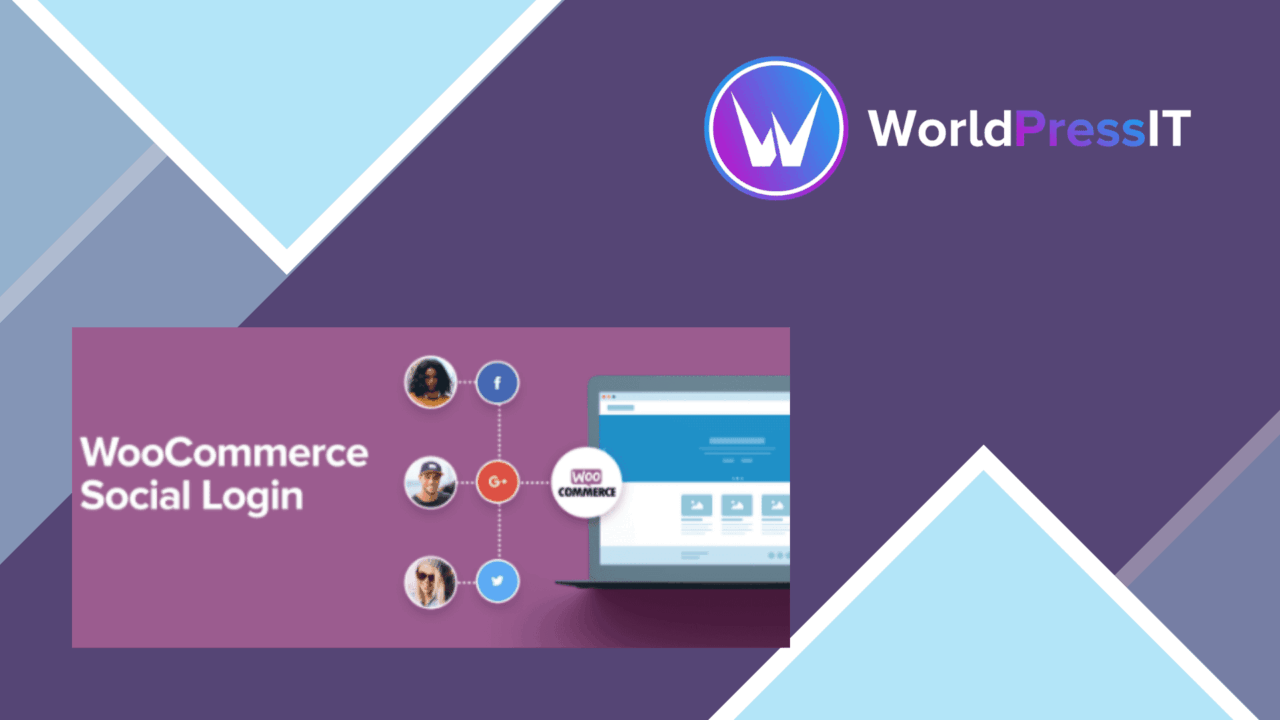
WooCommerce Social Login adds social-account registration and login to a WooCommerce store. Customers can use accounts from services such as Facebook, Twitter, Google, Amazon, LinkedIn, PayPal, Instagram, Disqus, Yahoo, and VK instead of completing a separate store registration. The practical aim is a shorter path into the shop and a less involved checkout experience.
Login across providers
The plugin supports the main providers named in the listing, with Facebook, Google, Twitter, and LinkedIn highlighted among them. That range gives a store owner room to serve different customer preferences rather than committing to one network. Social login is useful at both account entry and purchase time, particularly for stores where a registration form creates an unnecessary pause before checkout.
Checkout-focused controls
WooCommerce integration is central to the product. Social login can be enabled on the checkout page, putting the account option alongside the purchase flow rather than limiting it to a standalone login screen. The listing positions this as a way to reduce cart abandonment, while the simpler registration path also supports new-customer acquisition.
- Social login through Facebook, Google, Twitter, LinkedIn, Amazon, PayPal, Instagram, Disqus, Yahoo, and VK.
- Login buttons with customisable styles for closer alignment with the store design.
- WooCommerce integration with an option to show social login during checkout.
- An analytics dashboard covering social-login usage and user behaviour.
- Responsive behaviour for mobile and tablet visitors.
- Support for multilingual sites alongside popular translation plugins.
Admin-side visibility
The analytics dashboard gives store owners a place to review social-login usage and user behaviour. That is more useful than treating the buttons as a purely visual add-on: it provides an indication of how customers are using the available sign-in routes. Configuration is handled from the WordPress admin panel, and the button styling option helps keep the account experience consistent with the rest of the storefront.
Language and device coverage
Responsive design is important here because login and checkout commonly happen on smaller screens. The stated mobile and tablet support addresses that part of the customer journey. Multilingual support, together with compatibility with popular translation plugins, makes the plugin a better fit for stores serving more than one language, although the exact translation workflow is not described.
Where it falls short
Social login adds convenience only for customers who use one of the enabled providers. A store serving a mixed audience still needs to think carefully about which networks to configure, and supporting a long provider list brings more account settings and third-party relationships to maintain. The setup is described as straightforward, but the listing does not explain the provider-by-provider configuration steps.
The analytics feature is another consideration. A dashboard for social-login usage and user behaviour is helpful for this narrow purpose, but the supplied information does not establish the depth of its reports or how it connects with wider WooCommerce reporting. Stores wanting detailed customer or conversion analysis should treat it as a focused social-login view rather than assume it replaces their broader analytics tools.
Who should use it
WooCommerce Social Login suits store owners who want familiar account entry points in registration and checkout, especially when reducing form friction is a priority. Its strongest case is a multilingual or mobile-oriented shop that wants several provider choices, styled buttons, and basic visibility into how those choices are used. Stores with little demand for social accounts, or with no appetite for maintaining multiple provider configurations, have less reason to add it.
The verdict
Download WooCommerce Social Login and see for yourself
You get the full WooCommerce Social Login release (v2.18.3), ready to install, plus every update that follows. One click and it is yours.
Download WooCommerce Social Login v2.18.3- Instant download
- Original developer files
- Updated 10 Oct 2026
Related reviews
Browse all
WooCommerce Local Pickup Plus
Customers can choose from multiple pickup locations, schedule collection times and receive order-readiness details throu…
WooCommerce Measurement Price Calculator
Calculate WooCommerce prices from customer-supplied dimensions, with support for area-based products, multiple units, va…
WooCommerce Force Sells
Add related products to WooCommerce checkout, pair goods with services, and use offer testing and analytics to shape hig…