Smart Slider Pro Plugin
Create responsive image, video, and post sliders with layered text, buttons, animations, templates, and an SEO-friendly structure without writing code.
Instant access Original unmodified files Free future updates
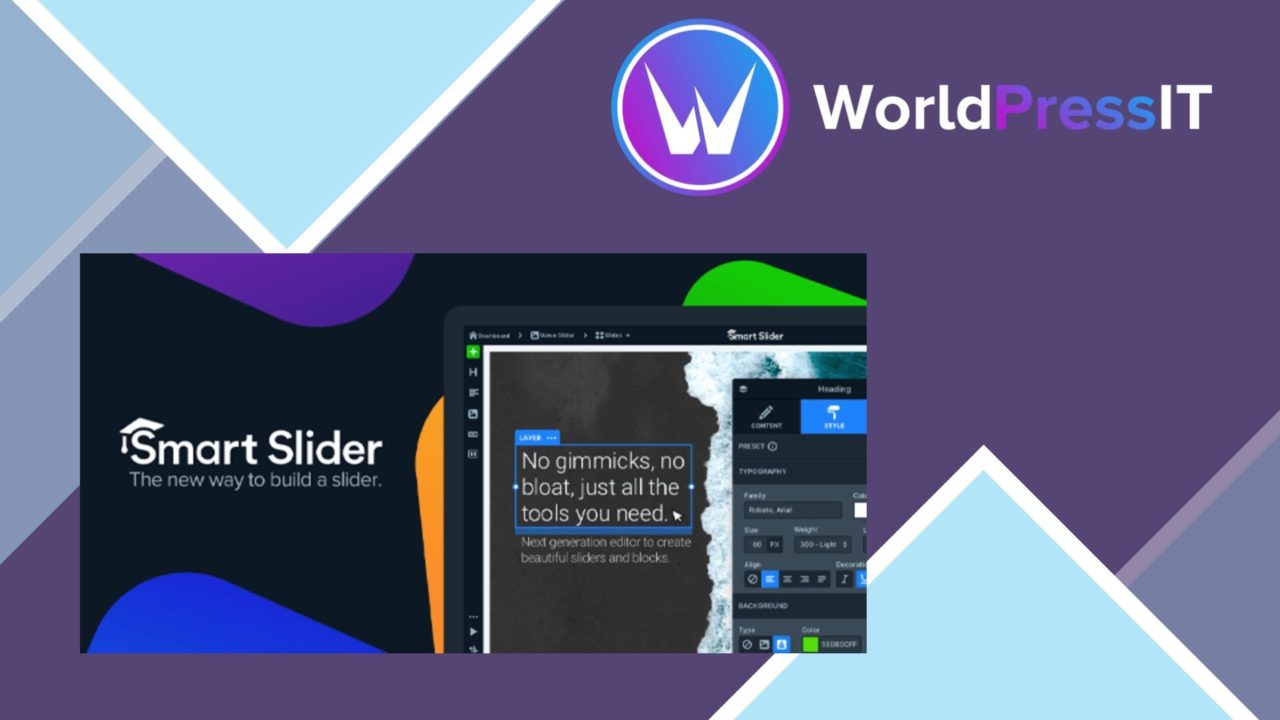
A visual slider builder for WordPress, Smart Slider Pro Plugin is aimed at site owners who want more control than a fixed banner or a single image block provides. Its editor combines drag-and-drop arrangement with layers for text, buttons, and images, giving each slide the structure of a small designed composition rather than a simple rotating picture. The stated focus is responsive presentation, so the same slider is intended to adapt across screen sizes while supporting image, video, and post-based content.
A visual content builder
The main appeal is the combination of a visual workflow and several content formats. Designers can assemble slides without extensive coding knowledge, then use the layer-based editor to place supporting copy, calls to action, and imagery. That makes the plugin useful for a hero area, a campaign panel, a featured-content strip, or a presentation built from several related slides. The editor is not limited to manually uploaded images: post sliders provide a route for displaying WordPress content, while video sliders suit pages that need motion as part of the message.
What it handles
Smart Slider Pro Plugin covers the core parts of slider production in one interface:
- Drag-and-drop editing for arranging and customising slider content.
- Responsive layouts intended for different screen sizes.
- Image, video, and post slider types for different source material.
- Layer-based placement of text, buttons, and images.
- Animation effects for transitions and moving slide elements.
- Pre-built templates for starting from an existing presentation.
- An SEO-friendly structure intended to support search visibility.
- Integration with popular WordPress plugins for broader site use.
This breadth matters when a site uses sliders in more than one role. A marketing page can use layered text and buttons, an editorial site can feature posts, and a visual portfolio can rely on image slides. Templates shorten the distance between opening the editor and producing a presentable starting point, while custom layers leave room for a more deliberate layout.
Layered presentation work
Animation is another useful part of the toolset. Transitions add movement between slides, and layer-based effects give the presentation more visual structure than a basic fade between images. Used with restraint, that supports a clear sequence: an image establishes the subject, text explains it, and a button points visitors towards the next step. The responsive focus is also important for sliders placed near the top of a page, where a layout that works only at desktop width quickly becomes a problem.
The SEO-friendly structure is a practical consideration for sites that want visual content to contribute to a page rather than sit apart from it. It does not replace sensible copy or page optimisation, but it places search visibility among the plugin’s stated design priorities.
Where it falls short
The feature list also points to the usual costs of a capable visual slider tool. Drag-and-drop editing, multiple slider types, templates, layers, and animations create a larger set of design decisions than a single-image banner. A first-time user still has to choose a content source, establish a hierarchy for text and buttons, and decide how much movement belongs in the presentation. That flexibility is useful, but it is not the same as a fully defined design system.
Responsive output introduces a second trade-off. A layered desktop composition has more parts to account for when it adapts to smaller screens, so text, buttons, and images need deliberate sizing and placement. The plugin is built around responsive behaviour, but the design still depends on the choices made in the editor. Pre-built templates reduce the initial work without removing the need to shape the result around the surrounding page.
Who it suits
Smart Slider Pro Plugin fits designers, marketers, and business owners who need repeated visual presentations without writing extensive code. It is particularly relevant to sites that switch between image, video, and post content, or that need text and buttons to sit directly on top of slide imagery. Users wanting a bare image rotator will find more controls than necessary, while people planning campaign panels, featured posts, or multi-part visual stories get a broader set of building blocks. Its strongest case is a WordPress site where sliders are part of the page’s communication, not merely decoration.
The verdict
Download Smart Slider Pro Plugin and see for yourself
You get the full Smart Slider Pro Plugin release (v3.5.1.39), ready to install, plus every update that follows. One click and it is yours.
Download Smart Slider Pro Plugin v3.5.1.39- Instant download
- Original developer files
- Updated 10 Oct 2026
Related reviews
Browse all
Meow Gallery Custom Links
Add internal or external destinations to individual gallery images, with new-tab options and page-builder support for po…
Envira Gallery Google Photos Addon
Import Google Photos albums into WordPress galleries, keep additions and deletions in step, and present the images throu…
Envira Gallery NextGEN Importer Addon
Move NextGEN galleries, albums and tags into Envira Gallery while retaining listed metadata such as titles, descriptions…