MainWP Pro – Piwik Matomo
Matomo analytics inside the MainWP dashboard, with visitor tracking, conversion reports and centralised views for managing data across WordPress sites.
Instant access Original unmodified files Free future updates
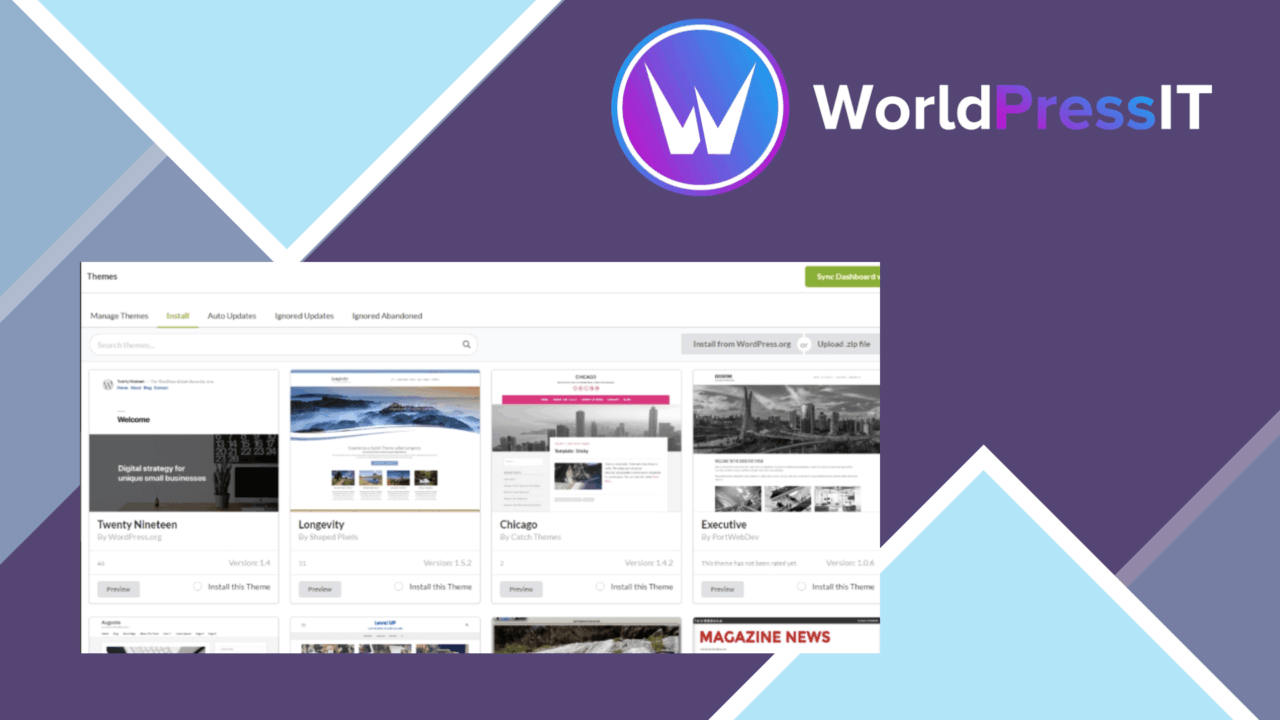
Matomo analytics sits inside the MainWP dashboard with this add-on, giving site owners a central place to review traffic, visitor behaviour and conversions. Its purpose is practical rather than decorative: bring analytics from a Matomo instance into the same administrative workspace used to oversee multiple WordPress sites. That arrangement suits an editor, marketer or site manager who needs reporting alongside broader site management rather than in a separate analytics interface.
A Matomo view in MainWP
The main value is the connection between Matomo and MainWP. MainWP is built for centralised management of multiple WordPress sites, while this plugin adds analytics context to that workflow. Instead of treating traffic reports as an isolated task, the dashboard can present website performance information where other site-level decisions are already being made.
The vendor positions the add-on around visitor behaviour, conversions and campaign effectiveness. That gives it a wider remit than a simple page-view counter. A team reviewing a set of sites can use the same administrative environment to examine engagement and compare the information that informs content and marketing decisions.
Reporting tools
The feature set covers several useful layers of analytics:
- Real-time visitor tracking for monitoring current engagement and behaviour.
- Customisable dashboards for displaying the metrics that matter to a particular user or workflow.
- Conversion tracking for assessing the results of marketing campaigns.
- Detailed reporting tools for turning collected analytics into broader performance reports.
- Multiple-language support for teams and site owners working across different regions.
Customisable dashboards are particularly relevant here because different sites rarely need the same emphasis. A campaign-focused site might prioritise conversions, while a publication could place more attention on visitor engagement. The vendor does not specify the available widgets or report layouts, so the practical depth of that customisation will depend on the integration’s actual dashboard options.
Privacy and maintenance
Data privacy is included as part of the product’s stated feature set. The plugin is presented as handling user data securely and in accordance with applicable regulations, which is an important consideration for analytics work. That statement is useful as a product direction, but privacy outcomes still depend on how Matomo and each website are configured, as well as the policies governing the collected data.
Regular updates are also listed, with compatibility with the latest WordPress versions and features as the stated goal. This matters for a dashboard extension that sits between WordPress, MainWP and Matomo: changes in any part of that arrangement can affect the reliability of the reporting workflow. The vendor does not provide a version history or a detailed compatibility matrix, so teams with tightly controlled environments should verify their own requirements.
What to weigh
The first trade-off is architectural: this is a dashboard integration, not a replacement for Matomo itself. It depends on a Matomo instance and is most useful when that analytics system is already part of the site’s reporting setup. Anyone looking for a standalone analytics product will find the MainWP connection unnecessary overhead.
The second trade-off is focus. The plugin is shaped around central management, so its strongest case is a multi-site MainWP workflow. A single-site owner who rarely needs centralised oversight may gain less from placing Matomo inside MainWP than from using Matomo’s own reporting environment. There is also no detail in the supplied material about report export formats, alerting, retention controls or site-by-site comparison, so those should not be assumed from the general reporting description.
Who it suits
MainWP Pro – Piwik Matomo fits agencies, site managers and digital marketers who already organise WordPress sites through MainWP and want analytics in that same workspace. Real-time visitor data, conversion tracking and configurable metrics give the dashboard a clear operational purpose: connect what visitors do with the sites and campaigns being managed.
It is less compelling as an isolated analytics choice. The product earns its place when the MainWP dashboard is already the centre of a multi-site workflow and Matomo is the chosen source of traffic data. For that audience, it offers a focused reporting bridge rather than another general-purpose analytics platform.
The verdict
Download MainWP Pro – Piwik Matomo and see for yourself
You get the full MainWP Pro – Piwik Matomo release (v5.1), ready to install, plus every update that follows. One click and it is yours.
Download MainWP Pro – Piwik Matomo v5.1- Instant download
- Original developer files
- Updated 13 Oct 2026
Related reviews
Browse allFormidable User Flow
Track visitor movement across pages and Formidable Forms, then use funnel and drop-off insight to shape more focused jou…
WPCode Conversion Pixels
Adds Facebook, Google Ads, TikTok and Pinterest tracking pixels in WordPress, with event monitoring for purchases, leads…
Download Monitor PRO
Manage digital files in WordPress with version control, protected access, custom download buttons, activity tracking and…