Code Snippets Pro
A WordPress dashboard for organising PHP, HTML, CSS and JavaScript snippets without editing theme files, with conditions, categories, syntax highlighting and backups.
Instant access Original unmodified files Free future updates
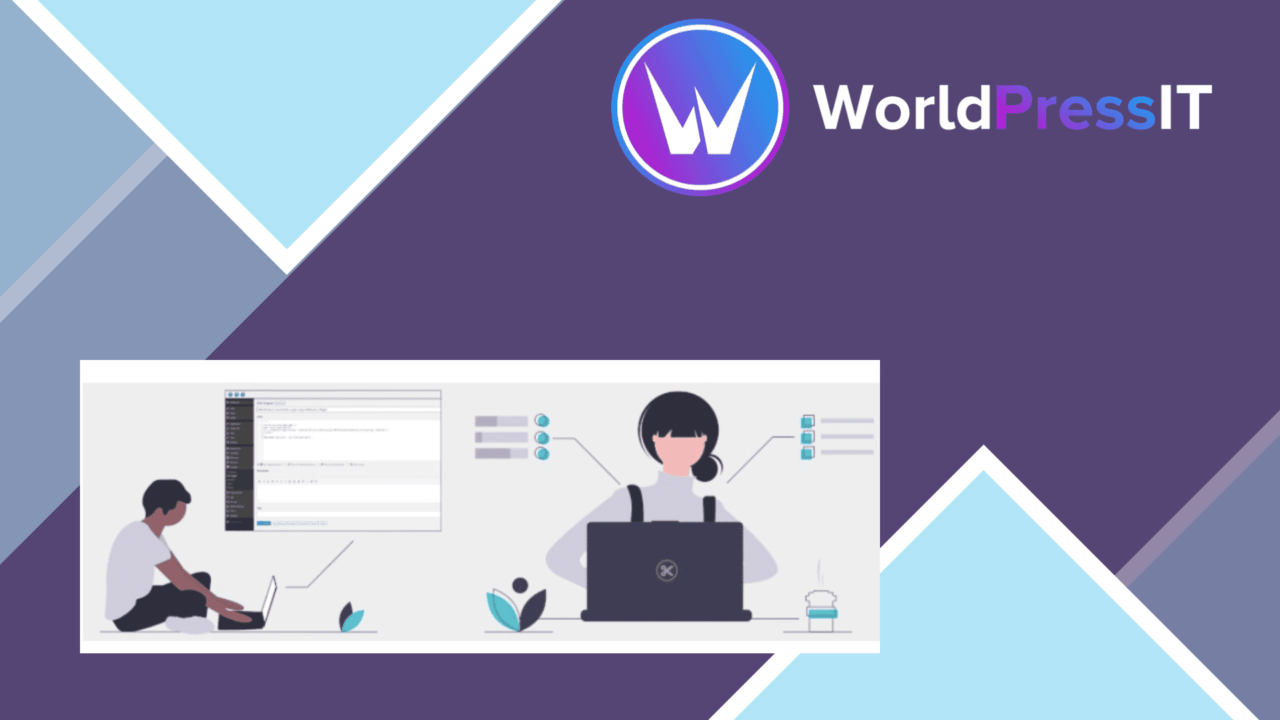
Code Snippets Pro puts custom PHP, HTML, CSS and JavaScript in a managed WordPress dashboard instead of asking you to edit files such as style.css or functions.php. Its focus is straightforward: keep site customisations in one place, make them easier to read and organise, and give each snippet control over when and where it runs.
A central code workspace
The main benefit is separation. Adding, editing and deleting snippets from the dashboard is more orderly than collecting changes across theme files or scattered notes. Each piece of code has its own entry, which gives a site owner or developer a clearer inventory of the customisations currently in use.
That approach suits sites that accumulate small changes over time. A CSS adjustment, a PHP function and a JavaScript enhancement do not have to share the same file simply because they belong to the same website. Code Snippets Pro provides one place to manage those different types while keeping the source visible for later review.
Useful controls
The feature set is aimed at day-to-day snippet administration rather than code generation. Conditional execution is particularly useful for separating snippets by circumstance, such as code intended for a particular area or operating condition. The exact conditions available are not detailed in the supplied information, but the presence of this control is more practical than treating every snippet as site-wide code.
- Add, edit and remove snippets from the WordPress dashboard.
- Apply conditions to control when and where snippets run.
- Use syntax highlighting to make code easier to scan and edit.
- Group snippets into categories for a more manageable library.
- Import and export snippets when moving them between sites.
- Keep automatic backups of snippets as protection against data loss.
Moving beyond one site
Import and export give the plugin a useful role in repeatable WordPress work. A developer maintaining several installations has a defined way to move a collection of snippets rather than recreating each entry manually. Multi-site compatibility extends that same management model across multiple WordPress installations.
Support for four common code formats also keeps the tool relevant to more than PHP customisation. CSS changes, HTML additions and JavaScript behaviour sit alongside PHP functions, with syntax highlighting helping distinguish the structure of each type. Categorisation becomes more valuable as that mixed collection grows.
Where it falls short
The dashboard solves code organisation, not the underlying difficulty of writing correct code. Users still need to understand what a PHP function, stylesheet rule or JavaScript fragment does before placing it on a site. The claim of simple customisation is strongest for managing known snippets, not for turning an inexperienced user into a developer.
There is also a complexity trade-off in combining several languages, conditions and categories in one library. A snippet that runs in the wrong context can create a harder debugging trail than a small, clearly documented change in a dedicated project file. The supplied details mention backups, import and export, but do not describe testing, error reporting or a debugging workflow, so those parts of maintenance remain outside the product’s stated feature set.
Who it suits
Code Snippets Pro fits site owners who regularly apply small, reusable customisations and want them separated from theme files. It is also a sensible administrative layer for developers handling snippets across multiple installations, especially when categorisation and import/export matter.
It is less suited to someone looking for a visual customisation tool or a substitute for learning the code being added. Its value lies in disciplined storage, selective execution and easier retrieval. For that specific job, the combination of language support, conditions, syntax highlighting, categories and backups covers the practical parts of a snippet library without forcing every change into a theme file.
The verdict
Download Code Snippets Pro and see for yourself
You get the full Code Snippets Pro release (v3.10.1), ready to install, plus every update that follows. One click and it is yours.
Download Code Snippets Pro v3.10.1- Instant download
- Original developer files
- Updated 13 Oct 2026
Related reviews
Browse allWP Sheet Editor Custom Tables Pro
Edit custom WordPress database tables in a spreadsheet-style dashboard, with bulk changes, filtering, sorting and live u…
MemberPress Developer Tools
A MemberPress add-on for exposing membership data through a REST API and webhooks, with access rules, subscription plans…
WP Reset PRO
Reset WordPress environments, save database snapshots and restore earlier states from one tool for development, troubles…