WooCommerce Product Filters
Filter WooCommerce catalogues by price, category, tag, attribute and colour, with Ajax updates that help shoppers narrow products without reloading pages.
Instant access Original unmodified files Free future updates
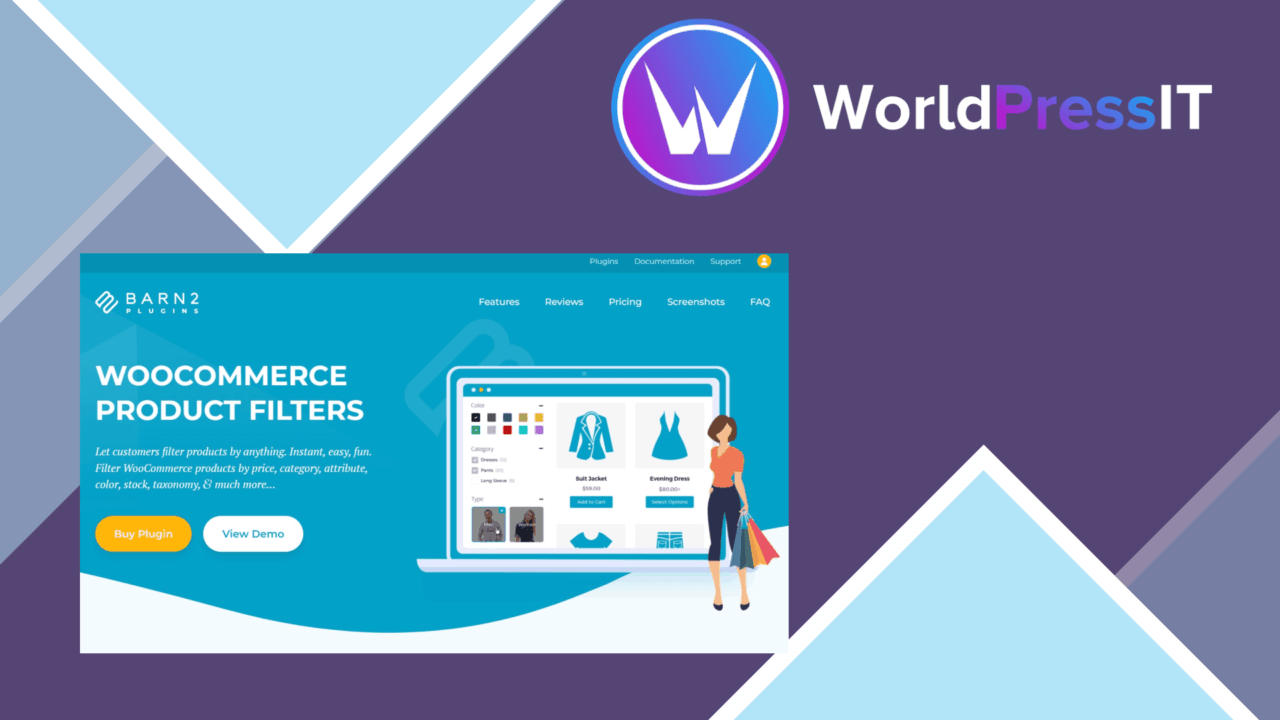
WooCommerce Product Filters is built around a straightforward shop problem: a catalogue becomes harder to browse as its range grows. The plugin adds customer-facing controls for narrowing products by price, category, tags and attributes, with colour swatches, pricing sliders and category checkboxes among the available approaches. Its purpose is practical rather than decorative: help shoppers move from a broad catalogue to a smaller set of relevant products.
Controls for product discovery
The strongest part of the feature set is its coverage of the criteria shoppers commonly use. A store can present a price range, product categories, tags and product attributes as filter options. That gives a clothing shop room for colour or size-style attributes, while another catalogue could focus on categories, tags and price. The exact usefulness depends on how carefully the store’s products and attributes are organised, but the plugin addresses the main structure WooCommerce stores already use.
- Price-range controls for narrowing products by budget.
- Category checkboxes for moving through a store’s catalogue structure.
- Tag and attribute filters for more specific product characteristics.
- Colour swatches for a more visual filtering option.
- Sorting and display settings based on shopper preferences.
Ajax catalogue browsing
Ajax-based filtering updates results without a full page reload. That keeps the filtering interaction focused on the product list instead of sending shoppers through repeated page transitions. For stores where visitors compare several combinations of category, price and attributes, this is a sensible interaction model. It also places more importance on presenting the controls clearly, since the filter panel becomes part of the main shopping journey rather than a one-off search form.
Built for different screens
The vendor describes the design as mobile-friendly, which is important for filters that often contain several controls in a confined space. A responsive presentation gives phone users access to the same product criteria as desktop visitors. The plugin also lists support for multiple languages and currencies, extending its intended use beyond a single-market catalogue. Advanced settings for sorting and product display add another layer of control for stores that want filtering and result presentation to reflect their own shopping process.
Where it falls short
The feature list is broad, but it leaves several implementation details open. A store with many attributes, tags and categories will need to decide which controls deserve prominence; exposing every available taxonomy would produce a crowded filter area, while choosing too few limits product discovery. That configuration work is a genuine trade-off rather than a plugin defect.
Ajax filtering is also an additional moving part in the shopping interface. The vendor describes compatibility with popular themes and plugins, but does not identify a support matrix or explain how conflicts are handled. Stores with heavily customised WooCommerce layouts should therefore allow time for integration checks. Finally, mobile-friendly design is stated as a product feature, not described in terms of filter-panel layouts or control customisation, so the final presentation still depends on the chosen theme and the store’s catalogue structure.
Who should use it
WooCommerce Product Filters suits shops whose customers need to narrow a catalogue by more than one attribute. It is especially relevant where price, category, tags, product attributes or colour influence the buying decision. Smaller stores with only a handful of products may not need this much filtering, while larger or more varied catalogues have more to gain from structured controls and Ajax result updates. The plugin is a reasonable fit for store owners prepared to plan their filter hierarchy rather than simply display every available option.
The verdict
Download WooCommerce Product Filters and see for yourself
You get the full WooCommerce Product Filters release (v2.1.4), ready to install, plus every update that follows. One click and it is yours.
Download WooCommerce Product Filters v2.1.4- Instant download
- Original developer files
- Updated 17 Oct 2026
Related reviews
Browse all
WooCommerce Elavon Converge Payment Gateway
Process card, eCheck and other Elavon payments through WooCommerce, with tokenized records, multi-currency support and o…

Aelia Tax Display by Country for WooCommerce
Country-aware WooCommerce tax display using IP geolocation, with support for multiple tax classes and configurable prici…

GetPaid Multi-Currency
Multi-currency pricing for WordPress stores, with location-based detection, automatic exchange-rate updates, payment gat…