Bookly Google Maps Address Add-on
Add Google Maps locations to Bookly bookings, with address entry, geocoding, multiple service areas and directions for customers on mobile or desktop.
Instant access Original unmodified files Free future updates
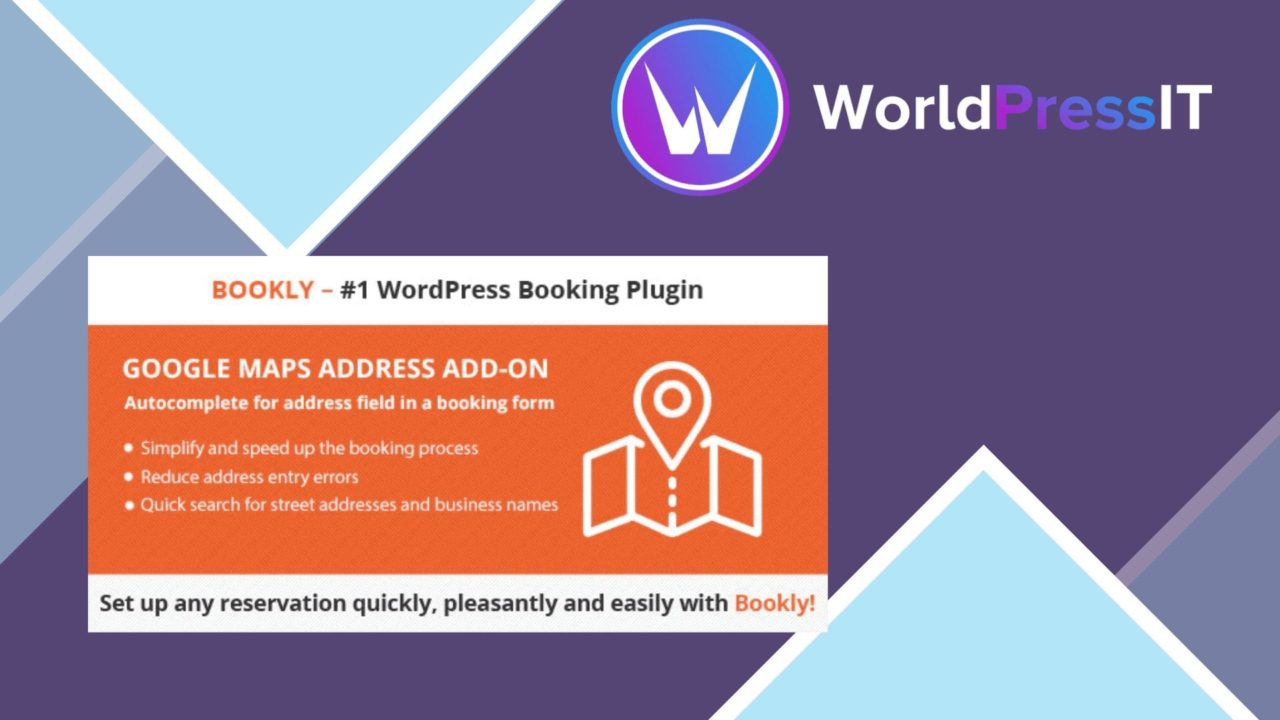
Adding a clear location to a booking is more useful than leaving customers with a text address to copy and interpret. Bookly Google Maps Address Add-on brings Google Maps into the Bookly booking interface, giving service providers a way to associate bookings with mapped addresses and giving customers a more visual route to the right place.
Location clarity
The add-on is aimed at businesses where the service location is part of the appointment decision. Instead of treating an address as plain booking information, it presents the location on an interactive map. That makes the address easier to recognise before an appointment and gives customers a direct way to view directions from their current position.
Automatic geocoding converts entered addresses into geographic coordinates. This is useful for turning an address into a map position without requiring the site owner to manage coordinates manually. Users can also enter and save addresses for later reference, which suits businesses that repeatedly work from the same premises or service points.
Useful booking features
The feature set is focused rather than broad. It addresses the point where a Bookly booking needs a dependable location, with settings intended to fit the map into the site’s existing design and layout.
- Displays service locations directly within the Bookly booking interface.
- Lets users enter and save addresses for repeated use.
- Geocodes addresses into geographic coordinates automatically.
- Supports multiple locations for businesses covering more than one service area.
- Provides map settings that can be adjusted to suit the website’s layout.
- Offers a mobile-friendly presentation across phones, tablets and desktop screens.
- Lets customers view directions to the selected location from where they are.
Multiple-location support is particularly relevant to mobile practitioners, venues with several rooms, and businesses serving separate areas. The map settings also give the site owner some control over how this information sits alongside the booking flow, rather than forcing every site into the same presentation.
How it fits Bookly
This is a location extension for an existing Bookly system, not a separate booking platform. Its value comes from adding mapped addresses to the appointments that Bookly already handles. Bookly users who currently keep location details in service descriptions or booking notes get a more structured way to present them.
The add-on also fits businesses with more than one service area better than a single fixed-location arrangement. A location can be saved and shown as part of the service information, while customers use the map and directions to understand where they need to go. The mobile-friendly design matters here because directions are often checked while travelling rather than at the time of booking.
What to weigh
The first trade-off is scope: this add-on only makes sense alongside Bookly. A site using another booking system, or one that needs a standalone address directory, would not get much from it. Even for Bookly users, the add-on addresses maps and service locations rather than wider scheduling, customer management or booking requirements.
The second trade-off is reliance on mapped address data. Automatic geocoding is convenient, but the result still depends on the address being entered clearly and recognised correctly. A business serving temporary venues or unusual locations should pay close attention to the saved address and the position shown on the map. Google Maps also becomes part of the customer-facing booking experience, so the map is another element to maintain alongside the Bookly configuration.
Who should use it
Bookly-based service businesses with one or several physical locations are the clearest fit. It is suited to companies that want customers to see a service address before confirming an appointment, practitioners who work across multiple areas, and organisations where directions reduce uncertainty around arrival.
For a single-location business with an already prominent address, the benefit is narrower: the map adds visual confirmation and directions rather than changing the booking process. For multi-location services, the combination of saved addresses, geocoding and responsive maps is more practical. The add-on earns its place when location is an active part of choosing and attending a Bookly appointment.
The verdict
Download Bookly Google Maps Address Add-on and see for yourself
You get the full Bookly Google Maps Address Add-on release (v2.2), ready to install, plus every update that follows. One click and it is yours.
Download Bookly Google Maps Address Add-on v2.2- Instant download
- Original developer files
- Updated 9 Oct 2026
Related reviews
Browse all
ShopMagic for WooCommerce Bookings
Automates WooCommerce booking emails, forms, payments and reporting so appointment-based businesses can manage customer…

FAT Event Event and Calendar Booking
Create recurring events, display them in a responsive calendar, collect attendee details and sell free or paid tickets w…

WooTour
Tour booking for WordPress sites, with WooCommerce payments, date availability, flexible package pricing, customer accou…