Blade Responsive Multi-Functional Theme
A responsive WordPress theme for blogs, business sites and online shops, with visual page building, pre-built layouts and detailed header and footer controls.
Instant access Original unmodified files Free future updates
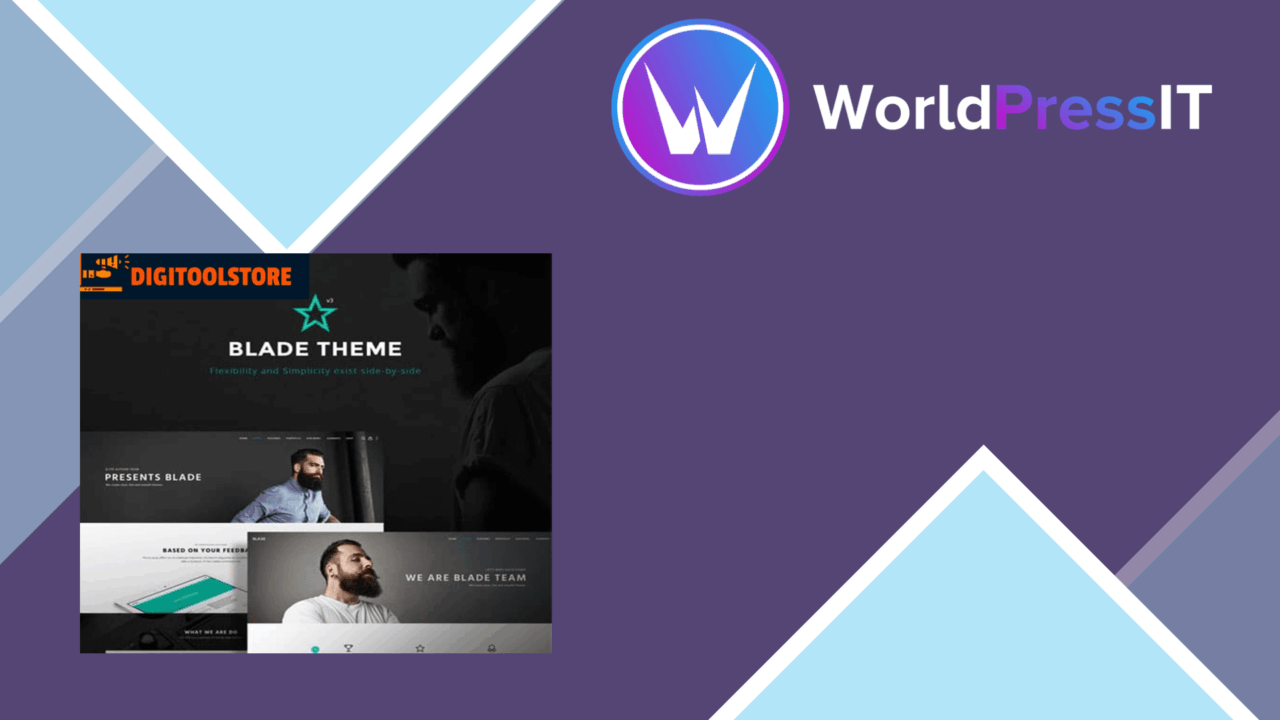
Blade is a general-purpose WordPress theme built for sites that do not fit a single format. Its stated scope covers blogs, business websites and shops, with responsive layouts, configurable headers and footers, an integrated drag-and-drop page builder and several pre-built demos. That breadth gives a site owner a starting point for different projects, but it also means the theme is a toolkit rather than a tightly defined visual system.
A broad starting point
The main appeal is the combination of ready-made layouts and controls for shaping a site around its own content. The pre-built demos provide a route past a blank installation, while the advanced theme options panel is intended to handle customisation without requiring code. This suits a small business owner who needs a branded site, a blogger who wants more control than a basic blog template, or a developer assembling several different types of project.
Blade is also described as fully responsive, so its layouts are designed to adapt across screen sizes and devices. That matters for a theme intended to serve several site categories: a page structure that works for a desktop business homepage still needs to accommodate smaller screens and mobile visitors. The responsive claim is part of the theme’s design specification, not a substitute for checking the actual content and branding choices used on a particular site.
Layout control
Header and footer layouts are both customisable, which gives the theme control over two areas that often determine how distinct a WordPress site feels. A business site can use these regions to reflect its branding, while a blog can give navigation and supporting information a different arrangement. The drag-and-drop builder adds another layer of control for page content, allowing users to compose pages visually instead of relying entirely on hand-written layouts.
- Responsive layouts for different screen sizes and devices.
- Customisable header and footer arrangements.
- An integrated drag-and-drop page builder.
- Multiple pre-built demo layouts.
- An advanced options panel for changes without coding.
Store and content options
Blade lists compatibility with WooCommerce, so it is positioned for sites that need both editorial pages and an online shop. It also lists Elementor compatibility, giving users the option to work with that separate visual page-building workflow. The combination is useful for a site that needs more than a fixed set of theme templates, although the exact division of responsibility between Blade’s own builder, Elementor and the theme options panel is something to clarify before committing to a particular editing workflow.
The theme is also described as having an SEO-friendly structure. Treat that as a foundation rather than a complete search strategy: page content, information architecture and an SEO plugin or other site-level work still shape how a site performs in search. Blade’s contribution is the underlying theme structure, not a replacement for those decisions.
Where it falls short
Blade’s wide remit creates a practical trade-off. A multi-functional theme offers more starting points, but choosing among demos, header and footer arrangements, builder controls and theme settings takes more planning than a focused blog or business theme. The visual flexibility is useful when the site has a clear design brief; without one, the number of choices can make the build feel less directed.
The integrated builder is another consideration. It reduces the need for coding when assembling pages, but content created through a visual builder is typically more tied to that editing system than content written in the standard WordPress editor. Using both Blade’s builder and Elementor also introduces two page-building approaches to manage. That is not a problem for every project, but it is a reason to choose one primary workflow early.
Who it suits
Blade fits site owners who want one theme capable of covering editorial, business and WooCommerce requirements, with visual layout controls available throughout the build. It is a sensible candidate for a small business site that needs branded navigation and pages, a blog that needs more layout variety, or a developer who values pre-built starting points across projects. It is less attractive for someone who wants a narrowly opinionated theme with minimal configuration. Its value rests on using the flexibility deliberately: select a layout direction, establish an editing workflow, then use the header, footer and options controls to keep the result consistent.
The verdict
Download Blade Responsive Multi-Functional Theme and see for yourself
You get the full Blade Responsive Multi-Functional Theme release (v3.6.7), ready to install, plus every update that follows. One click and it is yours.
Download Blade Responsive Multi-Functional Theme v3.6.7- Instant download
- Original developer files
- Updated 17 Oct 2026
Related reviews
Browse all
Around – Multipurpose Business
A responsive business theme with imported demos, visual page building, WooCommerce support and controls for colours, fon…
Billiard
A responsive sports theme for clubs, fitness centres and sporting businesses, with WooCommerce, event listings and WPBak…
BeTheme Responsive Multi-Purpose
A responsive WordPress theme for blogs, business sites and online stores, with 600+ starter designs, visual layout tools…