FooEvents PDF Tickets
Turns event purchases into emailed PDF tickets that attendees can save or print, with branded templates, QR codes and WooCommerce ticket sales support.
Instant access Original unmodified files Free future updates
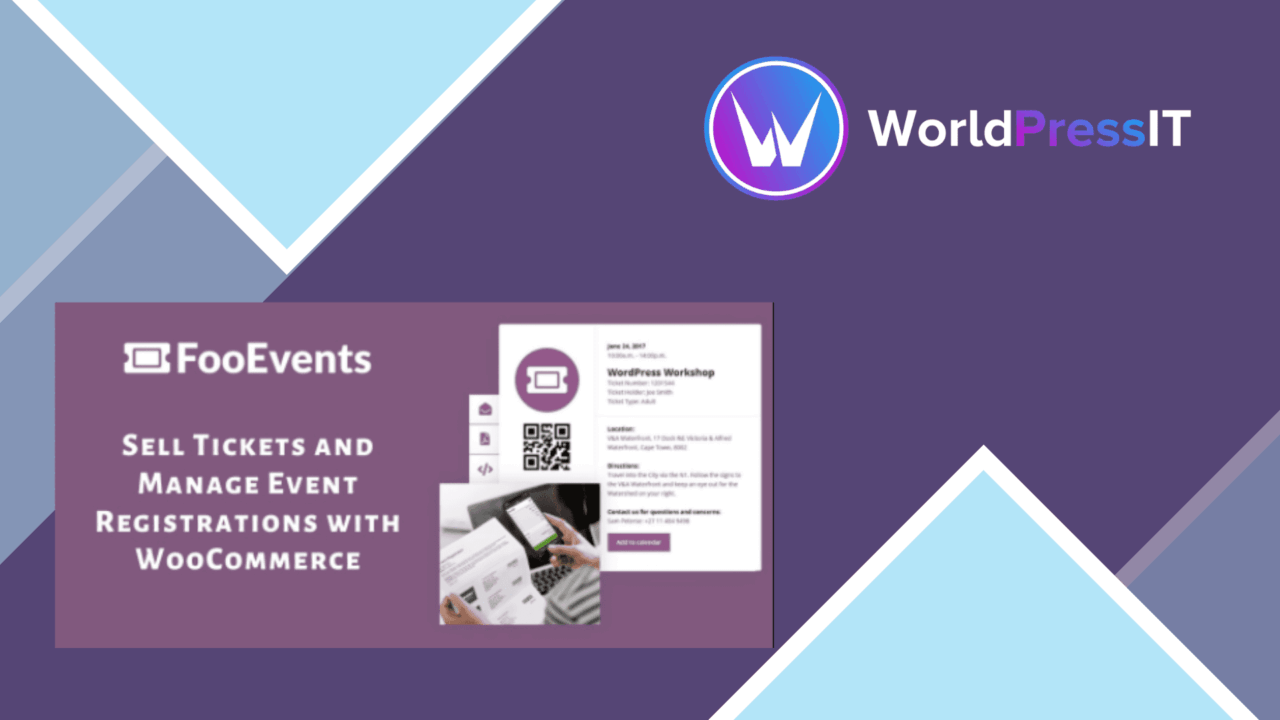
FooEvents PDF Tickets replaces the usual HTML ticket in the event email with a PDF attachment for the participant or ticket buyer. That makes the ticket easier to save, forward within the normal limits of an event workflow, and print, while keeping ticket generation tied to the purchase process.
PDF delivery after purchase
The main job is clear and practical: generate a PDF ticket automatically when an event ticket is purchased and include it in the email sent to the attendee or buyer. This removes a manual distribution step for organisers who would otherwise need to prepare files or direct customers to a separate ticket page.
The format also suits events where guests arrive with a printed ticket or keep a document on their phone. PDF is a more fixed format than an HTML email, so the ticket’s layout is less dependent on the recipient’s email client. The trade-off is that the email now carries an attachment, which introduces another item for customers to store and for organisers to account for in support instructions.
Ticketing features
As a FooEvents extension, the plugin sits inside an existing event-ticketing setup rather than trying to provide a separate event platform. Its listed capabilities cover several parts of the ticket lifecycle:
- Automatic PDF generation after purchase.
- Customisable ticket templates for event branding.
- WooCommerce integration for selling and managing tickets.
- Support for general admission and VIP ticket types.
- QR codes for checking attendees in.
- Reports covering ticket sales and attendee information.
- Multi-language support for audiences in different languages.
That combination gives organisers more than a simple file generator. Ticket type support helps distinguish different admissions, while QR codes provide a machine-readable option at the entrance. The reporting tools also keep sales and attendee details in the same operational area described by the product.
Branding and check-in
Customisable templates are useful when a generic attachment would look out of place beside the rest of an event’s communications. A branded PDF can carry the event’s visual identity, while the QR code provides a concise way to identify tickets during entry. The listing does not explain the template editor or the scanning workflow, so the practical depth of those controls is something to confirm before choosing it for a complex venue operation.
Support for multiple ticket types gives the PDF a role beyond general admission. VIP and other categories can be represented in the ticketing process, making the attachment relevant to different attendee groups rather than treating every purchase identically.
Where it falls short
The first limitation is architectural: this is a FooEvents extension, so it is not the right fit for a site that only needs standalone PDF generation or does not already use the FooEvents event model. Its WooCommerce connection is useful for stores selling tickets there, but it also ties the workflow to that commerce setup rather than offering a platform-neutral ticket pipeline.
The second trade-off is the choice of PDF delivery itself. A printable attachment is convenient, but it is less immediate to update than a live ticket page, and customers have to locate the correct file in their email or storage. Template customisation is listed, yet no detail is provided about the available design controls. Organisers with strict branding or unusual ticket layouts should treat that as an open question rather than assume a fully flexible editor.
Who should use it
FooEvents PDF Tickets suits event organisers who already sell tickets through WooCommerce and want each purchase to produce a ready-to-save document. It is particularly relevant to events using general admission and VIP categories, QR-based entry, and attendee reports. Sites seeking an independent event system, a live ticketing portal, or detailed control over the PDF design should first assess the dependency on FooEvents and the scope of its template tools.
The verdict
Download FooEvents PDF Tickets and see for yourself
You get the full FooEvents PDF Tickets release (v2.0.15), ready to install, plus every update that follows. One click and it is yours.
Download FooEvents PDF Tickets v2.0.15- Instant download
- Original developer files
- Updated 20 Oct 2026
Related reviews
Browse allLatePoint Addon
Two-way Google Calendar synchronisation for LatePoint appointments, with agent accounts, multiple calendars, reminders a…
MEC Advanced Reports Addon
Generate focused MEC reservation reports with filters for dates, events, categories, organisers and locations, plus atte…
Elementor Form Builder for MEC
Build event registration, contact, or feedback forms in Elementor, style their fields, and assign each form across MEC e…