WooCommerce Multiple Email Recipients
Routes WooCommerce order emails to several recipients, with category and order-type rules plus CC and BCC support for teams sharing fulfilment work.
Instant access Original unmodified files Free future updates
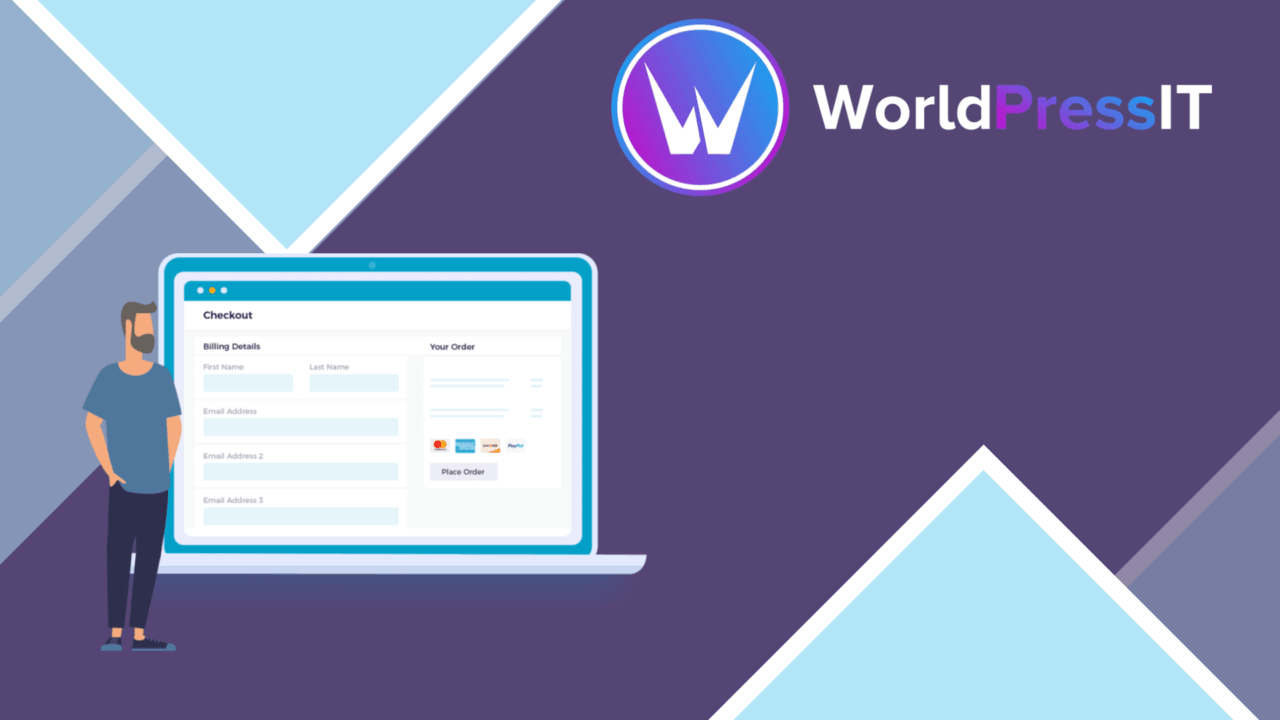
Sending an order notification to one inbox is often too narrow for a store with separate fulfilment, sales, or customer service responsibilities. WooCommerce Multiple Email Recipients adds recipient controls to WooCommerce email workflows, so relevant team members receive order updates without relying on customers or colleagues to forward messages manually.
Order emails, shared
The plugin is built around a straightforward operational problem: WooCommerce notifications need to reach more than one person. It supports multiple recipients for each order and works with the notification types listed by the vendor, including new orders, cancellations, and refunds. That gives a team a shared view of important order events while keeping the existing WooCommerce email system as the starting point.
This is more useful than simply putting a shared address into one setting. Different people can receive the same event, and the store does not have to depend on a single employee monitoring every order-related message. The feature is especially relevant where order handling is split between several roles or locations.
Routing by product
Recipient addresses can be customised for different product categories or order types. That provides a more specific routing model than sending every notification to the same group. A store selling distinct product lines, for example, can direct category-related updates towards the people responsible for those products.
- Send order notifications to multiple email addresses.
- Assign recipients for different product categories or order types.
- Add CC and BCC recipients when a copy needs to reach another address.
- Apply the approach to new order, cancellation, and refund notifications.
- Manage recipient settings from the WooCommerce settings area.
These controls keep the main use case close to WooCommerce’s existing workflow. The plugin is not presented as a separate order dashboard; its role is to decide who receives the email generated by the store.
Flexible recipient controls
CC and BCC support adds a useful distinction between primary recipients and people who only need visibility. That matters when a fulfilment address should handle an order while an accounts or management address receives a copy. The vendor also describes support for all WooCommerce email notifications, alongside the specific examples of new orders, cancellations, and refunds.
Configuration takes place through WooCommerce settings rather than a separate communication system. This gives administrators one familiar area for maintaining addresses and notification rules. Compatibility is described broadly with major WordPress themes and plugins, as well as payment gateway and order-management extensions in the supplied product information.
What to weigh
The main trade-off is administrative complexity. A single recipient list is simple, but category and order-type rules introduce more addresses and conditions to maintain. Stores with changing staff, product ranges, or fulfilment arrangements will need to keep those settings current to avoid sending messages to the wrong people.
There is also a notification-volume trade-off. Sending copies to several recipients, especially across new orders, cancellations, and refunds, gives wider visibility but places more email in each inbox. CC and BCC make distribution more flexible, yet they do not replace a clear decision about who genuinely needs each notification. The plugin also remains an email-routing tool: it distributes WooCommerce messages rather than providing a shared conversation, task queue, or central order-management workspace.
Who it suits
WooCommerce Multiple Email Recipients fits stores where order handling is shared and the default recipient arrangement is too limited. It is a practical choice for teams that need category-specific or order-specific routing, separate primary and copied recipients, and broader coverage across WooCommerce’s order notifications.
It is less compelling for a small store with one person handling every order and a single inbox already serving the business. For those stores, the additional recipient rules would add configuration without solving a real communication gap. For a growing operation, however, the plugin addresses a focused need: getting the right WooCommerce order messages to the right people.
The verdict
Download WooCommerce Multiple Email Recipients and see for yourself
You get the full WooCommerce Multiple Email Recipients release (v1.2.15), ready to install, plus every update that follows. One click and it is yours.
Download WooCommerce Multiple Email Recipients v1.2.15- Instant download
- Original developer files
- Updated 20 Oct 2026
Related reviews
Browse all
Enhancer for WooCommerce Subscriptions
Adds price changes, cancellation controls, renewal and expiry reminders, and separate shipping timing to WooCommerce Sub…
WooCommerce Restaurant Ordering
Online food ordering for WooCommerce, with menu customisation, order notifications, payment options and customer order t…

WooCommerce Lead Time
Show stock and delivery estimates for WooCommerce products, helping shoppers judge whether to order now or wait for avai…