BuddyPress Profile Visibility Manager
Control which BuddyPress members can see profile fields, with public, friends-only and private choices for communities that need more selective sharing.
Instant access Original unmodified files Free future updates
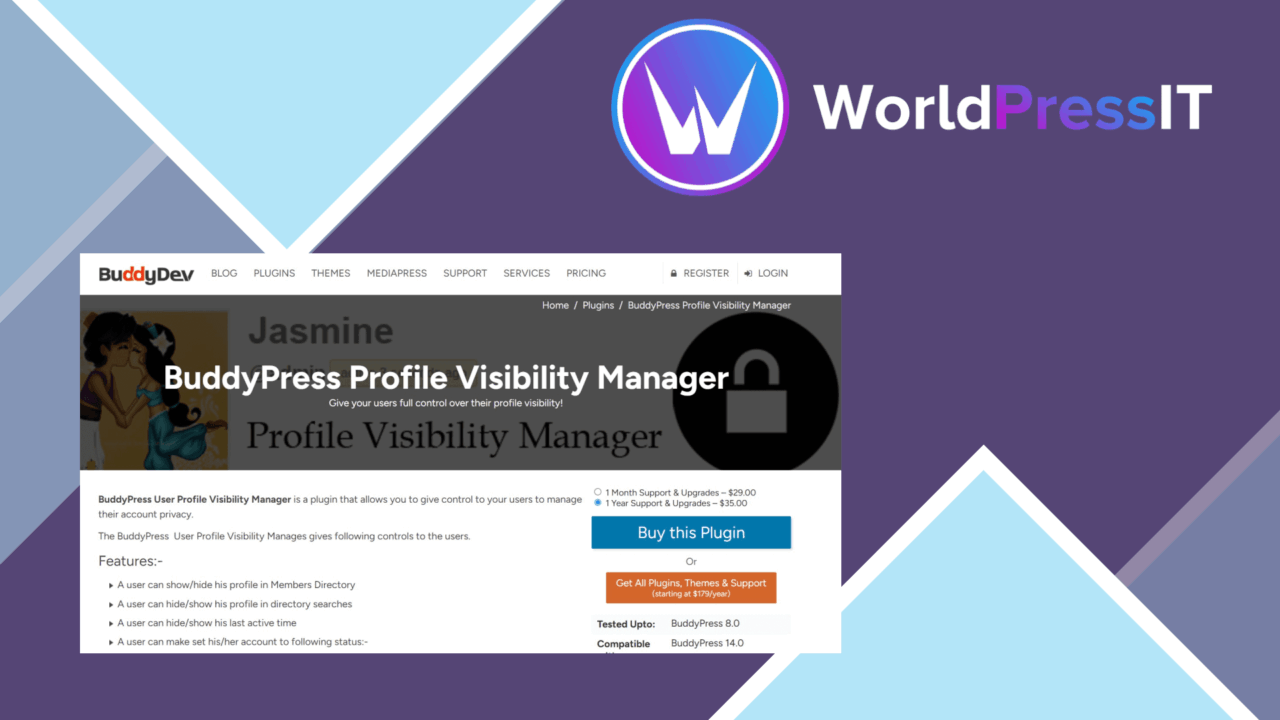
Profile visibility is often broader than members expect in a BuddyPress community. BuddyPress Profile Visibility Manager adds controls for deciding who can see profile information, giving administrators and members a more specific way to handle public, friends-only and private details.
Profile privacy
The plugin is focused on one clear problem: a BuddyPress profile does not need to expose every detail to every visitor. Its visibility settings let users choose an audience for individual profile fields rather than treating the whole profile as one fixed block. That distinction matters in communities where a member is comfortable sharing some information publicly but wants other details limited to connections or kept private.
The available audience choices are straightforward. A field can be presented to the public, restricted to friends, or marked private. Those labels give members a simple privacy model to understand, while still offering more control than a single site-wide profile setting. The interface is intended for member-facing changes, so users can adjust their choices without relying on custom code.
Control by field
Granular field visibility is the plugin’s main strength. Instead of asking administrators to build a separate privacy system, it places the decision around the profile information members already manage in BuddyPress. The concrete controls described by the developer include:
- Visibility choices for individual profile fields.
- Public, friends-only and private audience settings.
- Options for hiding selected profile sections from particular users.
- Controls covering activity streams and personal messages.
- A user-facing settings area for changing privacy choices with a few clicks.
This makes the plugin more useful for communities with different expectations around identity and participation. A public-facing member directory can coexist with profiles that reveal less information, while activity and messaging areas receive their own privacy treatment rather than being assumed to follow the profile’s general visibility.
Fits BuddyPress
BuddyPress Profile Visibility Manager is designed as an extension of existing BuddyPress profiles, not as a separate member-management interface. Its value therefore comes from working within the profile and social features a BuddyPress site already uses. The vendor also describes compatibility with current WordPress and BuddyPress versions, along with support for popular themes that support BuddyPress.
That positioning keeps the feature set easy to explain to members: open the profile privacy controls, choose an audience, and apply the choice to the relevant information. For administrators, the appeal is a focused privacy layer rather than a larger community suite with unrelated functions.
Where it falls short
The first trade-off is scope. This is a BuddyPress profile-visibility tool, so it addresses member profiles, activity streams and personal messages rather than providing a general privacy framework for WordPress content, custom post types or unrelated plugins. Sites needing one policy across all private content will need more than this focused feature set.
The second trade-off is the amount of choice it introduces. Public, friends-only and private settings are useful, but field-by-field control also gives members more decisions to make and administrators more privacy behaviour to explain. The plugin copy does not describe more advanced audience rules beyond those basic groups, so communities with role-based, membership-level or custom relationship requirements should assess whether the supplied choices match their policy.
Who it suits
This plugin suits BuddyPress communities where members should decide how much of their profile they share, especially sites that need a clear separation between public information, friend-visible details and private fields. It is also a sensible fit for administrators who want activity streams and personal messages included in the privacy discussion.
It is less suited to a site looking for a broad WordPress access-control system or highly customised visibility logic. For a community whose requirement is specifically selective BuddyPress profile sharing, though, the focused approach keeps the purpose clear and the available controls easy to communicate.
The verdict
Download BuddyPress Profile Visibility Manager and see for yourself
You get the full BuddyPress Profile Visibility Manager release (v2.0.3), ready to install, plus every update that follows. One click and it is yours.
Download BuddyPress Profile Visibility Manager v2.0.3- Instant download
- Original developer files
- Updated 20 Oct 2026
Related reviews
Browse allBuddyBoss Platform
Build a WordPress community with member profiles, activity feeds, groups, messaging, courses and membership controls, wi…
Image Upload for bbPress Pro
Add image uploads to bbPress topics and replies, with format support, size controls, moderation options, and responsive…
Ultimate Member Social Login Addon
Social sign-in for Ultimate Member sites, with account creation, branded login buttons, role controls and login-method a…