Social Chat PRO
A WhatsApp-focused chat widget for real-time visitor conversations, with branded greetings, automated replies, tracking and lead capture across messaging channels.
Instant access Original unmodified files Free future updates
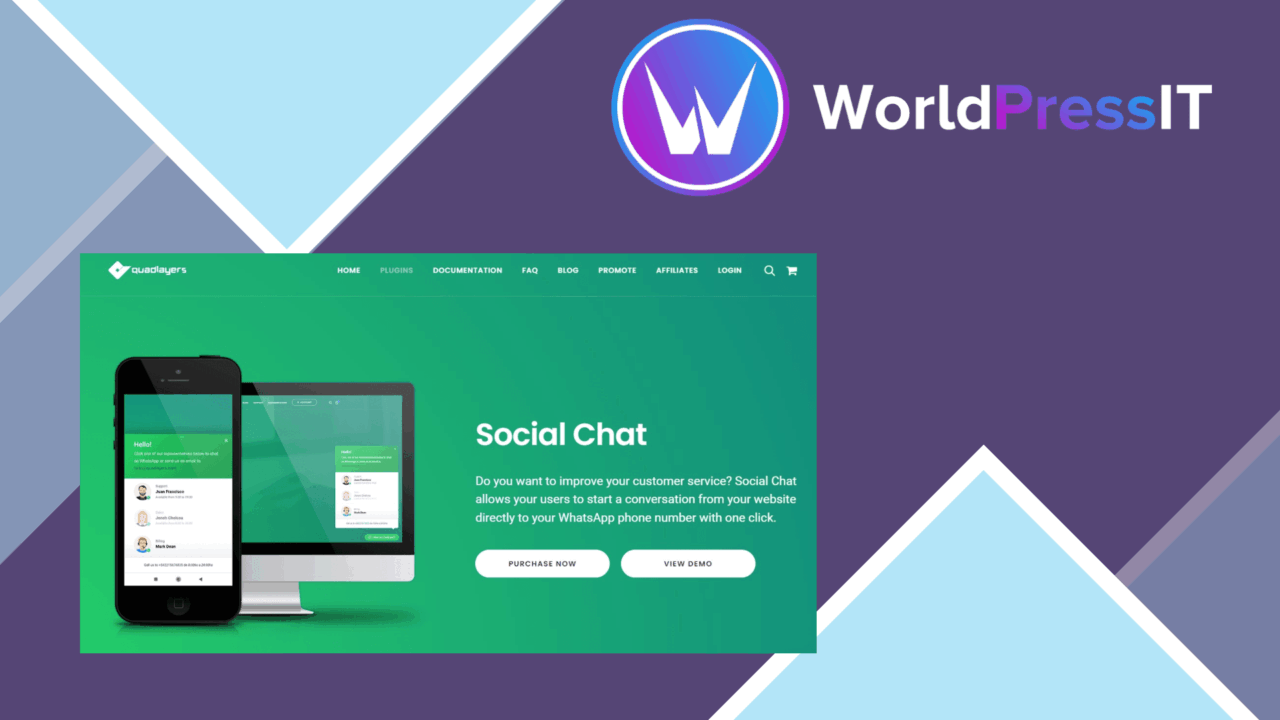
Social Chat PRO adds a real-time conversation layer to a WordPress site, centred on WhatsApp and extended to other messaging channels such as Facebook Messenger. Its purpose is straightforward: give visitors a visible way to start a conversation while they are browsing, then help the site owner manage that contact through custom greetings, automated replies and chat history.
What it brings
The plugin is built around a configurable chat widget rather than a standalone support portal. The widget can be adjusted to fit a site’s branding, so the chat entry point does not have to look like an unrelated element bolted onto the page. Visitors receive a direct route to the business, which suits sites where a question before purchase or sign-up is more useful than sending people to a general contact form.
WhatsApp is the clearest focus, but the listed multi-channel support also includes Facebook Messenger. That gives a business room to meet visitors on the service it already uses. The mobile-friendly design is important here: conversations that begin on a phone should remain accessible to the audience most likely to use messaging in the first place.
Conversation controls
Social Chat PRO combines several practical pieces of chat administration:
- Customisable chat boxes that follow the site’s visual identity.
- Greetings and automated responses for common questions.
- Visitor tracking to show who is currently on the site.
- Chat history management for reviewing previous conversations.
- Connections to WhatsApp and Facebook Messenger.
- Email marketing integration for capturing leads from chat interactions.
These features cover both sides of the interaction. A greeting lowers the barrier to starting a conversation, while an automatic response handles a predictable first question. Chat history gives the person handling support some continuity instead of treating every return visit as a blank conversation. Visitor tracking adds a proactive element, allowing the site owner to identify active visitors rather than waiting for every enquiry to arrive unaided.
From chat to leads
The email marketing integration makes Social Chat PRO more than a contact button. A conversation can become a lead-capture opportunity, particularly on a service or commerce site where visitors need reassurance before sharing their details. That connection also gives marketing teams a reason to keep the widget present beyond immediate customer support.
There is a sensible division of labour in the feature set. Automated replies deal with repeated questions, live messaging handles the questions that need a person, and chat history provides a record to refer back to. The value comes from using those parts together rather than treating the widget as decoration.
Where it falls short
A real-time chat feature creates an expectation of a timely human response. Automated messages help with first contact, but they do not remove the need for someone to monitor conversations and continue enquiries that do not fit the prepared answers. For a small team, the widget can therefore add a support queue as well as another route to customers.
Visitor tracking and stored chat history also bring data-handling responsibilities. The vendor description does not specify retention controls, consent settings or the detail available in tracking reports, so those points deserve checking before the feature is used broadly. Multi-channel support adds another operational trade-off: conversations arriving through WhatsApp and Facebook Messenger still need a clear process for ownership and follow-up.
Who it suits
Social Chat PRO fits businesses and content creators that already communicate through WhatsApp or Facebook Messenger and want that contact path visible on their WordPress site. It is especially relevant where visitors ask pre-sale questions, where a greeting can start a conversation, or where chat details need to feed an email marketing workflow.
It is less compelling for a site that only needs a simple contact link or has no capacity to answer incoming messages. For teams prepared to manage live conversations, the combination of branded presentation, automated replies, visitor visibility, history and lead capture forms a focused engagement tool rather than just another floating icon.
The verdict
Download Social Chat PRO and see for yourself
You get the full Social Chat PRO release (v8.3.11), ready to install, plus every update that follows. One click and it is yours.
Download Social Chat PRO v8.3.11- Instant download
- Original developer files
- Updated 21 Oct 2026
Related reviews
Browse all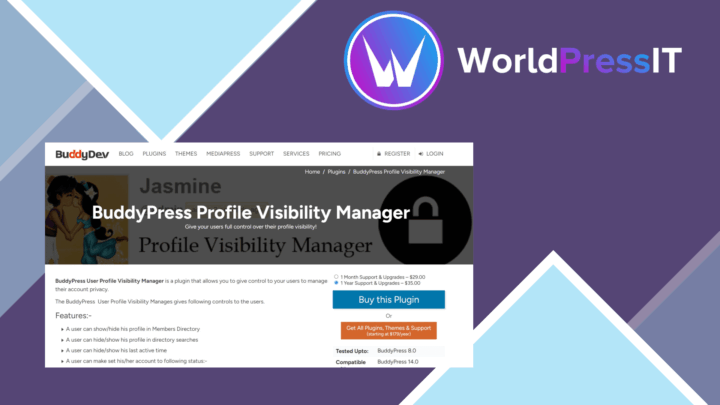
BuddyPress Profile Visibility Manager
Control which BuddyPress members can see profile fields, with public, friends-only and private choices for communities t…
BuddyBoss Platform
Build a WordPress community with member profiles, activity feeds, groups, messaging, courses and membership controls, wi…
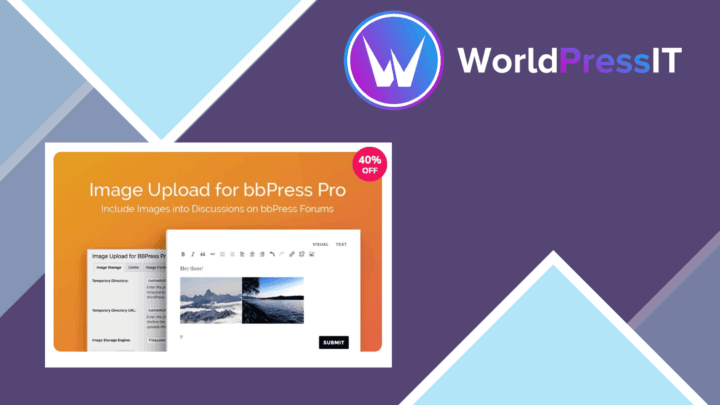
Image Upload for bbPress Pro
Add image uploads to bbPress topics and replies, with format support, size controls, moderation options, and responsive…