PenNews
Fast, responsive WordPress theme for blogs, businesses and shops, combining AMP compatibility, pre-built demos, drag-and-drop page building and mobile-focused design controls.
Instant access Original unmodified files Free future updates
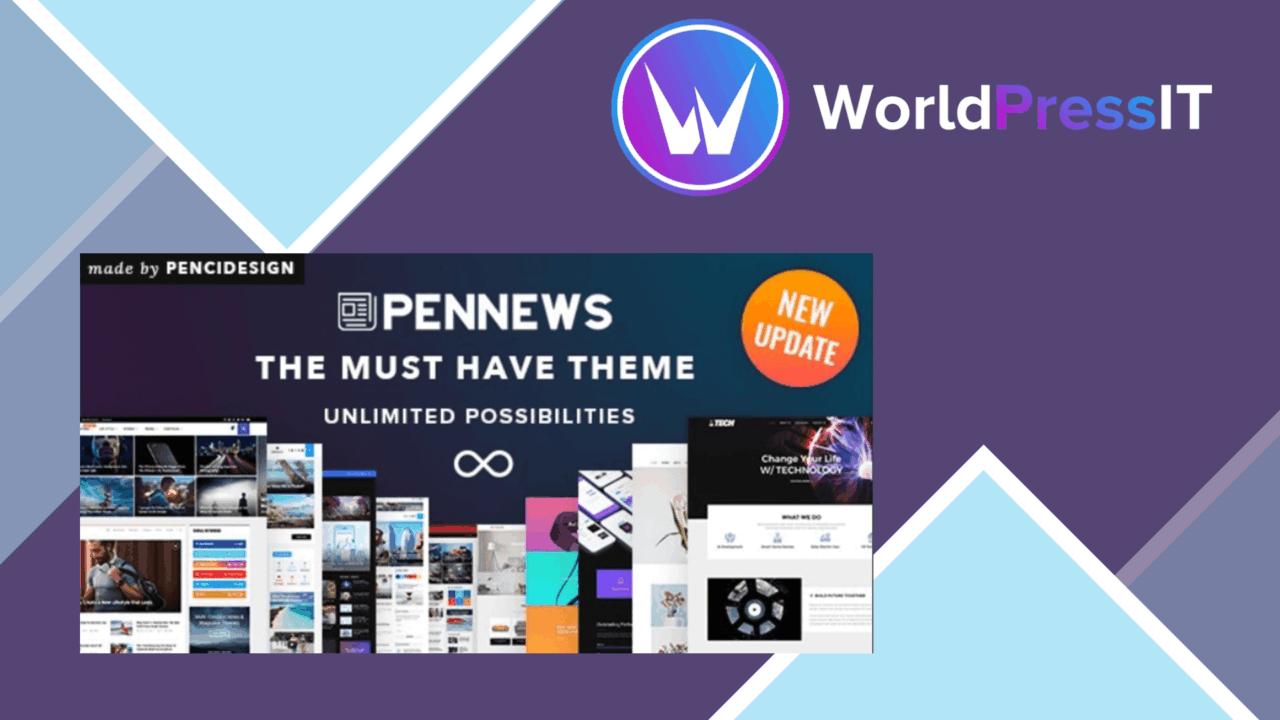
A broad WordPress theme for blogs, businesses and online shops, PenNews puts mobile delivery and rapid site assembly at the centre of its design. Its combination of AMP compatibility, responsive layouts, pre-built demos and drag-and-drop editing targets site owners who want a complete visual starting point rather than a blank theme framework.
A broad starting point
PenNews is built around variety. Multiple demos give a new project an established visual direction, while one-click demo import is intended to move the site from an empty installation to a populated layout quickly. That approach suits publishers and small businesses that want to adapt a recognisable structure instead of designing every page from scratch.
The theme also covers several presentation styles through advanced typography options. Font choices and style controls provide room to adjust the visual identity around a brand, whether the site needs a publication-led appearance, a business presentation or a shop-oriented layout. The useful distinction here is that PenNews supplies both the starting designs and controls for moving away from them.
Mobile-first foundation
AMP compatibility is the defining technical feature. PenNews is intended to produce a fast mobile experience, with responsive design extending the layout across desktops, tablets and smartphones. That makes the theme relevant to sites where a large share of visitors arrive on smaller screens and where page presentation needs to adapt across device sizes.
The vendor also positions the theme as SEO optimised, citing clean code and established best practices. That is a useful foundation for a content site, but it should be treated as a theme-level starting point rather than a complete search strategy. Content quality, information architecture and the rest of the site configuration still sit outside the theme.
Page building tools
The drag-and-drop builder is aimed at users who want to assemble layouts visually. It offers a more direct route to arranging page sections than editing templates by hand, and the demo library gives that editor a set of patterns to work from. The combination is particularly practical for a small team handling its own pages, landing areas and brand adjustments.
- AMP compatibility for mobile-focused delivery.
- Responsive layouts for desktop, tablet and smartphone screens.
- Multiple pre-built demos for different site directions.
- One-click demo import for a faster initial setup.
- Drag-and-drop page construction for visual layout work.
- Advanced typography controls for fonts and styles.
- Ongoing updates intended to keep pace with newer WordPress versions.
Where it falls short
PenNews offers a wide set of starting points, and that breadth brings decisions. Choosing a demo, adapting its structure and then tuning typography takes more judgement than selecting a narrowly focused theme with a fixed editorial layout. One-click import shortens the starting process, but it does not remove the work of deciding which visual system fits the site.
The drag-and-drop approach is another trade-off. It gives non-developers direct control over page composition, but it also adds a visual building layer that may be unnecessary for a site with a simple, repeatable publishing format. AMP emphasis creates a similar point to check: teams with a highly specific desktop design should review the available controls carefully rather than assume every visual requirement follows from the demo designs. Finally, the SEO positioning describes a clean foundation, not a guarantee of search performance.
Who it suits
PenNews makes the most sense for a site owner who values choice, visual control and a mobile-aware presentation in the same theme. Publishers can start from a magazine-style demo, businesses can shape a branded layout, and shop operators get a theme positioned for broader commercial use. It is less compelling for someone who wants the smallest possible theme with no demo catalogue or visual builder to manage.
Its strongest case is speed of assembly paired with design flexibility: import a direction, adjust the page structure, refine the typography and keep the layout responsive across devices. Teams should approach it with a clear content model and a willingness to make those configuration choices, rather than expecting the theme to decide the site structure for them.
The verdict
Download PenNews and see for yourself
You get the full PenNews release (v6.7.4), ready to install, plus every update that follows. One click and it is yours.
Download PenNews v6.7.4- Instant download
- Original developer files
- Updated 24 Oct 2026
Related reviews
Browse all
YOOtheme Pro and WidgetKit
A responsive WordPress theme and companion plugin for building custom layouts, adding sliders, galleries and maps, and m…
Vivaco
A multipurpose WordPress theme for portfolios, business sites and agency pages, with responsive layouts, visual page bui…
eCademy Elementor LMS Online Courses
Build and sell online courses in WordPress with an Elementor-based education theme, LMS integrations, student progress t…