FAT Event Event and Calendar Booking
Create recurring events, display them in a responsive calendar, collect attendee details and sell free or paid tickets with online payment support.
Instant access Original unmodified files Free future updates
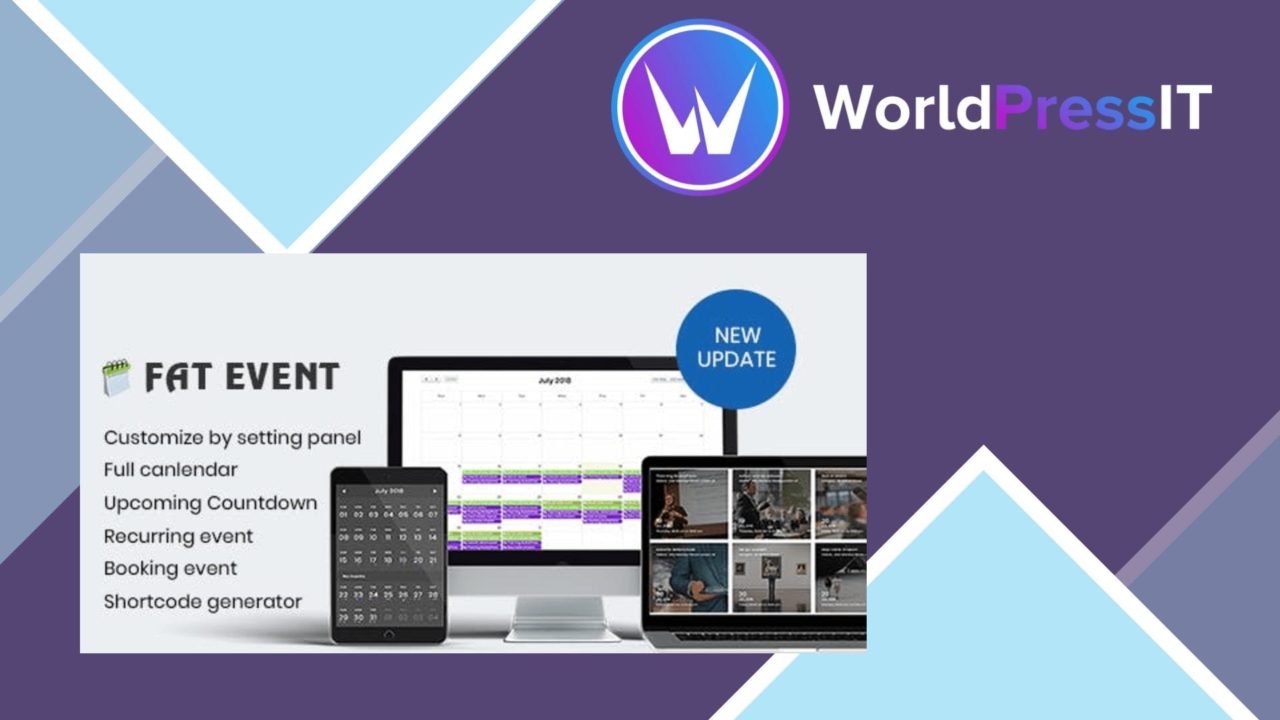
FAT Event Event and Calendar Booking brings event administration, calendar display and attendee registration into one WordPress plugin. Its scope suits organisations that need to publish individual or recurring events, present them in a calendar, collect registration details and handle free or paid tickets from the same site.
Built for event schedules
The central feature is an event creation interface with customisable fields for dates, event information and registration details. Recurring scheduling covers weekly, monthly and yearly patterns, which removes the need to recreate a regular class, meeting or appointment series one event at a time. A built-in calendar gives visitors an at-a-glance view of upcoming activities rather than forcing them through a long archive of separate event pages.
The plugin also includes Google Maps integration. That is a practical addition for venue-led events, where the location is part of the information attendees need before registering. Responsive design keeps the calendar and event information usable across desktop and mobile screens.
Tickets and registration
FAT Event supports both free and paid events, with multiple ticket types for an event that needs more than one admission option. For example, an organiser can separate ticket categories instead of treating every attendee as the same registration. Custom registration forms collect the attendee information that matters to the event, while email notifications keep attendees and administrators informed about the booking process.
- Create events with configurable detail fields.
- Schedule weekly, monthly or yearly recurring events.
- Display upcoming events in a calendar view.
- Offer free or paid tickets with multiple ticket types.
- Collect tailored attendee information through registration forms.
- Send email notifications to attendees and administrators.
- Connect payment processing, including the stated PayPal integration.
Payment and administration
Payment support gives the plugin a wider role than a simple event calendar. Paid bookings and ticket categories can sit alongside free registration, while the settings panel provides a place to adjust the plugin’s behaviour and presentation. The vendor also describes integration with popular payment gateways, with PayPal specifically identified in the product summary.
This combination is most useful when the event page needs to do more than announce a date. A business, nonprofit or event planner can publish the schedule, collect the required attendee fields, offer ticket choices and send booking-related email from the same event workflow.
What to weigh
The broad feature set also creates setup work. Custom fields, recurring schedules, ticket types, registration questions, notifications and payment settings all need decisions before an event process is ready for visitors. That flexibility is useful for varied events, but a small site running occasional free gatherings may find the administration more than it needs.
Payment support is described in general terms beyond the stated PayPal integration, so sites that rely on a particular gateway should confirm that it is covered before planning a paid-ticket workflow around it. Recurring events and multiple ticket types also require careful calendar and capacity management by the organiser; the feature list does not describe more advanced operational controls.
Who it suits
FAT Event is aimed at sites that need a complete public event workflow rather than a calendar-only display. It is a reasonable fit for event planners, organisations with repeating programmes, businesses selling different admission options and nonprofits collecting registrations. The strongest case is a site where event information, attendee forms, ticket selection, location details and payment all belong together. Sites needing only a basic date list will likely use a smaller portion of what the plugin provides.
The verdict
Download FAT Event Event and Calendar Booking and see for yourself
You get the full FAT Event Event and Calendar Booking release (v5.17), ready to install, plus every update that follows. One click and it is yours.
Download FAT Event Event and Calendar Booking v5.17- Instant download
- Original developer files
- Updated 24 Oct 2026
Related reviews
Browse all
ShopMagic for WooCommerce Bookings
Automates WooCommerce booking emails, forms, payments and reporting so appointment-based businesses can manage customer…

WooTour
Tour booking for WordPress sites, with WooCommerce payments, date availability, flexible package pricing, customer accou…
Hotel Booking PriceLabs Integration
Dynamic rates from PriceLabs are synchronised with MotoPress Hotel Booking, keeping accommodation prices consistent acro…