WooCommerce One Page Checkout
A WooCommerce checkout plugin that puts the purchase steps on one page, with guest checkout, payment-gateway support, validation and mobile-friendly layouts.
Instant access Original unmodified files Free future updates
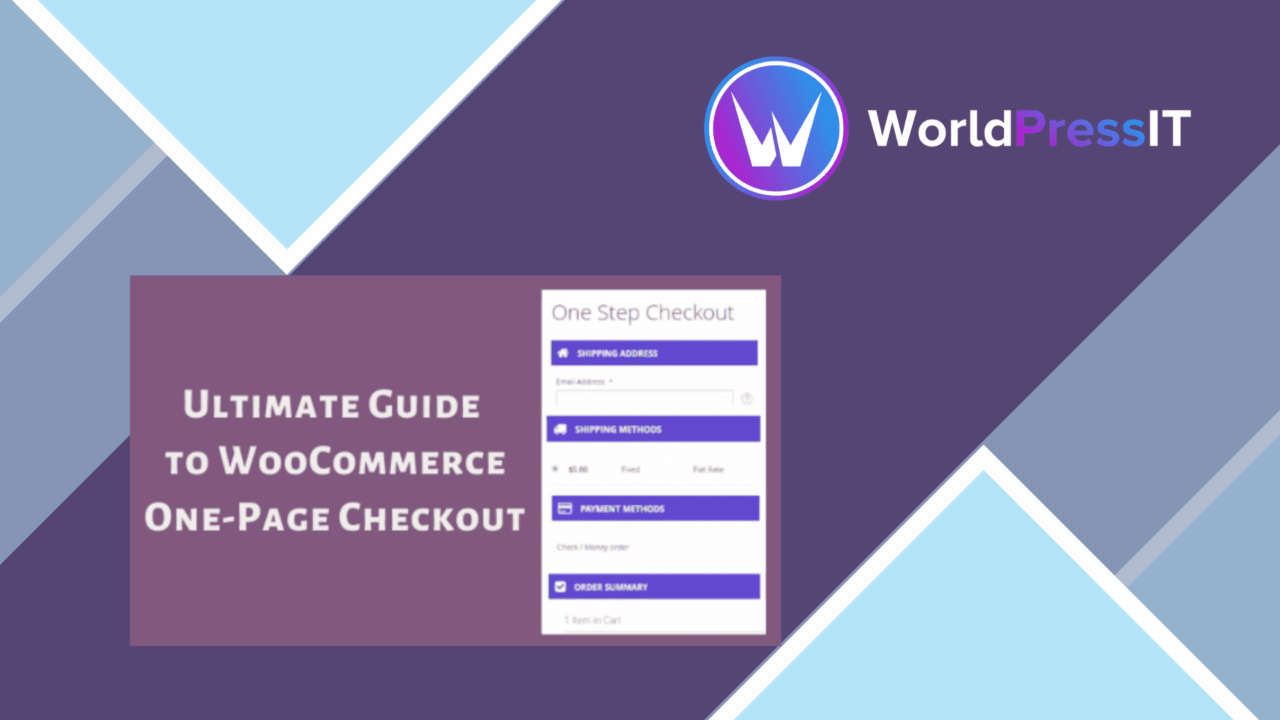
WooCommerce One Page Checkout replaces a longer, multi-step purchasing journey with a single checkout page. Its purpose is straightforward: keep product selection and checkout close together so customers spend less time moving through separate screens before placing an order. The feature set covers layout controls, guest purchasing, payment-gateway integration, validation, mobile presentation, promotional offers and checkout analytics.
A shorter checkout route
The central change is the single-page checkout experience. Instead of asking a customer to progress through a series of checkout stages, the plugin presents the process in one place. That suits stores where an interrupted checkout is a concern, particularly when the purchase itself is simple and the customer already knows what they want.
This is not just a cosmetic change to the checkout heading. The vendor describes the plugin as a way to consolidate all checkout steps, making the purchase journey easier to scan and complete. The likely benefit is less navigation between screens, while the trade-off is that the page has to present every required field and decision clearly.
Controls for the storefront
The plugin includes several controls aimed at fitting the checkout into an existing WooCommerce design and sales process:
- A customisable layout for matching the store’s branding.
- Guest checkout support for customers who do not want to create an account.
- Integration with various payment gateways.
- Real-time validation to identify errors during checkout.
- A mobile-responsive design for smaller screens.
- Upsell and cross-sell options on the checkout page.
- Analytics tracking for checkout performance and user behaviour.
These features give the one-page format a wider role than simply reducing the number of screens. Guest checkout removes an account-related barrier, while real-time validation is intended to catch mistakes before the customer submits the order. Payment-gateway support keeps the checkout connected to the store’s existing payment choices, although the supplied information does not name the supported gateways.
Offers and measurement
Upsells and cross-sells are notable because they put related product suggestions directly into the purchase stage. That gives a store a way to present additional offers without sending the customer back to a product page. Used carefully, this keeps the purchasing path together; the placement also means these offers need to remain subordinate to the main order.
Analytics tracking adds a way to monitor checkout performance and user behaviour. This is useful for identifying how the checkout is performing as a process, but the vendor copy does not specify the reports, metrics or analytics service involved. Treat it as a tracking facility rather than assuming it provides a complete conversion-analysis system.
What to weigh
A single page is not automatically a simpler page. Stores with many checkout fields, payment choices, upsells or cross-sells could create a dense interface, especially on mobile. The layout controls and responsive design address presentation, but they do not remove the need to decide which information belongs on the page.
The second reservation is integration detail. The plugin is described as working with various payment gateways and popular WooCommerce extensions, yet no compatibility list is supplied. Stores that rely on less common gateways or several checkout-related extensions should confirm those combinations before making the one-page format their primary checkout.
Finally, analytics tracking is described at a high level. There is no information about event definitions, reporting screens or integrations, so stores needing detailed funnel analysis should not assume those tools are included. These limitations do not undermine the core checkout change, but they matter when the plugin is being assessed as a broader conversion system.
Who it suits
WooCommerce One Page Checkout fits a store that wants a more compact purchase path without abandoning familiar WooCommerce features. It is particularly relevant to businesses that accept guest orders, serve mobile shoppers, use several payment gateways or want related offers visible during checkout. The customisable layout also makes it a practical option for stores that need the checkout to follow their existing branding.
Its strongest case is a focused catalogue with a checkout that benefits from fewer transitions. Stores with complex order rules or a crowded set of checkout additions should give more attention to page organisation and extension compatibility. For a simpler WooCommerce purchase journey, the combination of one-page presentation, validation, mobile support and basic performance tracking addresses the main friction points described by the vendor.
The verdict
Download WooCommerce One Page Checkout and see for yourself
You get the full WooCommerce One Page Checkout release (v2.9.6), ready to install, plus every update that follows. One click and it is yours.
Download WooCommerce One Page Checkout v2.9.6- Instant download
- Original developer files
- Updated 29 Oct 2026
Related reviews
Browse all
WooCommerce Elavon Converge Payment Gateway
Process card, eCheck and other Elavon payments through WooCommerce, with tokenized records, multi-currency support and o…

Aelia Tax Display by Country for WooCommerce
Country-aware WooCommerce tax display using IP geolocation, with support for multiple tax classes and configurable prici…

GetPaid Multi-Currency
Multi-currency pricing for WordPress stores, with location-based detection, automatic exchange-rate updates, payment gat…