WooCommerce Order Barcodes
Unique order barcodes for WooCommerce stores, with Code 128 and QR support plus printing or export options for fulfilment, reservations and event-style tickets.
Instant access Original unmodified files Free future updates
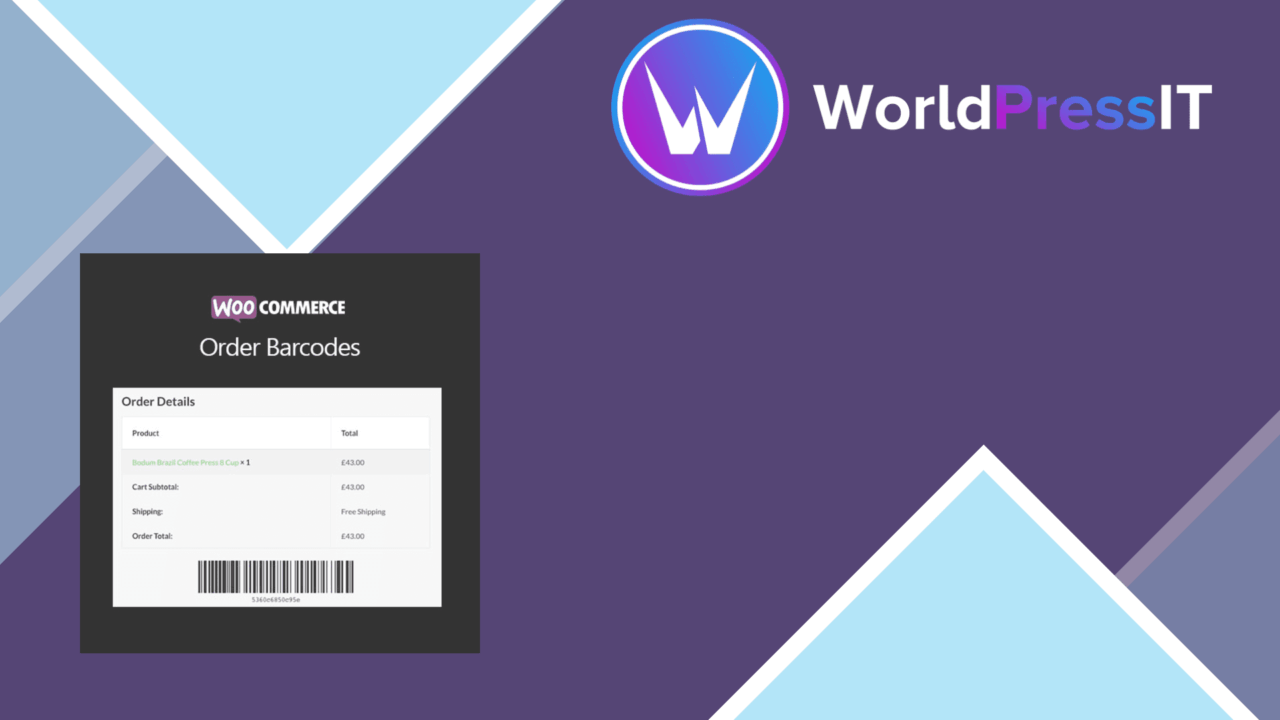
WooCommerce Order Barcodes gives every WooCommerce order a unique barcode that can serve as a practical reference during fulfilment, collection or admission. Its scope is clear: turn order tracking into a scan-friendly process, then make those codes available for printing or export.
Order-level identity
The plugin connects the barcode to the order rather than asking staff to create labels manually. That creates a consistent identifier for packing slips, reservations and e-tickets, and gives a store team a simple way to distinguish one order from another during routine handling.
This is most useful where an order moves through a physical checkpoint. A packing operator can work from printed codes, while a reservations or ticketing workflow gets a code associated with the relevant purchase. The benefit is not a new order-management system; it is a barcode layer applied to the order records WooCommerce already manages.
Formats and output
Format support covers Code 128, QR codes and other barcode types listed by the vendor. That gives you room to match the code to the equipment or process already used by your business, rather than committing to one visual format.
- Generate a unique barcode automatically for each WooCommerce order.
- Use Code 128, QR codes and other supported barcode formats.
- Adjust barcode settings for branding and operational requirements.
- Print codes from the order page.
- Export barcodes for bulk printing.
- Work alongside popular shipping plugins for shipping label generation.
Printing from the order page suits occasional handling and small teams. Exporting for bulk printing is the more practical route when several orders need preparation together. Customisable settings also help keep the barcode presentation aligned with the store’s working documents.
Operational fit
The strongest use cases are stores with a physical handoff after checkout. A fulfilment desk can associate a packed order with its code, an event operator can use codes for ticket checking, and a reservation business can keep a scannable reference with each booking order. These are focused improvements to identification and handling rather than broad changes to the WooCommerce checkout.
Compatibility with popular shipping plugins extends the barcode beyond the basic order page and into shipping-label workflows. That matters for stores already using a shipping extension, although the exact integrations and label layouts are not specified in the available product information.
What to weigh
The plugin generates and presents barcodes, but the listing does not describe a built-in scanning station, scanner hardware workflow or inventory system. Stores still need the people, devices and surrounding process that will read the codes and act on them. It is therefore a practical identifier, not a complete warehouse or ticket-validation platform.
There is also some planning involved in choosing formats and setting up printed output. Code 128 and QR codes serve different workflows, and the available information does not explain the full range of layout, export or bulk-print controls. Shipping compatibility is described in broad terms rather than through a named integration list, so teams with a specialised label setup should confirm the fit before relying on it.
Who it suits
WooCommerce Order Barcodes suits stores that need a repeatable code for every order and already have a fulfilment, reservation or ticket-handling process around WooCommerce. It is a sensible fit for packing slips, event-style e-tickets and reservations where printed or exported codes are more useful than searching by order details.
It is less suited to a business looking for complete stock control, scanner management or detailed reporting. For the narrower job of assigning order barcodes, supporting several formats and making them printable, the feature set is well focused.
The verdict
Download WooCommerce Order Barcodes and see for yourself
You get the full WooCommerce Order Barcodes release (v2.1.1), ready to install, plus every update that follows. One click and it is yours.
Download WooCommerce Order Barcodes v2.1.1- Instant download
- Original developer files
- Updated 5 Oct 2026
Related reviews
Browse all
WooCommerce Elavon Converge Payment Gateway
Process card, eCheck and other Elavon payments through WooCommerce, with tokenized records, multi-currency support and o…

Aelia Tax Display by Country for WooCommerce
Country-aware WooCommerce tax display using IP geolocation, with support for multiple tax classes and configurable prici…

GetPaid Multi-Currency
Multi-currency pricing for WordPress stores, with location-based detection, automatic exchange-rate updates, payment gat…