PrivateContent
Content access rules for membership sites and courses, with multiple user levels, registration management, shortcodes and role-based visibility in WordPress.
Instant access Original unmodified files Free future updates
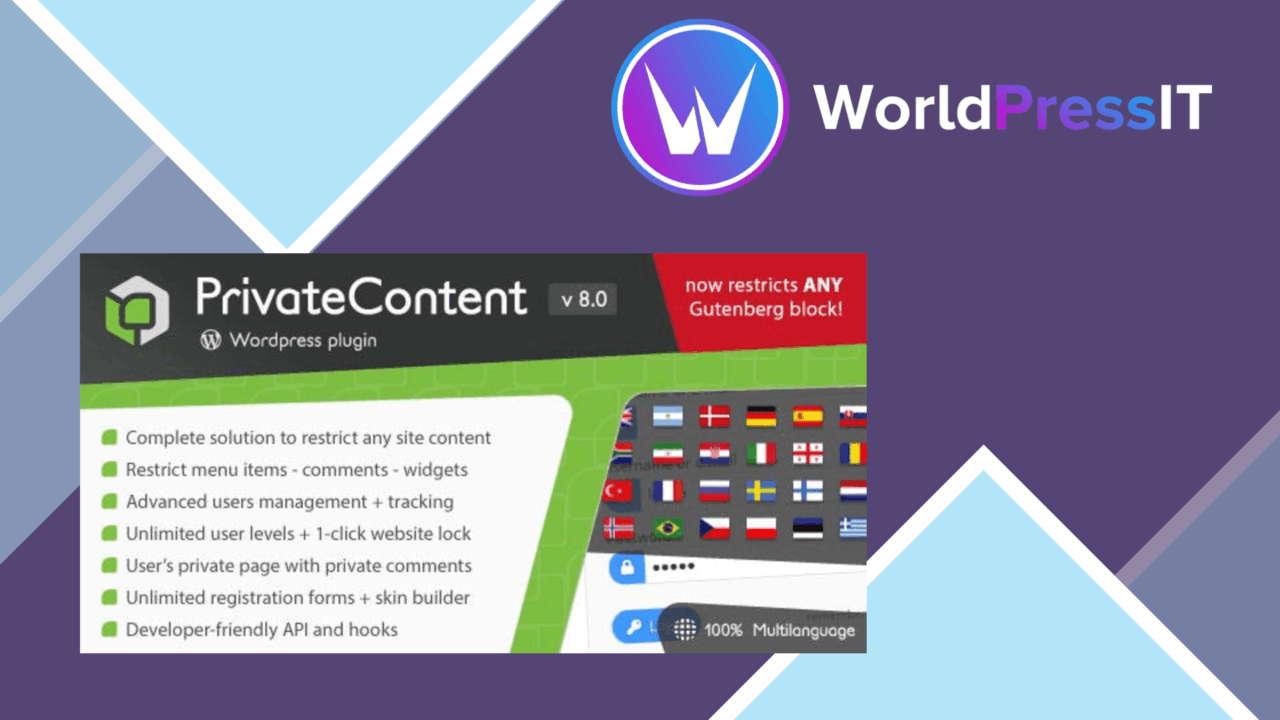
PrivateContent turns WordPress into a membership-oriented content control system. It is built for sites that need more than a simple logged-in or logged-out split: administrators can define multiple access levels, manage registrations and profiles, and decide which users see protected material. That makes the plugin relevant to membership sites, online courses and other websites where content visibility follows a role or subscription tier.
Access by level
The central idea is a set of separate access levels for different groups of users. Instead of treating every registered account alike, PrivateContent lets a site organise readers around roles or subscription levels and apply different visibility rules to each group. A course site could use that structure for staged material, while a membership site could reserve particular content areas for specific groups.
This approach is more precise than placing an entire site behind one login. The restriction engine is intended to cover any part of the website, so the access model can follow the way the content is organised rather than forcing every member into the same experience. The useful question is not simply whether a visitor is registered, but which level that visitor belongs to.
Rules and shortcodes
PrivateContent provides specific access rules for content visibility and supports shortcodes for displaying material according to a user’s access level. Shortcodes are a practical option when the protected and public versions of a page need to live together. They also give editors a direct way to place conditional content without writing custom code, which fits the plugin’s focus on configuration through WordPress rather than development work.
- Create multiple access levels for different user roles or subscription tiers.
- Restrict content according to the visitor’s assigned level.
- Manage user registrations and profiles from the WordPress dashboard.
- Use shortcodes to show content dynamically based on access.
- Connect the access model with listed membership tools including WooCommerce Memberships and MemberPress.
Administration model
User management is part of the same package as content restriction. Registration and profile administration sit inside the WordPress dashboard, giving site owners one place to handle accounts and access arrangements. That is particularly useful for a membership site where adding a user and assigning the right level are closely related tasks.
The settings are presented as an interface rather than a coding framework. Documentation is also included, which matters here because the quality of the result relies on matching user groups, rules and protected areas carefully. PrivateContent is therefore less about a single switch and more about setting up a repeatable access structure.
What to weigh
Multiple levels and custom rules bring a configuration cost. The more roles and subscription tiers a site introduces, the more carefully its administrator has to map users to content; an unclear structure could make access decisions harder to maintain. The plugin also centres its conditional display around shortcodes and configured rules, so editors who want a completely visual access-control workflow may find the model less direct.
Its named integrations are another boundary worth noting. Support is specifically described for WooCommerce Memberships and MemberPress, rather than for every membership or subscription service. Sites using a different membership stack should confirm that their existing user and subscription setup fits the plugin’s role-based approach before making it the centre of their content model.
Who it suits
PrivateContent is a sensible fit for a WordPress site with distinct audiences and content that should not be visible to everyone. It has the clearest use case in membership platforms, online courses and subscription-led publishing, where several access levels matter more than a single private area. Site owners who want dashboard-based user management, configurable visibility rules and shortcode-driven conditional content get a focused set of tools for that job.
It is less compelling for a small site that only needs one protected page or a basic login gate. Its value grows with the number of user groups and content areas that need separate treatment, provided the administrator is willing to maintain those relationships.
The verdict
Download PrivateContent and see for yourself
You get the full PrivateContent release (v9.0.3), ready to install, plus every update that follows. One click and it is yours.
Download PrivateContent v9.0.3- Instant download
- Original developer files
- Updated 30 Oct 2026
Related reviews
Browse allGetPaid
Paid trials let visitors try subscriptions, courses, or digital downloads for a limited fee, with trial settings, paymen…

LearnPress Certificates Add-on
Issue branded completion certificates from LearnPress with drag-and-drop layouts, course data fields, PDF output and aut…
LearnPress – Content Drip
Schedule lessons, quizzes and assignments by time or learner progress, giving LearnPress courses a paced structure and a…