Chat
Real-time visitor chat, offline messages, conversation history and support analytics for WordPress sites that need a clearer route from questions to customer service.
Instant access Original unmodified files Free future updates
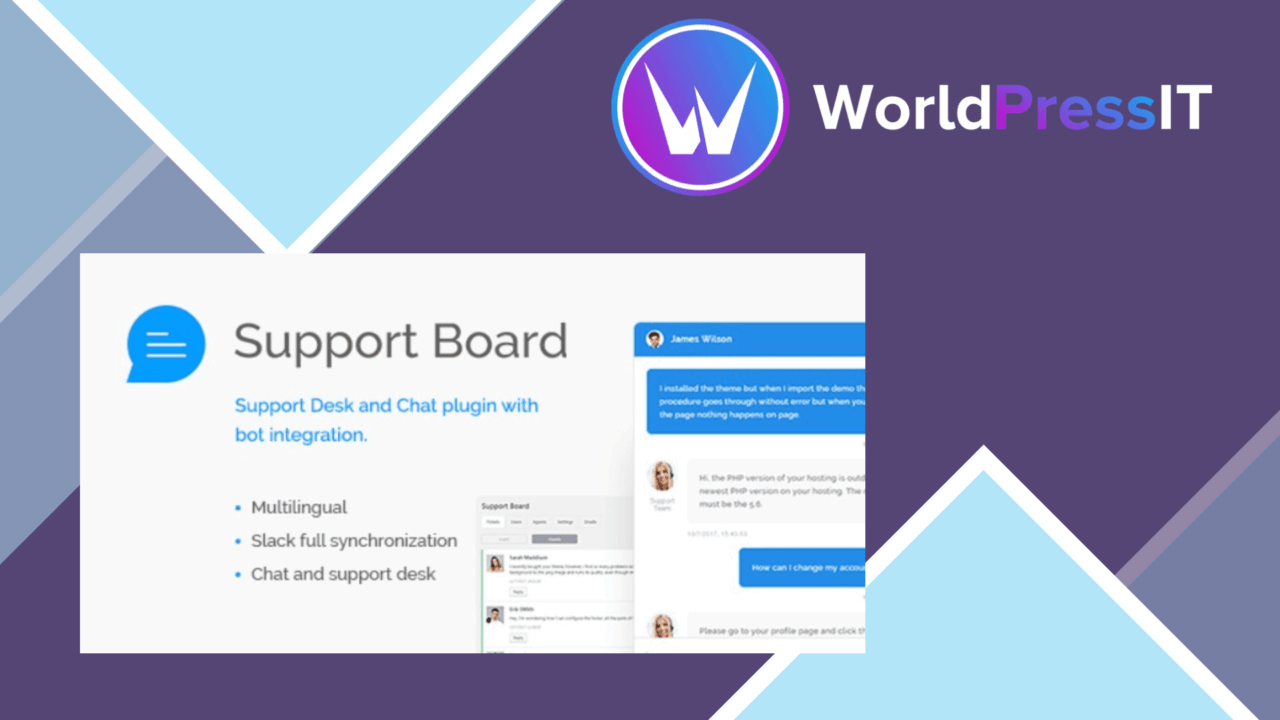
Real-time visitor chat, offline messages and a record of past conversations put customer support directly on a WordPress site. Chat – Support Board – WordPress Chat Plugin is aimed at eCommerce businesses, service providers and other organisations that need to handle questions while visitors are browsing. It combines the front-end chat widget with ticketing, membership features and support-agent tools, giving the product a wider remit than a simple contact bubble.
Conversations in real time
The core feature is direct communication between visitors and support agents. A visitor can start a conversation from the site, while an available agent responds without sending the customer to email or another service. That shorter route suits pre-purchase questions, service enquiries and basic help requests. The widget is customisable, so its appearance can be brought closer to the site’s existing branding rather than treated as a separate visual element.
Support does not stop when an agent is away. Offline messaging gives visitors a way to leave a message, which preserves the enquiry for later attention instead of forcing them to wait for live coverage. This is particularly useful for sites serving customers across different working hours, although the quality of the follow-up still rests on the support process behind the widget.
Useful support records
Chat history gives agents a reference point for earlier conversations and follow-up work. That record is more useful than a one-off exchange when a customer returns with a related question or when another member of the support team needs context. The wider ticketing system also positions the plugin as a place to organise support requests, rather than only as a live conversation tool.
The listed capabilities include:
- Real-time chat between website visitors and support agents.
- Offline messages for enquiries received outside staffed hours.
- Chat history management for reference and follow-up.
- A customisable widget that can match the site’s branding.
- Multi-language support for a broader customer base.
- CRM integrations and an analytics dashboard for support activity and engagement.
Visibility beyond the inbox
The analytics dashboard adds a view of chat performance and user engagement, which gives an owner more than a queue of unanswered messages to inspect. CRM integrations extend the conversation record into customer relationship workflows, reducing the need to treat support chat as an isolated channel. Multi-language support is also relevant for sites whose customers do not share one preferred language, while the mobile-responsive design keeps the widget accessible on smaller screens.
What to weigh
The breadth of the feature set is also the main trade-off. Live chat is only as useful as the agent coverage behind it, so a site without someone monitoring conversations will need to rely on offline messages and later follow-up. That creates an operational requirement rather than a purely technical one.
The plugin also brings several support surfaces together: chat, tickets, history, CRM connections, membership and analytics. A small site that only needs a basic contact form could find that scope unnecessary, while an organisation using separate CRM and reporting processes will need to decide how much information should be maintained in more than one place. The analytics dashboard offers visibility into chat activity, but it is a support view rather than a substitute for every wider business reporting system.
Who it suits
Chat – Support Board fits WordPress sites where visitor questions are part of the sales or service journey and support needs to remain close to the page being viewed. eCommerce stores can use live conversations for shopping questions, service providers can handle enquiries before a booking or consultation, and larger support operations can make use of ticketing, history, CRM integration and analytics. It is less compelling for a site that has no live support coverage or has no need to retain conversations after they end.
The verdict
Download Chat and see for yourself
You get the full Chat release (v3.8.8), ready to install, plus every update that follows. One click and it is yours.
Download Chat v3.8.8- Instant download
- Original developer files
- Updated 1 Nov 2026
Related reviews
Browse allGravity Perks Disable Entry Creation
Stops selected Gravity Forms submissions from being retained as entries, while leaving email notifications, integrations…
Awedesk Pro Almighty Support Pro
Centralises customer enquiries in WordPress with ticket management, team assignment, SLA tracking, mobile access and ser…
MainWP Cost Tracker Assistant Extension
Track plugin, theme and website expenses from the MainWP Dashboard, with renewal reminders, organised cost records and r…