Productify
WooCommerce product displays with grid, masonry, carousel and list layouts, plus filtering, quick view and page-builder support for more flexible catalogues.
Instant access Original unmodified files Free future updates
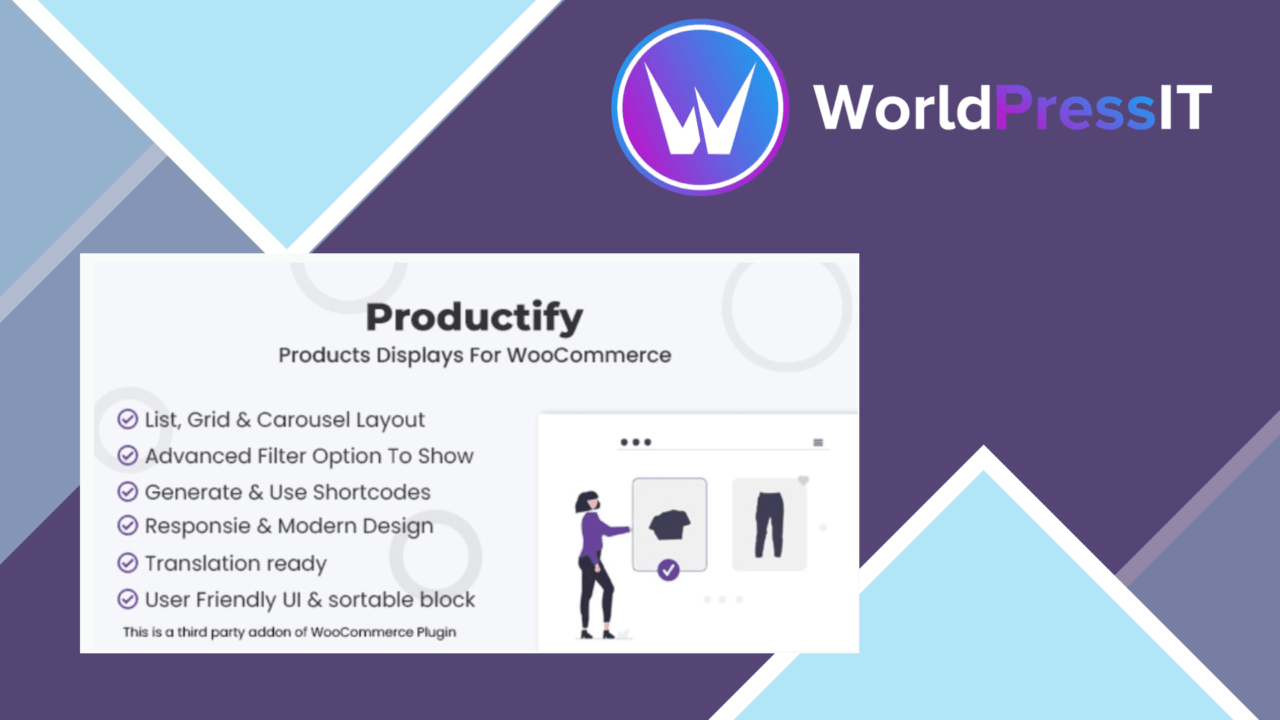
Productify is a WooCommerce display plugin for store owners who need more control over how products appear beyond a standard shop archive. It focuses on presentation rather than inventory or checkout, combining several catalogue layouts with filtering, quick view, responsive behaviour and connections to familiar page builders.
Product presentation
The central idea is straightforward: give a shop more ways to arrange its products and make those arrangements fit the surrounding design. Productify supports grid, masonry and list views, with carousel layouts also highlighted in the product description. That range covers the common ways a catalogue is introduced on a homepage, landing page or shop-related section.
Theme matching is part of the appeal. The vendor describes the grids and lists as customisable, so the display does not have to remain a fixed block with one visual treatment. Responsive design is also included, which is important for a product display that needs to remain usable across desktop, tablet and mobile screens.
Layouts and builders
Productify is aimed at sites where product presentation changes from section to section. A grid suits a broad catalogue, a list gives product information a more compact reading order, and masonry provides a less uniform arrangement for stores with varied product imagery. A carousel offers another way to present a selected set without occupying the full page.
Elementor and WPBakery integration gives users of those builders a route into that flexibility rather than forcing every display into a single native WooCommerce template. The shortcode generator adds a second practical option for placing displays in locations that are not handled by a page-builder module.
Filtering and quick view
Filtering addresses the browsing problem directly: customers can narrow a larger product selection instead of relying only on pagination or broad category navigation. The vendor does not specify which filter fields are available, so the precise usefulness will depend on how the plugin maps to a store’s catalogue and product attributes.
Quick view is another convenience layer for browsing. It lets shoppers inspect product information from the display without treating every item as a separate page visit. Used alongside a grid, list or carousel, that keeps attention on the catalogue while giving customers a faster route to product details.
What to weigh
The breadth of display choices is also the main source of complexity. Grid, masonry, list and carousel layouts create more decisions about spacing, hierarchy and the amount of product information shown. Stores with a simple catalogue may find that a standard WooCommerce archive needs less configuration.
Page-builder and shortcode support provide placement options, but they also introduce more pieces to coordinate with the theme and the rest of the site’s editing workflow. Productify’s description confirms responsive design and theme customisation, but it does not give details about performance under large catalogues, accessibility behaviour, available filter types or the exact controls exposed by each builder integration. Those are sensible points to verify before making it the foundation of a complex shop layout.
Who it suits
Productify fits WooCommerce stores that want product displays to play a more deliberate role in the site design. It is particularly relevant for catalogue pages that need more than one presentation style, stores using Elementor or WPBakery, and layouts where filtering or quick view reduces friction during browsing.
It is less compelling for a shop that only needs a conventional product archive and has no interest in custom placement. For the right catalogue, though, the combination of layout choices, shortcode placement, builder integration and browsing tools makes Productify a focused way to reshape how products are presented without changing the underlying purpose of WooCommerce.
The verdict
Download Productify and see for yourself
You get the full Productify release (v1.1.3), ready to install, plus every update that follows. One click and it is yours.
Download Productify v1.1.3- Instant download
- Original developer files
- Updated 8 Nov 2026
Related reviews
Browse all
WooCommerce AJAX Products Filter
Let shoppers narrow WooCommerce catalogues by attributes, categories, tags, taxonomies and price without waiting for a f…

WooCommerce Checkout Field Editor and Manager Pro
Customise WooCommerce checkout fields with drag-and-drop positioning, conditional visibility, validation and tailored la…

Order On WhatsApp for WooCommerce
Send WooCommerce carts to a store’s WhatsApp number as pre-filled messages, giving shoppers a conversational alternative…