HappyForms Pro Contact Form Builder
Build contact, lead-generation, feedback, quote and survey forms in WordPress with drag-and-drop fields, conditional logic and spam controls.
Instant access Original unmodified files Free future updates
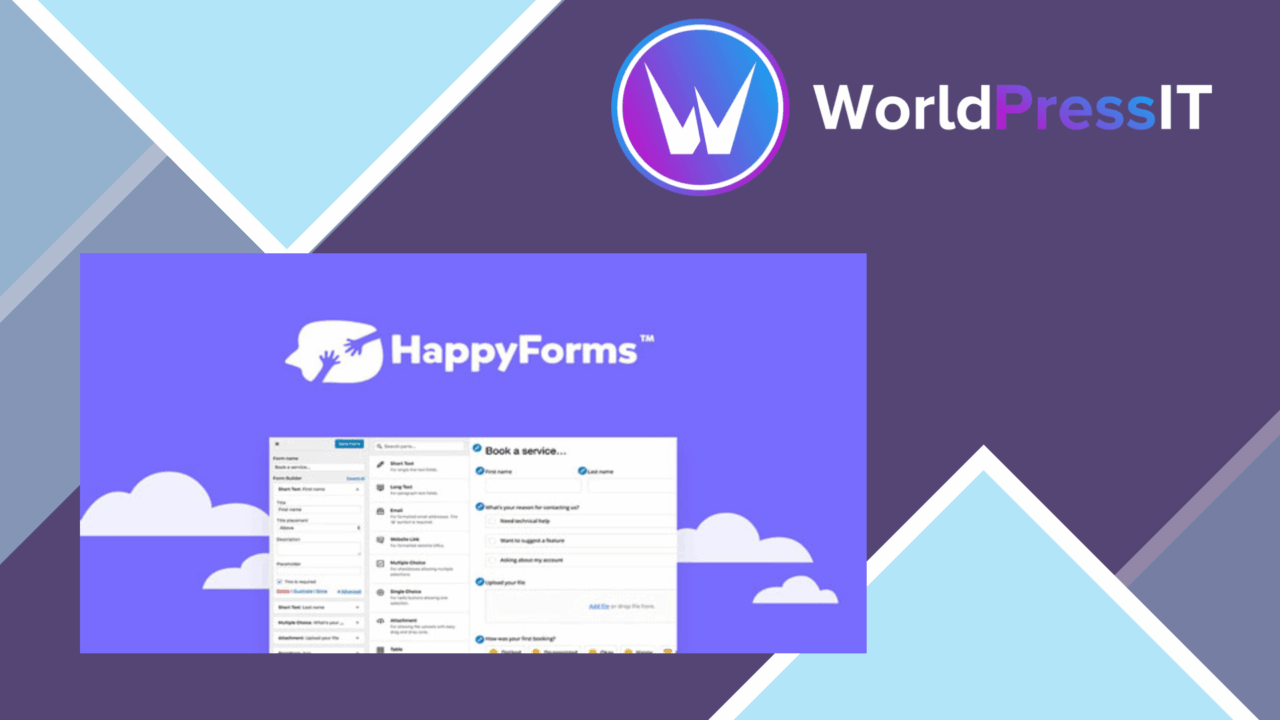
HappyForms Pro Contact Form Builder is a WordPress form builder for site owners who need more than a single basic contact form. Its drag-and-drop editor is aimed at people who want to assemble fields visually, while the broader feature set covers lead generation, feedback, quote requests, surveys and general visitor enquiries. The result is a form tool focused on collecting conversations and routing submissions by email.
Building forms visually
The central appeal is the drag-and-drop form builder. Instead of constructing each form from scratch, you can arrange fields and customise the form from one interface. Pre-built templates provide a faster starting point for common purposes, including contact forms and lead-generation forms. That approach suits a small business owner or blogger who needs a tailored form but does not want to design every element from an empty canvas.
Conditional logic adds a more useful layer to the editor. Fields can be shown or hidden according to a visitor’s earlier input, so a quote request or enquiry form does not need to expose every question to every person. Multi-step forms split longer questionnaires into stages, which gives the visitor a more focused sequence to complete.
Useful collection tools
HappyForms covers several common ways of collecting information rather than treating every form as a simple message box. A feedback form can ask for responses in a structured way, a lead form can gather details for follow-up, and a survey can organise a larger set of questions. Quote forms are another practical fit for service businesses that need to collect project or requirement details before replying.
- Drag-and-drop editing for arranging and customising fields.
- Pre-built templates for recurring form types.
- Conditional logic for showing or hiding fields based on responses.
- Multi-step layouts for longer forms.
- Customisable email notifications for form submissions.
- Mailchimp and AWeber integrations for email marketing workflows.
Submission handling
The plugin includes configurable email notifications, giving administrators control over the messages sent after a form submission. Mailchimp and AWeber integrations extend the collection process into email marketing, which is useful when a form serves as the first step in an ongoing subscriber or lead workflow.
Spam protection is handled through honeypot and reCAPTCHA options. Those controls address a practical problem for public forms: a site owner needs to distinguish genuine enquiries from automated submissions before the inbox becomes difficult to manage. Responsive design is also part of the feature set, so forms are intended to remain usable across desktop and mobile screens.
What to weigh
The visual builder is convenient, but it also means the experience is centred on HappyForms’ editor rather than fine-grained hand-authored markup. Developers looking for complete control over every field or layout detail should account for that trade-off. Conditional logic and multi-step flows add useful structure, though they introduce more decisions to make and more paths to review than a short single-page contact form.
The integrations list names Mailchimp and AWeber, but the supplied information does not establish a wider set of marketing connections. Sites built around another email service should confirm that their preferred workflow is covered before making HappyForms the centre of their lead process. Likewise, spam controls provide options rather than a guarantee that every unwanted submission will disappear.
Who it suits
HappyForms is a sensible fit for small businesses, bloggers and other site owners who need several kinds of visitor form without moving to a code-first workflow. It is particularly well matched to sites handling enquiries, quote requests, feedback and lead capture, where conditional questions and multi-step layouts have a clear purpose. Developers may appreciate the quick starting point, while teams seeking a narrowly defined contact form should decide if the wider builder is more capability than they need.
The verdict
Download HappyForms Pro Contact Form Builder and see for yourself
You get the full HappyForms Pro Contact Form Builder release (v1.38.10), ready to install, plus every update that follows. One click and it is yours.
Download HappyForms Pro Contact Form Builder v1.38.10- Instant download
- Original developer files
- Updated 8 Nov 2026
Related reviews
Browse all
Gravity Perks Unique ID Plugin
Generate readable or sequential identifiers for form entries, with custom formats, conditional logic, and display option…

Ninja Forms Save Progress
Lets Ninja Forms users save incomplete entries, receive a return link by email, and resume later instead of abandoning l…

Gravity Forms
Create detailed WordPress forms without coding, using conditional fields, multi-page layouts, file uploads, notification…