WooCommerce Free Shipping Bar
A WooCommerce progress bar shows shoppers how close they are to free shipping, with threshold rules, promotional messages and flexible display options.
Instant access Original unmodified files Free future updates
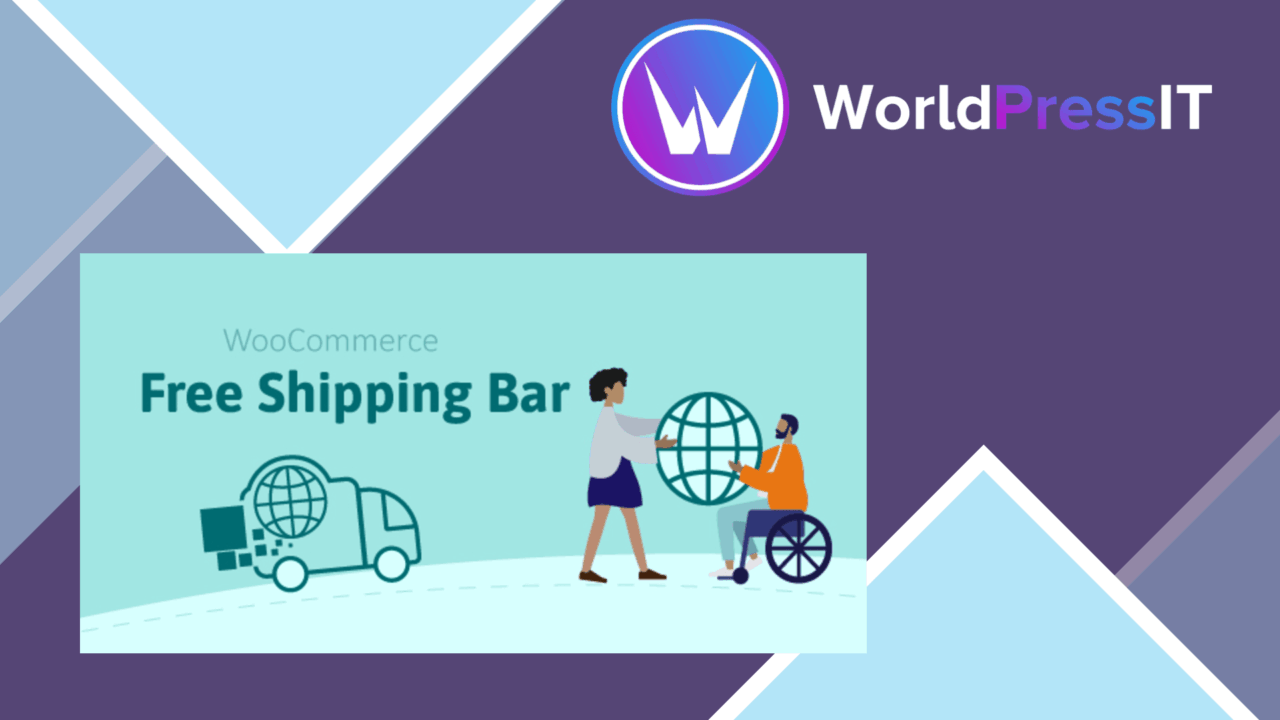
WooCommerce Free Shipping Bar adds a visible prompt to the shopping journey: customers see how much more they need to spend before qualifying for free shipping. The idea is straightforward, but useful when a store already uses free delivery as an incentive and needs to make that offer clearer at the point of purchase. Instead of leaving the threshold buried in a shipping page or checkout note, the plugin puts the target in front of the shopper while the cart is being built.
Clearer shipping incentives
The central feature is a real-time progress indicator tied to the free shipping threshold. As the cart total changes, the message is intended to show the remaining amount a customer needs to spend. That turns a fixed promotion into a more immediate prompt: a shopper who is close to the threshold has a reason to add another product rather than accept a shipping charge.
Store owners also get a choice of threshold logic. The bar supports rules based on the cart total or on product categories, which suits stores where free delivery applies to a particular range rather than the entire catalogue. Category-based rules require more thought than a single site-wide amount, especially for shops with mixed shipping policies, but they provide a more targeted way to present the offer.
Messages beyond the bar
The plugin is not limited to a numeric counter. Promotional messages can appear alongside the shipping bar, giving a store space to explain the offer or connect it to a broader sales message. The combination of a remaining amount and supporting copy is more informative than a generic free-shipping label: visitors get both the condition and the reason to keep shopping.
This also gives the bar a role beyond shipping communication. A message beside the progress indicator might point out a relevant promotion or reinforce a category-specific offer. The vendor does not describe a wider campaign system, so it is best viewed as a focused messaging layer attached to the free-shipping prompt rather than a general promotional engine.
Placement and presentation
Display options cover three common placements: a sticky bar, a pop-up, and an inline notification. A sticky bar keeps the incentive visible as visitors move around the store. An inline notice keeps the message closer to the cart or page content, while a pop-up gives it more prominence when the store wants an interruption rather than a persistent element.
Appearance settings are intended to match the site design, and the layout is described as mobile responsive. That matters because the shipping prompt needs to remain readable without taking over a narrow product or cart screen. Compatibility is also claimed for a range of WooCommerce themes and plugins, although the actual result will still depend on how a particular theme handles notices, headers and responsive spacing.
Tracking the result
Google Analytics integration provides a way to connect the shipping-bar feature with performance measurement. For a store already using Google Analytics, this creates an opportunity to assess whether the prompt is associated with useful shopping behaviour rather than treating it as a purely visual change. The listed feature is integration, not a replacement for Analytics reporting, so interpretation and campaign setup remain part of the store owner’s measurement work.
Where it falls short
The plugin has a narrow purpose, and that is also its main limitation. It addresses free-shipping communication rather than shipping calculation, fulfilment or a complete conversion-optimisation workflow. Stores without a clear free-shipping policy will gain little from adding a progress bar.
There are also presentation and configuration trade-offs. A sticky bar or pop-up keeps the offer prominent but introduces another element competing for attention, while an inline notice is less intrusive and easier to miss. Category-specific thresholds offer useful control but create more rules to maintain than one cart-wide target. Finally, Google Analytics support adds measurement potential, not automatic insight; the store still needs to decide which behaviour matters and how to read the resulting data.
Who it suits
WooCommerce stores with a defined free-shipping threshold are the natural fit. The plugin is most relevant when increasing basket value is part of the sales approach and customers benefit from seeing the remaining amount in real time. It also suits stores that need different thresholds for different product categories or want to choose between persistent, inline and interruptive presentation.
It is less suitable as a standalone answer to broader checkout problems. Its value rests on having a credible shipping offer, sensible threshold rules and a message that fits the store’s design. Used within those boundaries, it provides a focused way to make free shipping visible while customers decide what to add to the cart.
The verdict
Download WooCommerce Free Shipping Bar and see for yourself
You get the full WooCommerce Free Shipping Bar release (v1.3.1), ready to install, plus every update that follows. One click and it is yours.
Download WooCommerce Free Shipping Bar v1.3.1- Instant download
- Original developer files
- Updated 9 Nov 2026
Related reviews
Browse all
WooCommerce AJAX Products Filter
Let shoppers narrow WooCommerce catalogues by attributes, categories, tags, taxonomies and price without waiting for a f…
WooCommerce Checkout Field Editor and Manager Pro
Customise WooCommerce checkout fields with drag-and-drop positioning, conditional visibility, validation and tailored la…
Order On WhatsApp for WooCommerce
Send WooCommerce carts to a store’s WhatsApp number as pre-filled messages, giving shoppers a conversational alternative…