PowerPack Elements for Elementor
Elementor add-ons for building more flexible pages with custom widgets, dynamic content, responsive controls and imported design templates.
Instant access Original unmodified files Free future updates
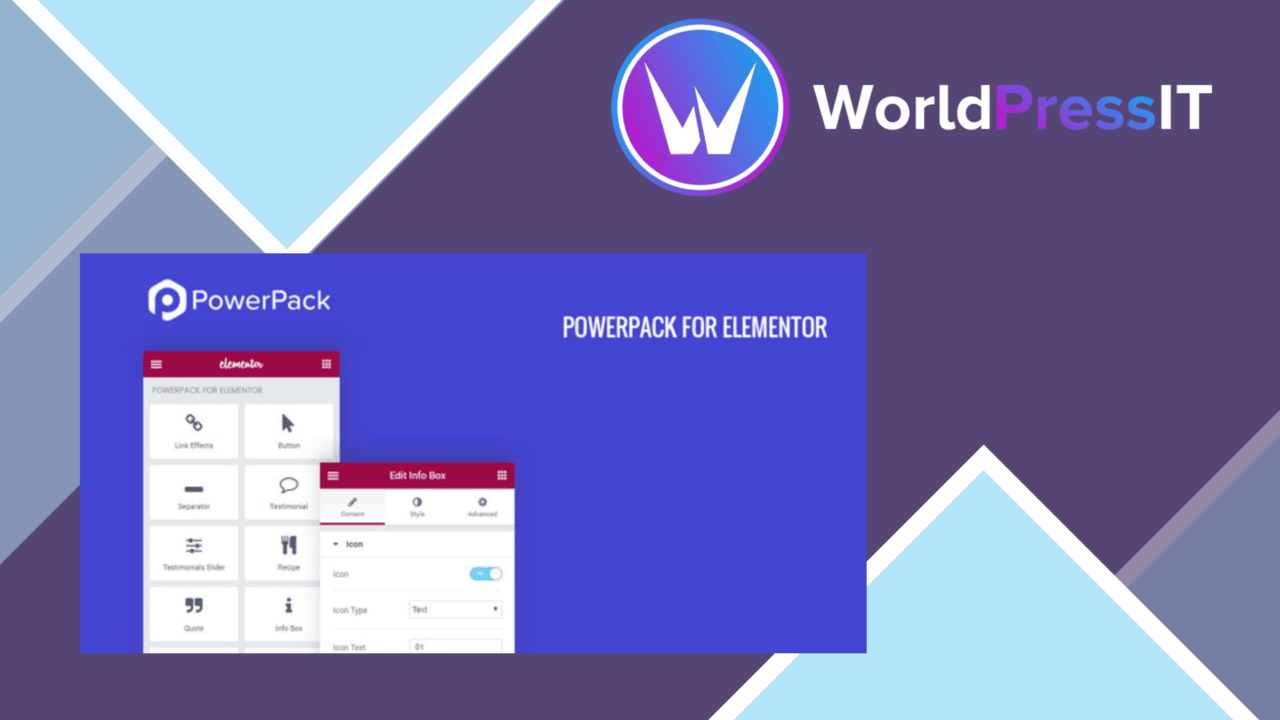
PowerPack Elements for Elementor expands the page builder with a large collection of widgets and extensions aimed at more customisable WordPress layouts. Its scope runs from straightforward content elements such as headings to more involved tools such as Posts widgets, giving designers a broader set of building blocks without requiring extensive coding.
More than extra widgets
The central proposition is breadth: the plugin provides over 50 widgets that extend Elementor’s existing toolkit. That range is useful when a site’s design needs more than the standard Elementor controls, particularly for pages that combine editorial content, branded presentation and repeated layout patterns. Each widget comes with styling options, so the work is not limited to dropping a fixed component onto the page and accepting its default appearance.
This makes PowerPack better suited to design-led builds than to a site that only needs one narrowly defined feature. The same collection can support simple sections and more structured content areas, with the level of control adjusted to the needs of each page.
Useful building blocks
- More than 50 custom widgets for extending Elementor’s page-building options.
- Advanced styling controls for matching widgets to a site’s branding and visual system.
- Posts widgets for presenting post content in more designed layouts.
- Dynamic content support for custom fields and post types.
- Responsive settings for adapting widget presentation across devices.
- Pre-built templates that can be imported and then customised.
The list covers the main practical reasons to consider the plugin. Responsive controls belong on individual widgets rather than being treated as an afterthought, while the combination of Posts widgets and dynamic content gives content-heavy sites a way to build layouts around their existing WordPress data.
Templates and dynamic content
Pre-built templates provide a starting point for pages that would otherwise need to be assembled from a blank Elementor canvas. Their value is not just speed: because the templates can be customised, they can serve as layout references while still being adapted to a site’s own content and branding.
Dynamic content support is the more significant feature for structured sites. Pulling information from custom fields and post types allows a layout to reflect WordPress data rather than relying entirely on manually entered text. That gives developers and experienced site builders more room to create repeatable page designs, while responsive controls help those designs account for different screen sizes.
What to weigh
The first trade-off is dependency: PowerPack is an Elementor extension, not an independent page builder. A site that does not already use Elementor has little reason to add it, and a project trying to minimise builder-specific components will be taking on another layer in its page-building stack.
There is also a selection cost. More than 50 widgets and extensive styling controls offer flexibility, but they also create more decisions for every page and can make a consistent design system harder to maintain without clear component guidelines. The dynamic-content features are most useful when a site already has meaningful custom fields or post types; simpler brochure sites may use only a small part of the collection. Compatibility with popular themes and plugins is stated by the vendor, but the breadth of any WordPress stack still makes compatibility something to account for during project planning.
Who it suits
PowerPack Elements fits designers and developers who use Elementor as their main editing environment and want more than its core widget set. It is particularly relevant to sites that need custom layouts for posts, reusable templates, data drawn from custom fields or post types, and device-specific presentation controls.
For a small site with a handful of static pages, the additional widget library may be more than necessary. For a broader Elementor build, though, the combination of widget variety, styling controls, templates and dynamic content forms a coherent extension rather than a single-purpose add-on. Its best use is as a wider design toolkit for projects where Elementor is already central.
The verdict
Download PowerPack Elements for Elementor and see for yourself
You get the full PowerPack Elements for Elementor release (v2.12.15), ready to install, plus every update that follows. One click and it is yours.
Download PowerPack Elements for Elementor v2.12.15- Instant download
- Original developer files
- Updated 10 Nov 2026
Related reviews
Browse allModulify Modules Addon for Elementor Page Builder
Create custom Elementor modules with your own images, titles, subtitles and links, using full-screen, icon-grid and resp…

Droit Addons For Elementor Pro
Adds 50-plus Elementor widgets, templates, dynamic content tools and WooCommerce-oriented design options for sites that…

Total Recipe Generator for Elementor
Create structured recipe cards inside Elementor, with ingredients, instructions, nutrition details, ratings and print-fr…