WC Builder Pro
Customise WooCommerce shop, product, cart and account pages inside WPBakery with purpose-built elements, templates and responsive styling without code.
Instant access Original unmodified files Free future updates
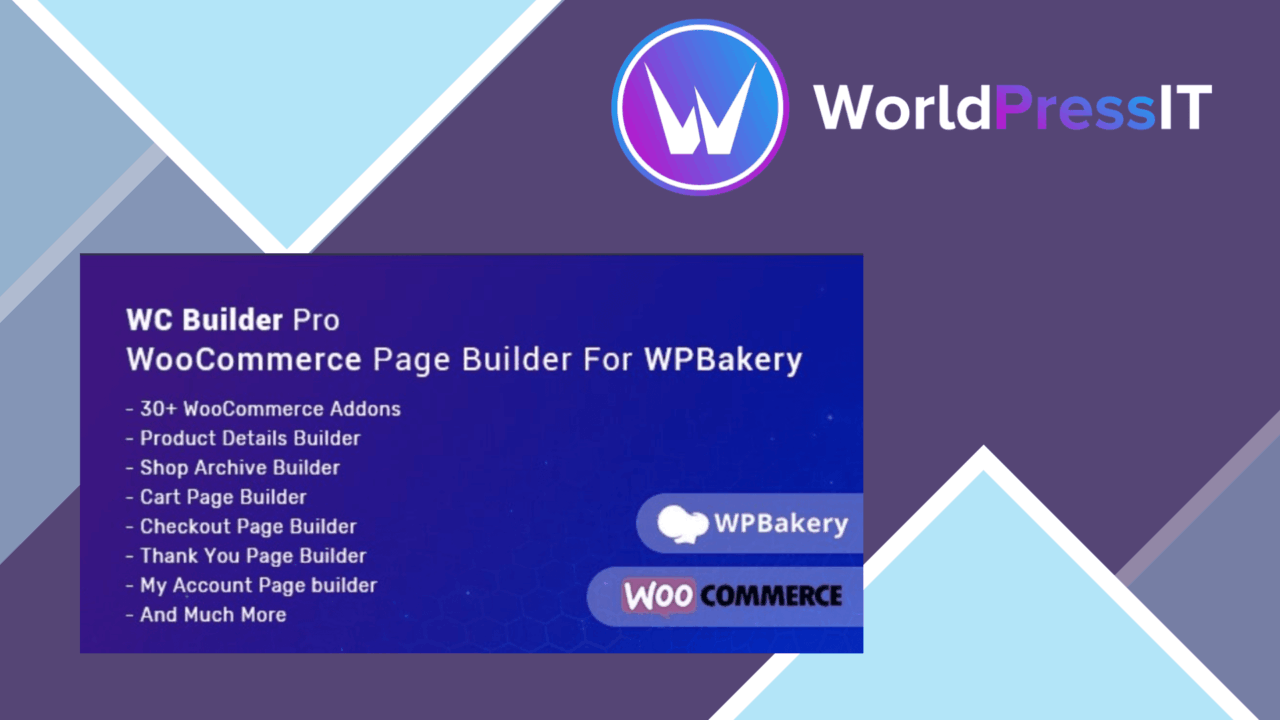
WooCommerce stores often inherit the same limited page structures, while the rest of a site is built around a particular visual language. WC Builder Pro addresses that gap inside WPBakery, providing dedicated building blocks for key WooCommerce pages rather than treating the shop as a separate, fixed part of the site. It is aimed at store owners and developers who want more control over layouts without writing PHP or template code.
What it covers
The plugin targets the main customer-facing stages of a WooCommerce journey. Its stated scope includes Shop, Product Details, Cart, Checkout, My Account and Thank You pages. That gives a WPBakery user one visual workflow for shaping product discovery, purchasing and account areas instead of relying solely on the layouts supplied by a theme.
The vendor describes the package as containing more than 34 custom WooCommerce elements. The precise element list is not provided, so the headline number is less useful than the breadth of page types it is intended to cover. Still, the product has a clear purpose: add WooCommerce-aware components to an existing WPBakery editing process.
Useful building blocks
WC Builder Pro combines layout controls with presentation settings that are familiar to users of visual page builders. The feature set includes:
- Drag-and-drop layout customisation through WPBakery
- Pre-built templates for starting new WooCommerce pages
- Customisable product grids and product lists
- Responsive design options for mobile layouts
- Font, colour and spacing controls
- Real-time previews before publishing
- An SEO-friendly page structure, according to the vendor
Those features make the plugin more than a collection of product display widgets. Templates shorten the route to a first draft, while grid, list and styling controls provide room to match the surrounding site. The preview is also useful for checking a layout as it develops rather than waiting until the page is published.
Where it fits
This is a focused choice for sites already committed to WPBakery. A designer working in that builder gets WooCommerce-specific components alongside the normal page-building tools, with responsive settings available for adapting the result to smaller screens. The separation between the store pages and the theme’s default templates is also useful when a shop needs its own visual treatment.
The strongest use case is a store that needs custom page layouts across several WooCommerce stages, not just a redesigned product archive. Shop and product presentation, basket and checkout screens, customer account pages and the post-purchase Thank You page are all named in the product’s scope. That broader coverage gives the builder a coherent role across the customer journey.
Where it falls short
The main limitation is its dependency on WPBakery. It is not presented as a general WordPress builder and is specifically designed for WPBakery, so it does not suit a site built around Elementor or another editing system. Choosing it therefore also means accepting WPBakery as part of the page-building stack.
The second trade-off is the amount of layout responsibility left to the site owner. Templates and styling controls provide a starting point, but the vendor does not describe a catalogue of finished designs, theme integrations or WooCommerce-specific behaviour beyond the listed page elements. Matching a store’s visual system may still require careful work with fonts, colours, spacing and responsive layouts. The claim of an SEO-friendly structure is useful context, but it is not a substitute for broader store SEO work.
Who should use it
WC Builder Pro suits WooCommerce projects where WPBakery is already in place and the default shop, product, cart, checkout or account layouts are too restrictive. It offers a practical visual route to customising those areas, with templates, responsive controls and dedicated product presentation elements in the same editor. Sites using another page builder, or projects looking for a standalone WooCommerce theme system, should choose a tool aligned with that existing setup instead.
The verdict
Download WC Builder Pro and see for yourself
You get the full WC Builder Pro release (v2.0.4), ready to install, plus every update that follows. One click and it is yours.
Download WC Builder Pro v2.0.4- Instant download
- Original developer files
- Updated 10 Nov 2026
Related reviews
Browse all
WooCommerce Order Proposal
Create branded WooCommerce proposals with product details, pricing and terms, then send them by email or PDF while track…
WooFoo
Create restaurant menus inside Elementor with category filtering, responsive layouts, branded typography, media-rich ite…

WooCommerce Software Add-on
Sell software through WooCommerce with automated licence keys, activation management, download controls and reporting fo…