Bookly Special Days Add-on
Create date-specific prices, availability and services in Bookly, giving salons, clinics and fitness businesses a clearer way to manage busy events.
Instant access Original unmodified files Free future updates
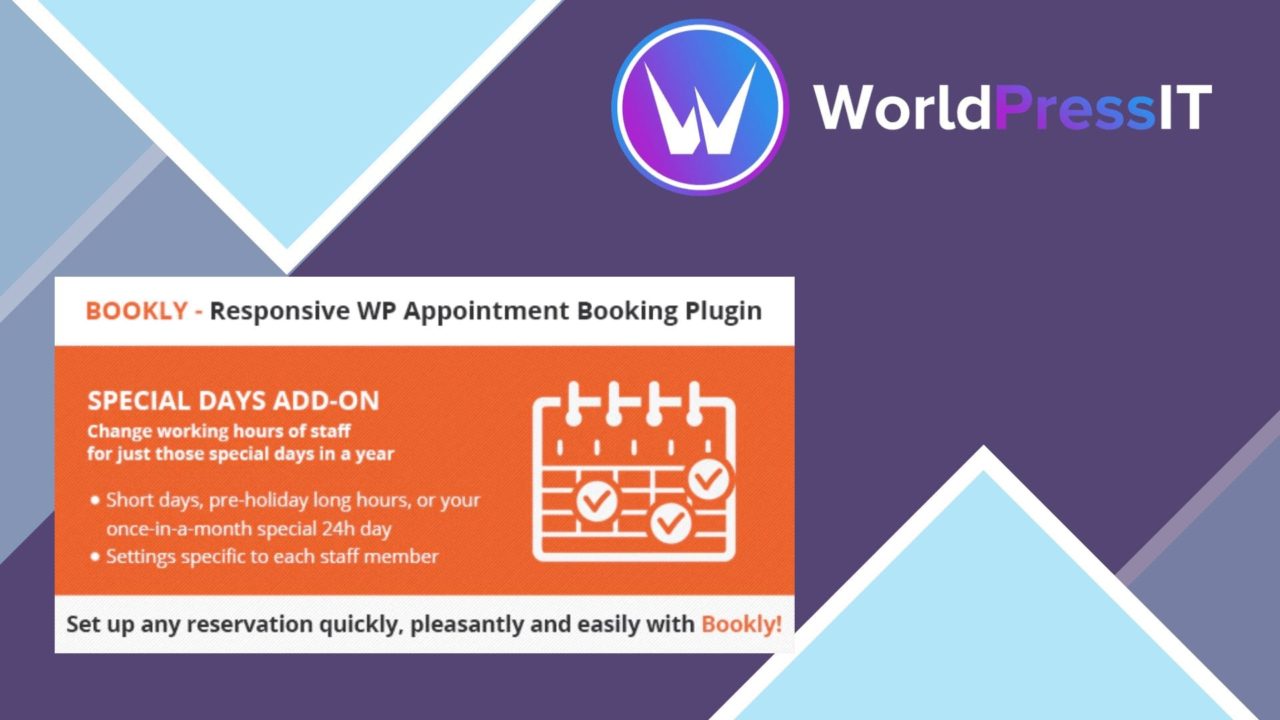
Date-specific booking rules are the purpose of Bookly Special Days Add-on. It extends the Bookly booking system with a way to mark selected dates as special days, then attach different prices, service availability and event-focused booking details to them. That gives a salon, clinic or fitness centre a more deliberate way to handle promotions and periods of unusually high demand than treating every day alike.
Date-specific booking rules
The add-on is centred on special days rather than broad, permanent changes to a booking setup. An organisation can create individual dates for an event or promotion and define how services should be offered on those dates. Custom pricing is useful for sessions that command a different rate during a seasonal event, while unique availability keeps the booking calendar aligned with the staff and services intended for that occasion.
This approach suits businesses whose schedule changes around identifiable dates. A fitness provider could use it for a one-day programme, while a clinic or salon could reserve a different service mix for a promotional day. The vendor describes support for multiple special days, so separate events can be managed from the same Bookly administration area rather than handled as isolated booking arrangements.
Calendar and notifications
Special-day promotions can be displayed on the booking calendar, putting the relevant event in the same place where customers view booking options. That matters because a promotion that exists only in an internal settings screen is easy to miss. Showing it alongside the date gives the booking flow a direct connection to the event being managed.
Notifications and reminders can also be customised for special events. This adds a communication layer to the date rules: the business can distinguish an ordinary appointment from one connected to a special day. The add-on is also described as compatible with the payment gateways supported by Bookly, so its role is to add date-specific booking behaviour rather than replace the payment arrangements already used by the booking system.
One dashboard for events
Managing several special days from one dashboard is the strongest administrative idea in the feature list. A calendar with multiple promotions, altered service hours and different prices can become difficult to reason about when each change is recorded separately. A central view gives the administrator one place to create and manage those events, review their settings and keep the special-day schedule together.
- Create special days for selected dates.
- Apply custom pricing to those dates.
- Set distinct service availability for a special day.
- Customise notifications and reminders for special events.
- Show special-day promotions on the Bookly booking calendar.
- Manage multiple events from a single dashboard.
What to weigh
The first limitation is scope: this is a Bookly add-on, not a general event calendar or an independent scheduling system. Its value is tied to a site already organising appointments through Bookly, and businesses using another booking platform have no stated use for it. The feature list also focuses on date-level controls, so it should not be treated as a full pricing or availability strategy for recurring, complex scheduling rules.
There is an administrative trade-off as well. Special prices, service availability and event notifications create useful control, but each additional special day introduces another set of details to maintain. A business running many promotions will need clear internal ownership of those dates to avoid inconsistent settings. Finally, displaying a promotion on the calendar improves visibility but does not, on its own, describe how the promotion is presented beyond that booking context.
Who it suits
Bookly Special Days Add-on is aimed at service businesses with a stable Bookly-based appointment operation and a calendar shaped by occasional events. Salons, clinics and fitness centres are the clearest fits because they can connect a date to a particular service selection, price and customer reminder. It is less compelling for a business with uniform hours and pricing throughout the year, or for one that needs broad event management outside the Bookly booking workflow.
For the right setup, the add-on provides a focused set of controls: mark a date, adjust what is available, set the price, expose the event on the calendar and tailor the related reminders. Its usefulness comes from keeping those changes close to the bookings they affect, rather than from trying to become a separate event platform.
The verdict
Download Bookly Special Days Add-on and see for yourself
You get the full Bookly Special Days Add-on release (v5.3), ready to install, plus every update that follows. One click and it is yours.
Download Bookly Special Days Add-on v5.3- Instant download
- Original developer files
- Updated 14 Nov 2026
Related reviews
Browse all
Bookly Waiting List Add-on
Adds a waiting list to Bookly so clients can register for full appointment slots and receive notice when availability re…

Bookly Staff Cabinet Add-on
Staff profiles, service assignments, working hours and appointment access brought into Bookly for businesses coordinatin…
Bookly Service Schedule Add-on
Service-specific time slots, recurring bookings, reminders and appointment reporting for Bookly sites that need tighter…