Bookly Customer Groups
Organise Bookly customers into groups, then apply different prices, booking rules, reports and email messages to VIPs, regular clients and other segments.
Instant access Original unmodified files Free future updates
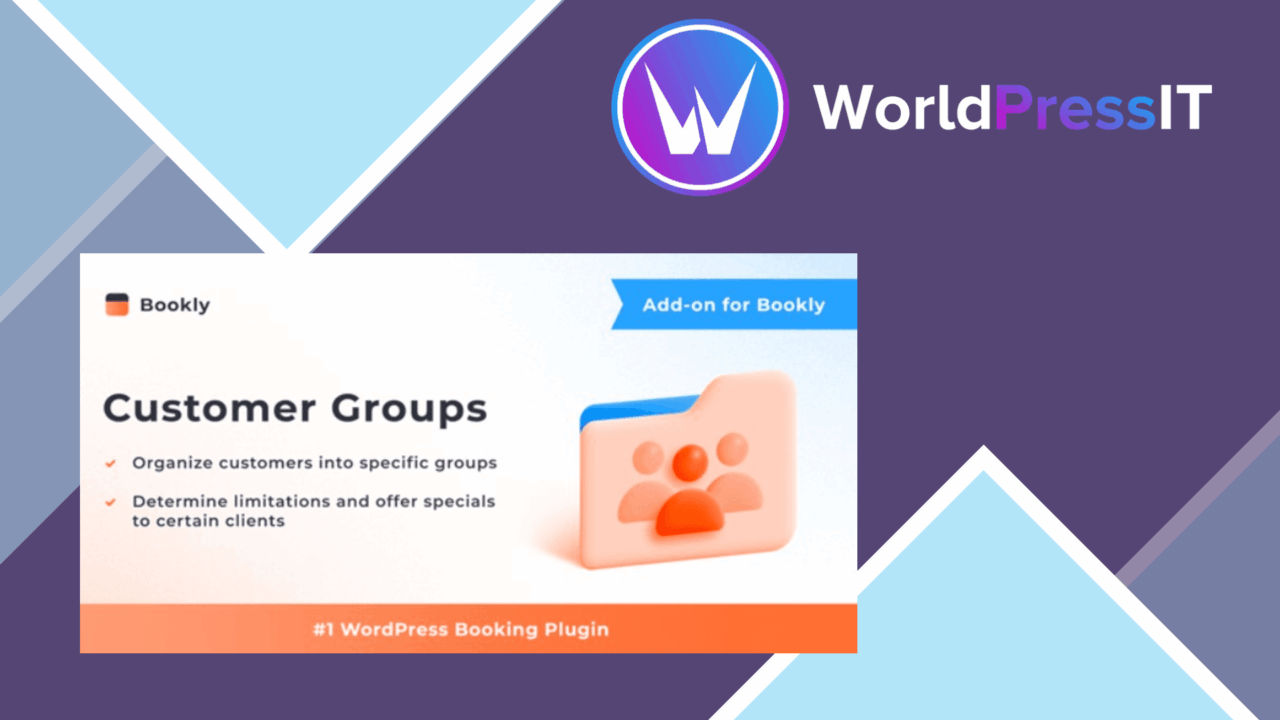
Customer segmentation becomes a practical part of appointment administration with Bookly Customer Groups. The add-on extends Bookly with a way to place clients into named groups, such as VIPs or regular customers, and use those groups to shape pricing, booking access, reporting and email communication. That makes it relevant to salons, fitness studios, medical offices and other service businesses where the same appointment catalogue needs different rules for different clients.
Groups with a purpose
The central idea is straightforward: create customer groups and attach operational decisions to them. Instead of treating every client as an identical booking account, an administrator can separate customers according to their relationship with the business and manage the resulting experience from the Bookly settings. The value comes from connecting the group label to a real policy, rather than using it as a passive tag.
The vendor describes support for multiple groups, so the structure can cover more than a simple VIP and standard split. A studio might use groups for members and non-members, while a clinic could distinguish regular patients from a priority service segment. The product description does not define a fixed set of groups, which leaves the grouping model open to the way each business organises its customers.
Pricing and booking rules
Bookly Customer Groups is most useful when segmentation needs to affect the booking process itself. Custom pricing allows different groups to receive their own prices, discounts or offers. This gives an administrator a direct way to handle preferential rates without creating a completely separate service structure for every customer type.
Booking restrictions add a second control layer. Access to bookings can be managed according to group membership, helping direct particular services towards the clients intended to use them. Taken together, pricing and restrictions support policies such as group-specific offers, controlled access to selected appointments and different commercial terms for distinct customer segments.
- Create and manage multiple customer groups.
- Set unique pricing, discounts and offers for selected groups.
- Control booking access based on group membership.
- Review bookings and revenue by customer group.
- Send email notifications to specific groups.
Reports and targeted messages
The reporting feature is aimed at answering group-level business questions. Reports covering bookings and revenue by customer group can show which segments are using the appointment system and which contribute most to turnover. That is more actionable than a single overall booking total when a business runs separate offers or access rules for different client categories.
Email notifications extend the same segmentation into customer communication. Promotions, updates and reminders can be directed at selected groups rather than sent to every customer. A business can therefore keep a group-specific message tied to the pricing or booking policy that prompted it, instead of relying on one generic announcement.
What to weigh
This is an add-on to Bookly, not a standalone appointment platform. Its usefulness therefore depends on already having the Bookly booking system in place; it does not replace the underlying service, staff or appointment management features. Businesses choosing a booking system from scratch should assess the complete Bookly setup rather than judging this extension in isolation.
Group-based administration also introduces ongoing maintenance. Each new segment brings another set of prices, booking permissions, reports and possible email audiences to keep aligned. A small business with only one customer policy could gain little from that extra structure, while an organisation with many overlapping groups will need clear naming and regular administration to avoid applying the wrong rule or message.
The feature list is focused on customer groups, so the product suits businesses with a clear segmentation model more than teams looking for a broad customer relationship management system. The vendor copy describes group-level bookings, revenue and messages, but does not specify deeper customer profiles or more advanced automation.
Who it suits
Bookly Customer Groups fits service providers that already organise customers into meaningful categories and need those categories to affect appointments. Salons running VIP offers, fitness studios separating members from regular clients, and medical offices managing distinct patient groups are sensible use cases. It is particularly relevant where different prices, access rules and communications must remain connected.
For those businesses, the add-on provides a focused layer of control around Bookly. It does not try to broaden the booking system into an unrelated marketing suite; instead, it concentrates on making customer-group membership useful across booking administration, commercial rules, reporting and email communication.
The verdict
Download Bookly Customer Groups and see for yourself
You get the full Bookly Customer Groups release (v4.3), ready to install, plus every update that follows. One click and it is yours.
Download Bookly Customer Groups v4.3- Instant download
- Original developer files
- Updated 15 Nov 2026
Related reviews
Browse all
Bookly Waiting List Add-on
Adds a waiting list to Bookly so clients can register for full appointment slots and receive notice when availability re…
Bookly Staff Cabinet Add-on
Staff profiles, service assignments, working hours and appointment access brought into Bookly for businesses coordinatin…
Bookly Special Days Add-on
Create date-specific prices, availability and services in Bookly, giving salons, clinics and fitness businesses a cleare…