MEC
Seat reservation management for WordPress events, with configurable layouts, live seat selection, payment support, booking reports and attendee email updates.
Instant access Original unmodified files Free future updates
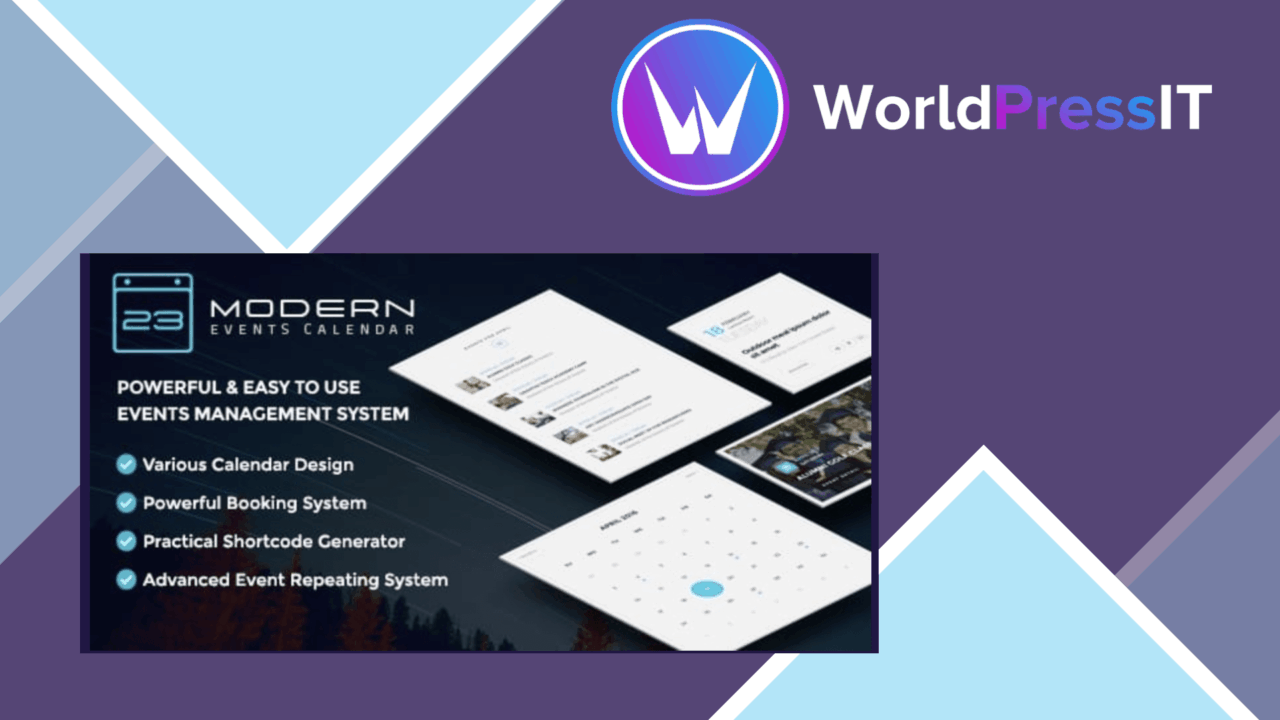
Seat reservation management sits at the centre of MEC Seat. The plugin is aimed at event organisers and venues that need to represent a physical seating plan, let attendees choose available places, and keep those allocations tied to event bookings. Its central design choice is status-based: each seat can be bookable, non-bookable, or hidden from the public view.
Seat planning
The layout editor is intended to reflect the arrangement of a real venue rather than force every event into a generic ticket list. You can create customised seat layouts, then use the same editing options for rows. That row-level control is a practical detail for larger plans, where changing repeated elements individually would otherwise become tedious.
MEC Seat also supports two planning approaches. A generic plan can serve as the default for multiple events, while an individual event can use its own layout when the venue, room, or production setup changes. That makes the add-on relevant to organisers running recurring events as well as one-off performances or meetings.
Booking controls
Attendees get real-time seat selection, with immediate confirmation when a booking is made. The three seat states provide a useful distinction between places that are available for purchase, places reserved for operational reasons, and areas that should not appear in the public booking interface at all.
- Custom layouts for different venue configurations.
- Bookable, non-bookable, and hidden seat statuses.
- Event-wide generic plans or unique plans for individual events.
- Real-time seat selection and booking confirmation.
- Mobile-friendly presentation for visitors using smaller screens.
Beyond the seating chart
The feature list extends beyond the visual plan. MEC Seat includes payment gateway integration, so seat selection forms part of a transaction rather than a separate reservation exercise. Its reporting tools cover bookings and revenue, giving organisers a way to follow both attendance demand and financial performance. Email notifications for customers and administrators help keep both sides informed as reservations progress.
Support for multiple languages broadens its usefulness for international audiences. The stated integration with existing WordPress themes and plugins also positions it as an event-management component rather than a completely separate booking environment.
What to weigh
Custom seating introduces more preparation than a simple general-admission event. Someone still needs to model the venue accurately, decide which rows and seats are visible, and maintain separate plans when event layouts differ. That control is valuable, but it also creates an administrative task that does not exist when every attendee receives the same ticket type.
The vendor does not name the payment gateways or explain the depth of the reporting tools. Buyers who require a particular processor, detailed revenue breakdowns, or a specific notification workflow should verify those details before making MEC Seat part of a larger booking process. The product is also focused on reserved seating, so it is a more specialised choice than a general event calendar or a basic registration form.
Who it suits
MEC Seat fits venues, organisers, and businesses running events where the choice of an actual seat matters. It is particularly well matched to recurring programmes with a shared layout, while the option for event-specific plans covers occasions that need a different arrangement. Organisations that want live selection, payment handling, booking and revenue reports, and audience emails in one event workflow will find the feature set relevant. Those running only standing events or simple first-come registration are unlikely to need the additional layout work.
The verdict
Download MEC and see for yourself
You get the full MEC release (v1.5.0), ready to install, plus every update that follows. One click and it is yours.
Download MEC v1.5.0- Instant download
- Original developer files
- Updated 17 Nov 2026
Related reviews
Browse allPaid Memberships Pro
Member-only event tools for Paid Memberships Pro sites, with level-based access, RSVPs, schedules, calendar integration…
MEC Advanced Speaker Addon
Speaker profiles, linked event sessions and shortcode-driven listings for Modern Events Calendar, with filtering, social…
BookingPress Zapier Integration Addon
BookingPress bookings can trigger updates in calendars, email and team tools through Zapier, reducing manual appointment…