PowerPack Pro for Elementor
Adds more than 70 Elementor widgets, templates, dynamic content tools and responsive controls for building branded WordPress pages without custom code.
Instant access Original unmodified files Free future updates
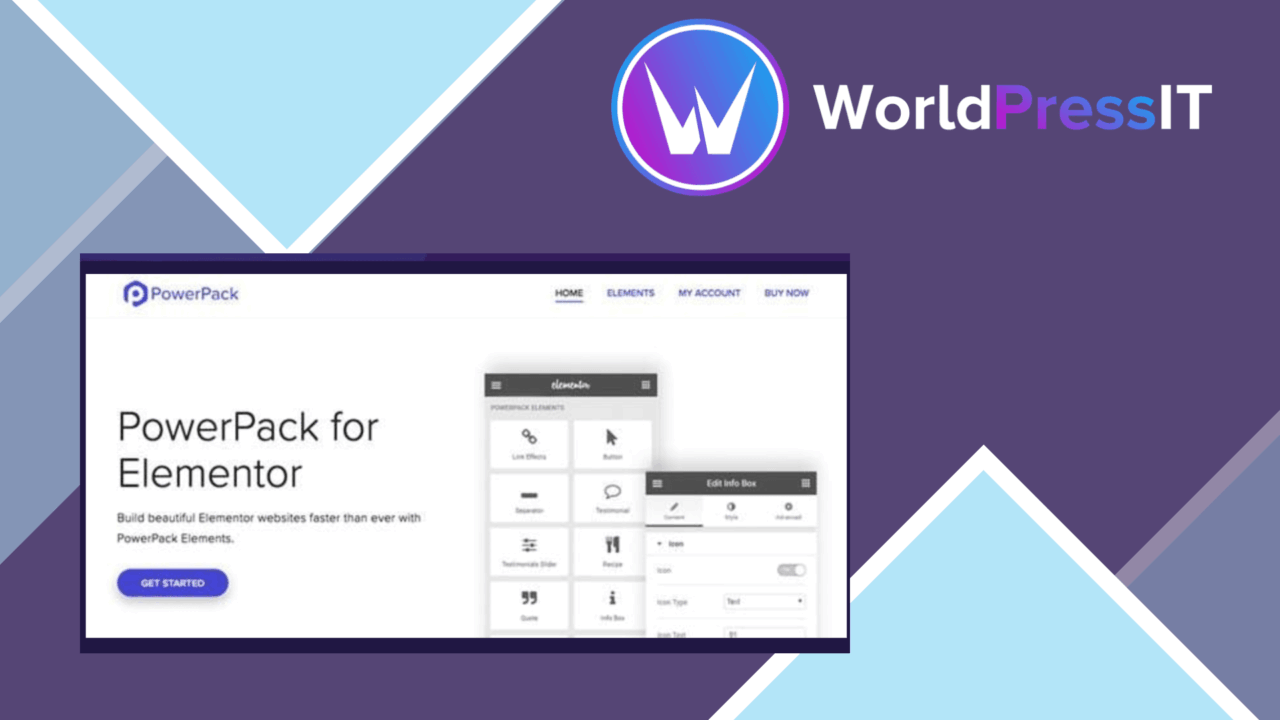
PowerPack Pro for Elementor extends the Elementor editor with more than 70 widgets and a set of layout tools aimed at designers who want more options without writing custom code. Its collection covers advanced forms, testimonials, pricing tables, navigation templates and content-focused modules, while dynamic fields and post data support more than fixed, hand-written page content.
More widgets in the editor
The main appeal is breadth. Instead of assembling every section from Elementor’s basic elements, PowerPack Pro adds purpose-built widgets for common page components. Forms, testimonials and pricing tables are named examples, and the wider collection is intended to cover creative and content modules as well. That gives a site builder more ready-made starting points inside the same visual editing workflow.
- More than 70 widgets, including advanced forms, testimonials and pricing tables.
- Header and footer templates for navigation and site branding.
- Dynamic content support for custom fields and post data.
- Responsive layout options for different device sizes.
- Animation and visual effect controls for interactive page sections.
- White-labeling tools for developers presenting branded client projects.
Templates and dynamic content
PowerPack Pro is not limited to individual content blocks. Header and footer templates give designers control over two areas that shape the whole site experience, with branding and navigation handled alongside ordinary page layouts. Dynamic content support brings custom fields and post data into the design process, which suits sites where the same layout needs to display changing information rather than repeated manual text.
The WooCommerce and ACF integrations extend that approach into established WordPress setups. WooCommerce users get a route to incorporate store-related functionality into Elementor designs, while ACF users have a stated connection between custom fields and page presentation. The useful detail here is the combination of widgets, templates and data-driven content rather than any one isolated module.
Responsive visual controls
Responsive layout options address the practical difference between a desktop composition and its smaller-screen version. Advanced animations and effects add another layer for designers working on motion and interaction. These controls are valuable for pages that need more than static text and images, although the quality of the result still rests on how carefully each section is composed.
What to weigh
PowerPack Pro adds a substantial extension layer to Elementor, so the editor becomes broader rather than simpler. More than 70 widgets and extra template controls create more choices to manage, and a site that uses only a few basic elements may not benefit from the added surface area. The plugin also belongs inside an Elementor-based workflow; it is not a standalone page-building system.
Its integrations introduce a second trade-off. WooCommerce and ACF support is useful for sites already built around those tools, but the corresponding features are less relevant on a simple brochure site without products or custom fields. White-labeling is similarly specialised: it targets developers building branded client projects, not ordinary site owners who have no need to hide the extension’s identity.
Who it suits
PowerPack Pro fits Elementor users who regularly build custom page layouts and want dedicated widgets for forms, testimonials, pricing sections, headers and footers. It is particularly well matched to developers and designers handling several kinds of client site, where white-labeling, dynamic content and reusable layout patterns have a clear role. Smaller sites with straightforward pages may find Elementor’s existing tools sufficient, but teams that need more widget variety and data-driven layouts have a specific reason to consider this add-on.
The verdict
Download PowerPack Pro for Elementor and see for yourself
You get the full PowerPack Pro for Elementor release (v3.1.3), ready to install, plus every update that follows. One click and it is yours.
Download PowerPack Pro for Elementor v3.1.3- Instant download
- Original developer files
- Updated 31 Oct 2026
Related reviews
Browse all
Toolset Blocks
Build custom WordPress layouts, templates, archives and searches with visual blocks that connect to custom fields and dy…

Piotnet Addons For Elementor Pro
Elementor gains extra widgets, form controls, dynamic content tools and templates for building more tailored WordPress p…

Element Pack Addon for Elementor
A broad Elementor widget suite for grids, tabs, carousels, branded headers and footers, responsive layouts, templates, m…