GutenBricks
Build custom WordPress layouts with blocks, drag-and-drop controls, responsive settings and per-block styling, without making every page a coding task.
Instant access Original unmodified files Free future updates
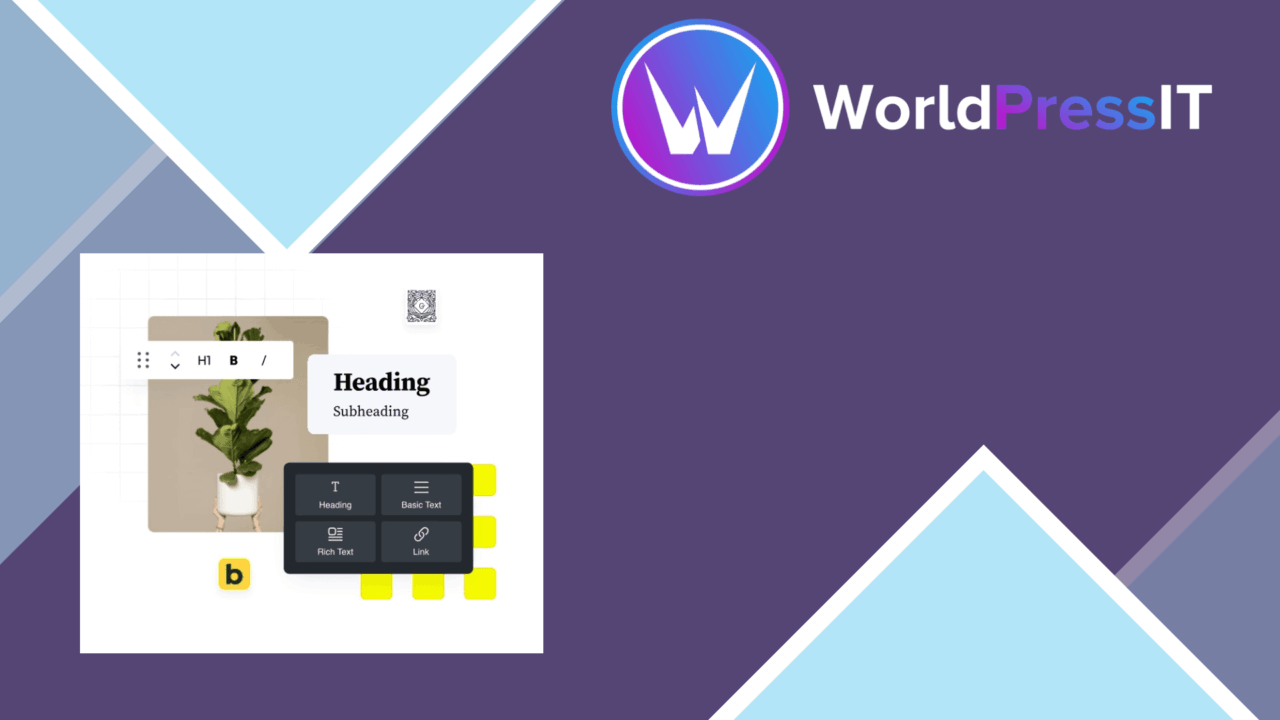
GutenBricks is a WordPress page-building plugin built around a visual, drag-and-drop workflow. It brings the block-based approach associated with Gutenberg together with the layout flexibility of Bricks Builder, giving site owners a way to assemble pages visually rather than shaping every section by hand in code. The feature set covers layout, responsive behaviour, styling, reusable starting points and dynamic data support, although the vendor provides little detail about the exact block catalogue or template library.
A visual building workflow
The main appeal is the direct editing model. Instead of treating a page as a series of fields, GutenBricks presents layout customisation as a visual task: place elements, adjust their arrangement and refine the result through the builder interface. That suits users who want more control than a basic block editor offers but do not want to write custom CSS for every spacing or colour decision.
This approach also gives experienced developers a faster surface for routine page work. A developer can establish a visual layout first, then use the available styling controls to handle the details that would otherwise require repeated manual edits. The plugin is aimed at both beginners and experienced builders, but the benefit is different for each: beginners get a more approachable design process, while experienced users get a structured interface for common layout changes.
Blocks and starting points
GutenBricks includes pre-designed blocks and templates intended to shorten the distance between a blank page and a usable layout. Those starting points are useful for common page structures, especially when a site needs several pages with a consistent visual direction. They also provide examples of how the plugin expects layouts to be assembled.
The block library is paired with support for dynamic data. That matters for sites where the same design needs to display changing content rather than fixed text alone. The supplied information does not identify the dynamic sources or describe specific block types, so the breadth of this feature should be judged from the actual library rather than assumed from the name of the capability.
Responsive styling
Responsive design options let a builder account for different screen sizes while working on a page. Per-block controls for colours, fonts and spacing add a more granular layer of design control than a single global setting. This is particularly relevant for pages that use several content sections with different visual priorities.
The plugin is also described as working with popular WordPress themes and page builders, and its structure is presented as SEO-friendly. Those claims point to a product intended to sit within a wider WordPress setup rather than replace every part of it. The useful question is how well a chosen theme handles the plugin’s layouts and how much control the builder gives over the resulting page structure.
What to weigh
A visual builder introduces another editing layer to a WordPress site. That makes layout work more approachable, but it also means the finished design relies on the plugin’s interface and block model. Sites built heavily around those controls require the same builder to remain part of the editing workflow when layouts need later changes.
The combination of Gutenberg-style blocks and Bricks-inspired visual building also creates a choice between more than one page-construction method. Teams already using a theme or another builder will need to settle on clear ownership of layouts, or editors could face inconsistent workflows across the site. Finally, the vendor’s performance claim is not accompanied by figures or test conditions, and the available description does not specify the number of templates, blocks or dynamic data integrations.
Who it suits
GutenBricks is best suited to WordPress users who want visual control over page composition without making custom code the centre of the process. It has a sensible set of building blocks: drag-and-drop layout work, reusable starting points, responsive settings, per-block styling and dynamic content support.
It is a stronger fit for a site that values hands-on page design than for a project seeking a narrowly focused tool. Beginners get a guided alternative to coding, while experienced users get a quicker way to shape repeated layouts. Before committing to it as the site’s main builder, inspect the available templates and blocks and decide how it will coexist with the theme’s own design controls.
The verdict
Download GutenBricks and see for yourself
You get the full GutenBricks release (v1.1.30), ready to install, plus every update that follows. One click and it is yours.
Download GutenBricks v1.1.30- Instant download
- Original developer files
- Updated 26 Sep 2026
Related reviews
Browse all
Toolset Blocks
Build custom WordPress layouts, templates, archives and searches with visual blocks that connect to custom fields and dy…

Piotnet Addons For Elementor Pro
Elementor gains extra widgets, form controls, dynamic content tools and templates for building more tailored WordPress p…

Element Pack Addon for Elementor
A broad Elementor widget suite for grids, tabs, carousels, branded headers and footers, responsive layouts, templates, m…