MarketKing
Turn a WooCommerce store into a multi-vendor marketplace with vendor dashboards, commission rules, product approvals, frontend submissions and sales reporting.
Instant access Original unmodified files Free future updates
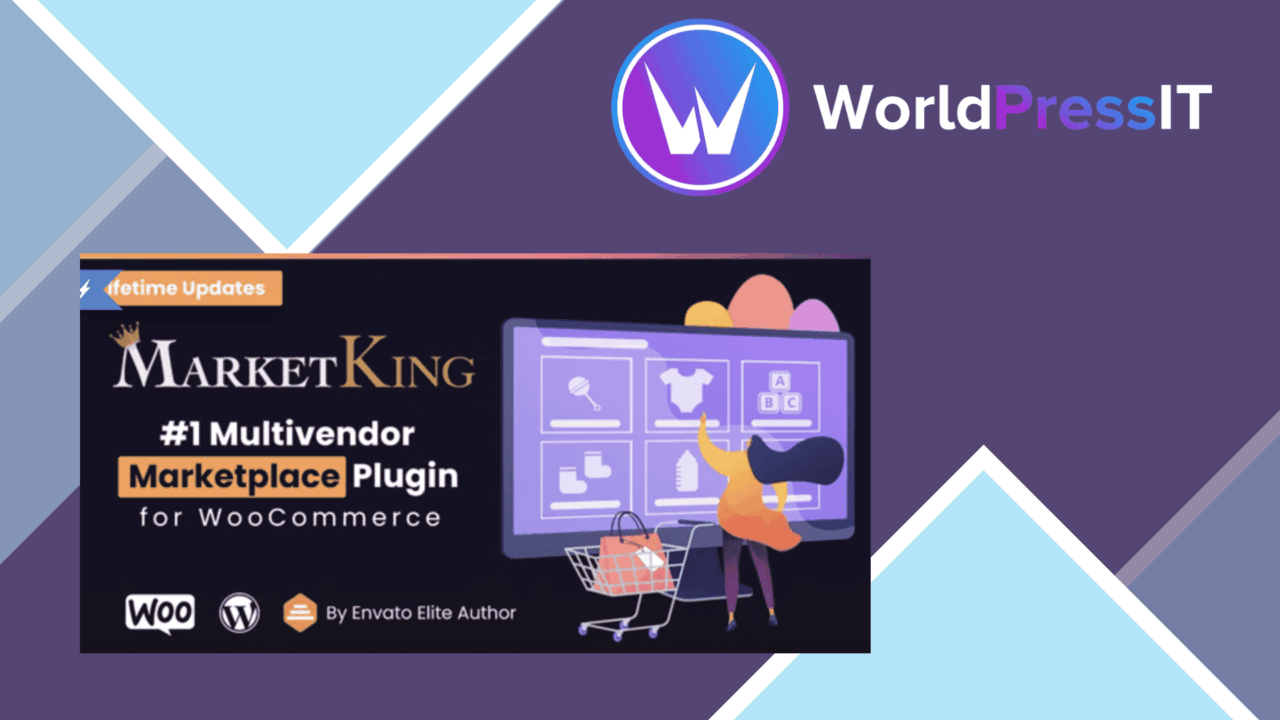
A WooCommerce store becomes a shared selling platform with MarketKing, which gives multiple vendors their own place to manage products, orders, profiles and sales. The plugin is aimed at marketplace operators who want to keep vendor activity inside a structured system rather than handle every listing and order themselves.
Marketplace structure
MarketKing separates the responsibilities of the marketplace owner and its vendors. Vendors can register, manage their products and process orders independently, while the administrator retains control over the overall shop. That division is the core of the plugin: it is not simply a product uploader, but a management layer for a store with several sellers.
Commission settings add a financial framework to that arrangement. Rates can be set for individual vendors and products, giving the marketplace owner more control than a single commission rule applied everywhere. This is useful for a catalogue where different sellers, product groups or commercial agreements need different treatment.
Tools for vendors
The dedicated vendor dashboard brings several routine tasks together. Vendors can manage their profiles, products and sales from a purpose-built area, while customisable profiles support logos, descriptions and social media links. These details give each seller a recognisable presence without requiring the administrator to create separate pages manually.
- Frontend product submission lets vendors add products without entering the WordPress admin panel.
- Order management gives vendors tools to handle their own orders.
- Product approval lets the administrator review listings before they appear publicly.
- Vendor profiles support logos, descriptions and social media links.
- Reports and analytics show vendors their sales performance.
Frontend submission is particularly relevant for a marketplace with many sellers. Vendors do not need broad access to the main administration area just to add catalogue items, and the approval process gives the site owner a defined point of control over new listings.
Admin oversight
MarketKing’s administrator-facing value is the combination of control and delegation. Vendors receive tools for products and orders, but the marketplace owner can shape how listings enter the catalogue and how commissions are assigned. That arrangement suits a business that wants sellers to work independently while keeping common rules around what is published and how revenue is allocated.
The reporting layer completes that workflow with sales information for vendors. It is not described as a replacement for a broader business intelligence system, but it gives sellers a direct view of their performance within the marketplace. For vendor accounts that mainly need sales visibility, keeping those reports alongside product and order tools is a sensible arrangement.
Where it falls short
A multi-vendor model introduces more administration than a conventional WooCommerce shop. Vendor registration, commission rules, product reviews and order responsibilities all need clear decisions from the marketplace owner. MarketKing organises those areas, but it does not remove the operational work involved in setting marketplace policies and managing sellers.
The approval system also creates a deliberate delay between frontend submission and publication. That is helpful when listings need review, but it adds a queue for administrators and means vendors cannot treat product entry as immediate publication. Commission flexibility brings a similar trade-off: different rates for vendors and products provide control, while also creating more rules to maintain and explain.
Who should use it
MarketKing is suited to a WooCommerce business that intends to host several independent sellers and wants vendor-facing tools rather than a purely administrator-managed catalogue. Its strongest fit is a marketplace with distinct vendor profiles, controlled product publication, seller-managed orders and a need to show vendors their sales performance.
It is less compelling for a single-seller shop or a catalogue that does not need vendor separation. Those sites would carry the extra marketplace structure without using its central features. For the right model, though, MarketKing brings registration, product submission, commissions, profiles, order handling and reporting into one focused WooCommerce workflow.
The verdict
Download MarketKing and see for yourself
You get the full MarketKing release (v2.1.70), ready to install, plus every update that follows. One click and it is yours.
Download MarketKing v2.1.70- Instant download
- Original developer files
- Updated 21 Nov 2026
Related reviews
Browse all
WPC Early Bird Discount for WooCommerce
Sales-based early-bird pricing for WooCommerce launches, with tiered discounts, reserved checkout slots, public price ta…
Table Rate Shipping for WooCommerce
Build WooCommerce shipping rules around weight, destination, products and cart values, then show customers tailored rate…
WooCommerce Bulk Variations
Adds a single form for entering multiple WooCommerce variations, with bulk editing and per-variation pricing and stock c…