Use Any Font Premium
Upload TTF, OTF and WOFF files, preview them, and assign custom typography to WordPress content, themes and supported page builders.
Instant access Original unmodified files Free future updates
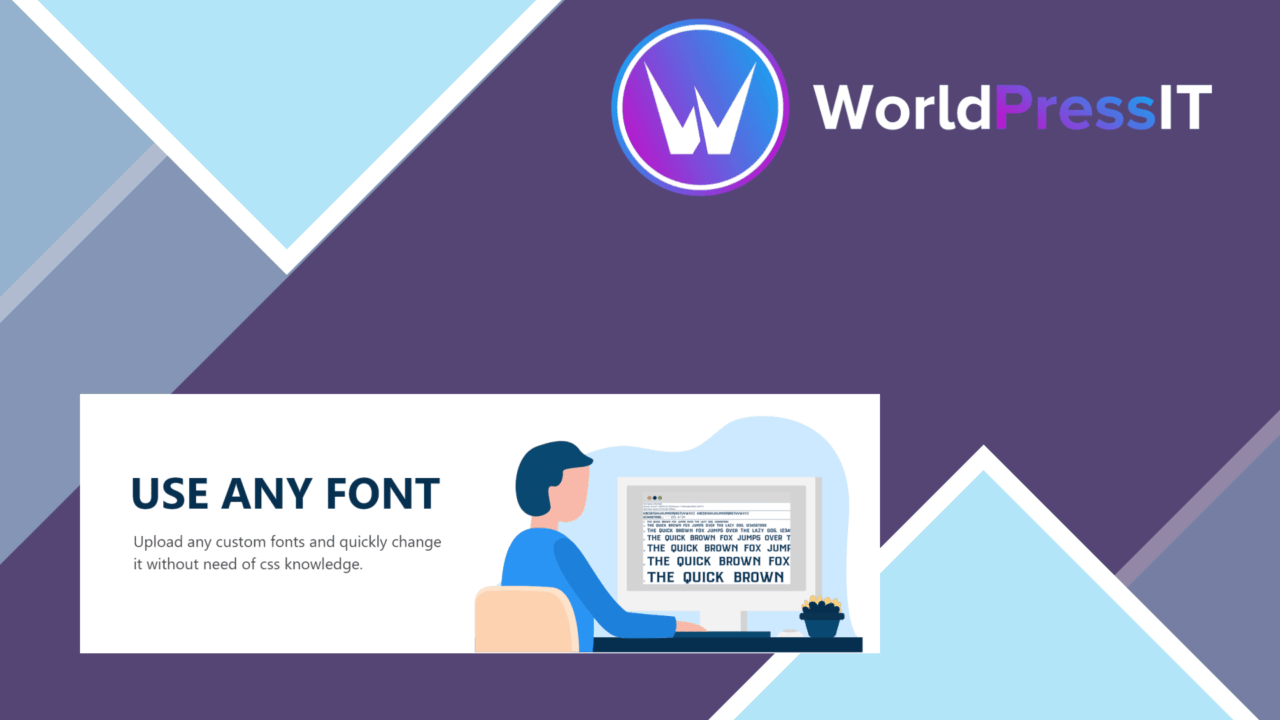
Use Any Font Premium puts custom font files directly into the WordPress workflow. It is aimed at site owners who have outgrown the standard font choices and want typography that matches a particular brand, publication or visual system without writing CSS or converting files first. Support for TTF, OTF and WOFF gives it a practical starting point for common font formats.
What it handles
The plugin focuses on a clear sequence: upload a font, inspect how it looks, then assign it to the parts of the site that need a different treatment. That keeps the work closer to the WordPress admin than to a stylesheet editor. Font assignments can target headings, paragraphs and buttons, so a site can separate display typography from body copy and interface text.
- Upload TTF, OTF and WOFF font files.
- Preview fonts before applying them.
- Assign fonts to headings, paragraphs and buttons.
- Use custom fonts across themes and pages.
- Combine uploaded fonts with Google Fonts and other web-safe choices.
A practical font workflow
Real-time previews are useful here because font selection is visual rather than purely technical. A typeface that looks suitable in a file list can feel too narrow for headings or too decorative for paragraphs. Seeing the choice before applying it gives editors a way to compare options while working on the site.
The element-level assignments also make the plugin more useful than a simple font-file uploader. A business site can reserve one face for headings and another for paragraphs, while buttons receive a deliberate interface style. The vendor also describes the plugin as working across themes and pages, which suits sites where typography needs to remain consistent beyond one template.
Working with builders
Use Any Font Premium is listed as compatible with Elementor and WPBakery, extending its appeal beyond the standard WordPress editor. That matters for sites whose visual structure is assembled inside a page builder rather than in theme settings alone. WooCommerce is also covered in the product description, so store pages can follow the same typographic direction as the rest of the site.
Google Fonts integration adds another useful option. Sites can combine an uploaded brand typeface with a familiar web font for supporting text, giving designers more room to balance identity and readability. The result is a font-management layer that sits between the site’s design controls and the individual content elements.
Where it falls short
The flexibility comes with font housekeeping. Once several TTF, OTF and WOFF files are uploaded, someone still has to decide which files are current and which elements should use each one. The plugin simplifies assignment, but it does not remove the design work of building a coherent type system.
Combining uploaded fonts with Google Fonts and web-safe alternatives also creates more choices to maintain. Different font sources can make a site’s typography harder to audit, particularly when headings, paragraphs and buttons are assigned separately. Builder compatibility broadens the workflow, but it also means typography decisions can be spread across theme, builder and plugin settings rather than held in one place.
Who it suits
This is a good fit for designers, bloggers and business owners who need a distinctive typeface but do not want to manage CSS or font conversion. It is particularly relevant to branded sites, Elementor or WPBakery projects, and WooCommerce stores where headings, body copy and buttons need a consistent visual relationship. Sites with only basic typography needs will find the extra font-management layer less necessary, but teams that regularly refine branding should value the direct upload, preview and assignment workflow.
The verdict
Download Use Any Font Premium and see for yourself
You get the full Use Any Font Premium release (v6.4), ready to install, plus every update that follows. One click and it is yours.
Download Use Any Font Premium v6.4- Instant download
- Original developer files
- Updated 22 Nov 2026
Related reviews
Browse allGamiPress – Leaderboards
Create points-, achievement-, and rank-based leaderboards in WordPress, with configurable displays, role-based visibilit…
Divi Mobile Menu Plugin
A Divi-focused mobile navigation plugin for custom layouts, animated transitions, icons, images and multi-level menus ac…
PublishPress Pro
Editorial calendars, custom statuses, permissions and post discussions bring WordPress publishing workflows into one pla…