Make an Offer For Woocommerce
Lets shoppers propose prices and quantities from WooCommerce product or shop pages, while giving sellers a way to review, reject, accept, or counter each offer.
Instant access Original unmodified files Free future updates
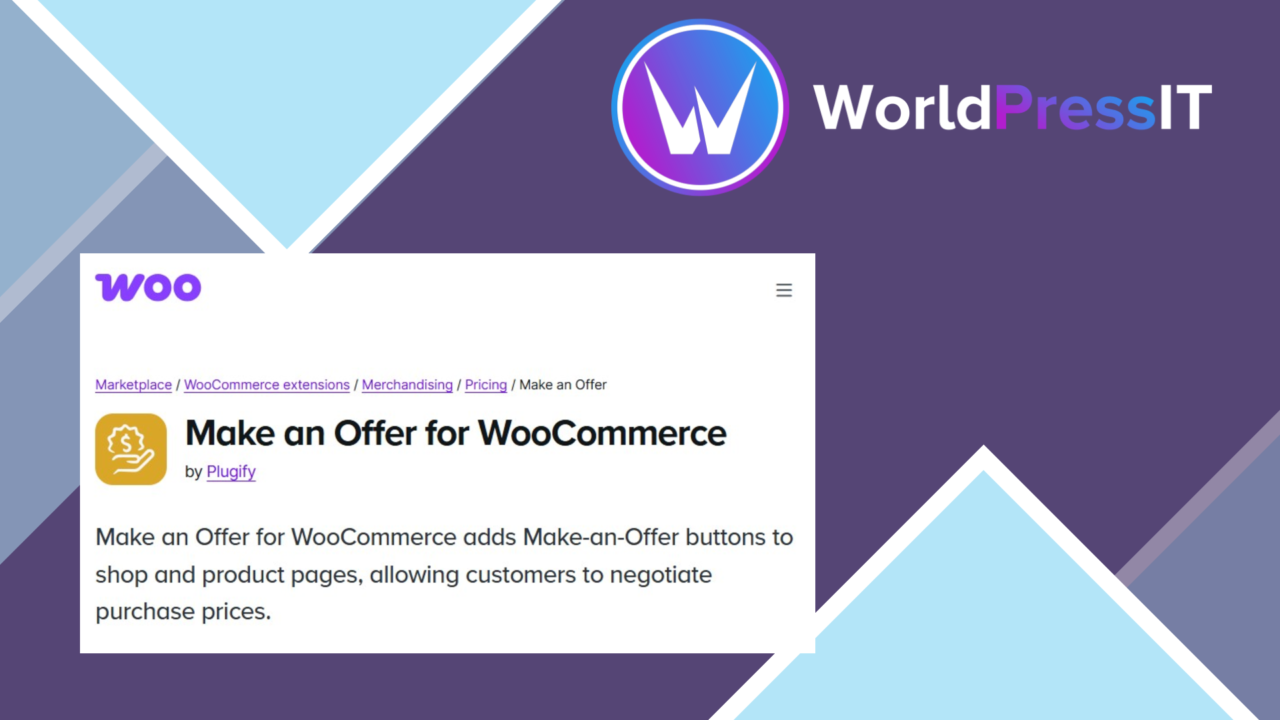
Customers can propose a price and quantity directly from WooCommerce product or shop pages instead of being limited to the listed price. Make an Offer For Woocommerce turns that proposal into a conversation between buyer and store owner, with tools for reviewing, accepting, rejecting, or countering an offer.
Offer-led pricing
The plugin is aimed at shops where the displayed price is a starting point rather than an absolute figure. A customer submits a price proposal through a configurable offer form, and the store owner can assess it from the administration area. This suits businesses that negotiate on larger quantities, sell products with variable demand, or want a structured alternative to informal email bargaining.
Offer forms also support price boundaries. Store owners can set minimum and maximum limits, giving customers a defined range to work within rather than leaving every proposal completely open. Email notifications alert the store when a new offer arrives, which keeps incoming negotiations visible without requiring the owner to repeatedly check product pages.
Seller controls
The built-in chat is the most useful part of the workflow. It gives the buyer and seller a place to discuss an offer, while the seller chooses the next step from the same process. The stated controls include:
- Accepting an offer from the admin dashboard.
- Rejecting a proposal that does not meet the store’s requirements.
- Sending a counter-offer when the proposed price or quantity needs adjustment.
- Temporarily changing the product price after an offer is approved.
- Receiving email notifications for newly submitted offers.
That temporary pricing change connects the negotiation to the purchase rather than leaving the accepted figure as a note outside WooCommerce. The result is a more direct route from discussion to order, although the exact checkout and expiry behaviour is not described in the supplied product information.
Variation-aware offers
Support for variable products broadens the plugin beyond simple single-product listings. Customers can make offers on different product variations, which is useful where size, colour, specification, or another variation affects what is being sold. The offer process therefore has room for catalogues in which one product page contains several distinct purchasable options.
What to weigh
Negotiated pricing introduces work that a fixed-price shop does not have. Every offer needs a decision, and counter-offers create an ongoing conversation for the store owner to manage. Email alerts make new proposals easier to spot, but they do not remove the need for someone to review them.
There is also a commercial trade-off in setting the offer limits. Tight minimum and maximum values keep proposals closer to the shop’s intended pricing, while broader limits give buyers more room to negotiate but increase the number of unsuitable offers. The temporary price change after approval also needs careful handling, particularly for products with limited stock or several variations; the vendor description does not explain how long that price remains available or how competing offers are treated.
Who it suits
This plugin fits WooCommerce shops that genuinely need negotiated prices rather than a standard add-to-cart journey. It is especially relevant for variable products and stores that want offers to include quantities as well as prices. Shops built around fixed pricing, high-volume automated ordering, or minimal administrative involvement will have less reason to add a negotiation layer. For everyone else, the combination of offer forms, boundaries, seller decisions, chat, and temporary approved pricing provides a clear structure for handling buyer proposals inside the shop.
The verdict
Download Make an Offer For Woocommerce and see for yourself
You get the full Make an Offer For Woocommerce release (v4.0.0), ready to install, plus every update that follows. One click and it is yours.
Download Make an Offer For Woocommerce v4.0.0- Instant download
- Original developer files
- Updated 23 Nov 2026
Related reviews
Browse all
WooCommerce Xero
Automates WooCommerce order, customer, sales and inventory data in Xero, with account mapping, currency support and fina…

WooPack for Beaver Builder
WooCommerce modules and Beaver Builder templates help shape product displays, cart and checkout layouts, with responsive…
GamiPress – WooCommerce Points Gateway
WooCommerce stores can accept GamiPress points at checkout, giving customers another way to pay while tying purchases an…