MainWP
Real-time malware scanning, automatic removal and centralised reporting for WordPress sites managed through a MainWP dashboard, with scheduled checks and event logs.
Instant access Original unmodified files Free future updates
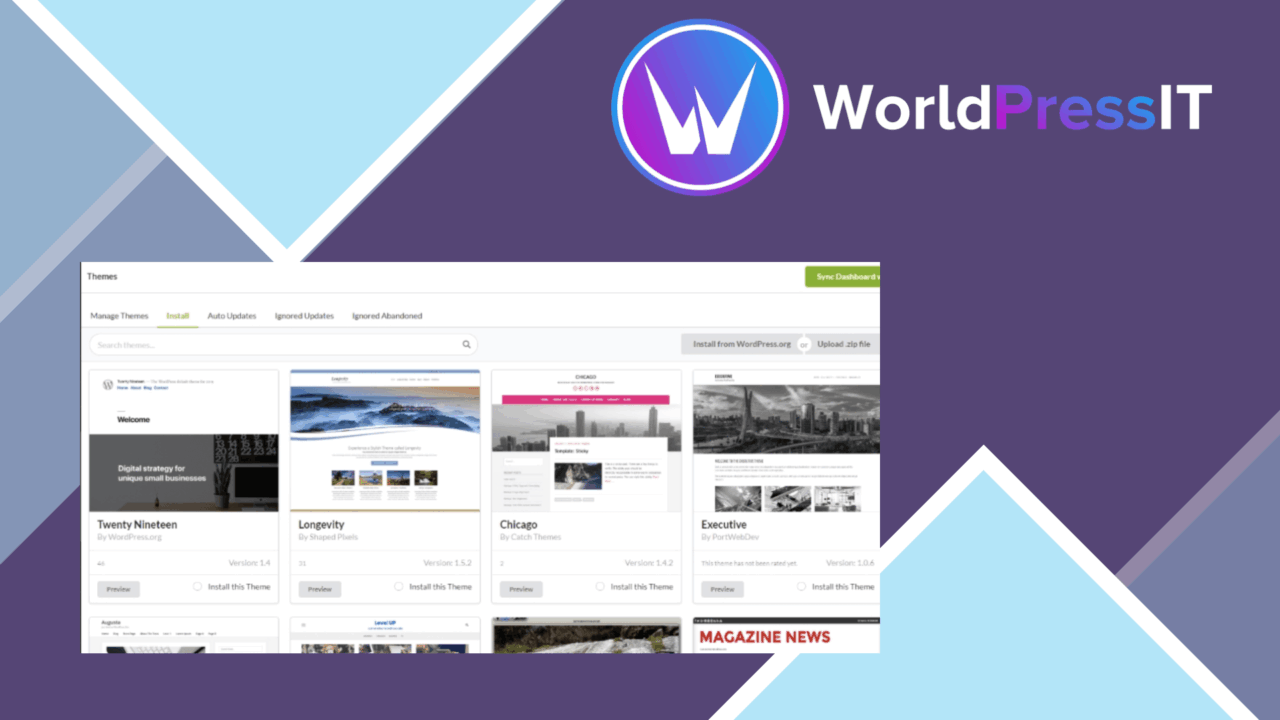
MainWP – Virusdie is a WordPress security plugin built around malware detection and removal. Its main distinction is the connection to the MainWP dashboard, where security activity from multiple WordPress sites can be managed from a central interface rather than checked site by site.
Security monitoring
The plugin focuses on finding malicious code and responding to it. Real-time malware scanning is intended to identify threats as they occur, while scheduled scans provide a recurring check for sites that need regular monitoring. That combination covers two different working patterns: immediate attention to newly detected problems and a routine review that does not depend on someone remembering to start a scan.
Automatic malware removal is the other major part of the feature set. It removes detected threats without manual intervention, which gives site administrators a response path after a problem is identified. The plugin also provides security reports that summarise website health, making the scan result more useful than an isolated warning with no broader record.
MainWP dashboard control
Centralised management is the feature that gives this tool a clear place in a larger WordPress operation. Administrators managing several sites get one point of access for security monitoring instead of opening each WordPress dashboard separately. The arrangement suits agencies, site managers and owners with a group of installations who want malware checks handled alongside their existing MainWP workflow.
The dashboard integration also changes how security information is reviewed. Rather than treating each scan as a separate task, an administrator can use the MainWP environment to keep an eye on the security state of the connected sites. The vendor does not describe deeper fleet-management controls, so the practical value here rests on how well a central view fits the way those sites are already administered.
Useful controls and records
The feature list includes several controls for tuning the scanning process and investigating what happened:
- Whitelist options for excluding accepted files or activity from unwanted alerts.
- Blacklist options for marking items that should be treated as threats.
- Scheduled scans for recurring malware checks.
- Detailed logs covering security events over time.
- Security reports that provide an overview of website health.
- A user-friendly interface aimed at keeping security management understandable.
Whitelist and blacklist settings are particularly relevant on sites with custom code or unusual file arrangements, where a generic scan needs some local direction. Detailed event logs also give administrators a record to consult after a detection or removal, while reports provide a higher-level view for routine reviews.
Where it falls short
The feature set is narrow in a useful but important way. MainWP – Virusdie is presented as a malware scanner and removal tool, not as a complete WordPress security suite. The supplied information does not mention firewall rules, login protection, vulnerability detection, backups or recovery tools, so relying on it alone would leave those areas outside the product’s stated scope.
Automatic removal also reduces direct control over remediation. A hands-off response is convenient, but administrators who need to inspect every changed file or approve each repair will have less involvement in the process. The whitelist and blacklist controls add some oversight, though they also introduce maintenance work. Finally, the centralised approach has limited appeal for a single-site owner who does not need MainWP’s multi-site dashboard; its strongest case is a group of sites managed from one place.
Who it suits
This plugin fits WordPress administrators who want malware scanning, scheduled checks and removal tied to a MainWP dashboard. It is most relevant where several sites share one management workflow and security reports or event logs need regular attention. Site owners looking for broader protection should treat it as one security layer and pair its malware-focused functions with separate measures for the areas it does not claim to cover.
The verdict
Download MainWP and see for yourself
You get the full MainWP release (v5.1), ready to install, plus every update that follows. One click and it is yours.
Download MainWP v5.1- Instant download
- Original developer files
- Updated 15 Sep 2026
Related reviews
Browse all
Loginizer Security Pro
Blocks repeated login attacks with lockdowns, IP controls and two-factor authentication, while giving WordPress administ…
pentest-plugin
A WordPress plugin listing named pentest-plugin, but the supplied material does not explain its testing scope, workflow,…
WP Cerber Security
A WordPress security suite that blocks malicious requests, limits login attacks, scans files for malware and filters spa…