Dynamic Toolbox for Bricks
Adds dynamic data, extra content elements, responsive controls and integrations to Bricks Builder for sites that need more than its standard design toolkit.
Instant access Original unmodified files Free future updates
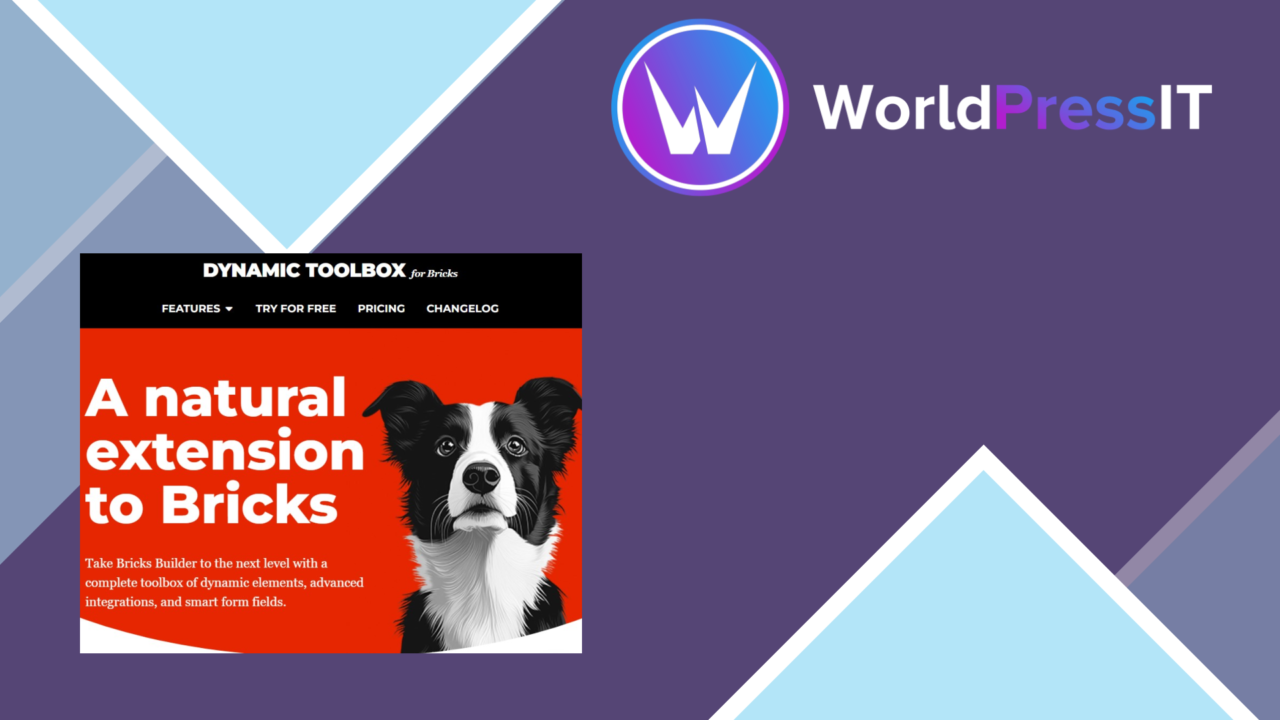
Dynamic Toolbox for Bricks adds a wider set of content and data features to sites built with Bricks Builder. Its focus is practical rather than narrow: the plugin combines customisable elements, dynamic data integration, styling controls, templates and third-party integrations in one extension. That gives Bricks users a broader starting point for layouts that rely on custom fields, post types or more involved presentation requirements.
A broader Bricks toolkit
The plugin is aimed at the gaps that appear when a basic page-building workflow is no longer enough. Customisable content elements support layouts beyond the standard set of building blocks, while advanced styling options provide more control over how those elements fit a site’s visual identity. The vendor also describes responsive design controls, so the same layout work can be adapted for different screen sizes rather than treated as desktop-only output.
That combination is useful for developers and designers who want to keep their work inside Bricks Builder. Instead of treating dynamic content, visual styling and reusable starting points as separate concerns, Dynamic Toolbox for Bricks places them under the same builder-focused umbrella.
Dynamic content in context
Dynamic data integration is the most distinctive part of the feature set. The plugin is intended to display custom fields and post types, which gives Bricks layouts a route to content that is maintained outside the page itself. A template can therefore be shaped around structured WordPress content rather than relying only on manually entered text and images.
Pre-built templates add another practical layer. They can be imported and modified, giving a project a starting structure to work from instead of requiring every layout to be created from a blank canvas. The value of that approach depends on how closely the supplied designs fit a site’s requirements, but editable templates are more useful than fixed demonstrations because they leave room for adaptation.
Features worth using
- Customisable content elements for layouts that need more than standard builder components.
- Dynamic data integration for displaying custom fields and post types.
- Advanced styling options for matching a site’s brand identity.
- Responsive design controls for presenting layouts across different devices.
- Pre-built templates that can be imported and modified.
- Integrations with popular third-party plugins for extending the builder’s reach.
- SEO-friendly features intended to support search visibility.
The list is broad enough to cover presentation, content sources and reuse. That breadth makes the plugin relevant to projects where the page design and the underlying WordPress data need to work together, rather than to sites looking only for another collection of visual effects.
What to weigh
The main trade-off is scope. A plugin that adds content elements, data handling, templates, styling, integrations and responsive controls also adds more decisions to the Bricks interface. For a simple brochure site, that wider toolkit could feel unnecessary; its value is clearer when the project actually uses structured content or needs more control than the base builder provides.
The feature descriptions are also broad. They do not specify which elements are included, which third-party plugins are supported, how the templates are organised or what the SEO features cover. That makes it difficult to judge fit before working through the available controls. Imported templates also require adaptation to an existing brand and content model, so they are starting points rather than finished page systems.
Who it suits
Dynamic Toolbox for Bricks suits Bricks users building content-led sites with custom fields, post types or layouts that need detailed styling and responsive handling. It is also a sensible candidate for projects that benefit from reusable templates and broader plugin integrations. Users seeking only a minimal visual layer may find its range excessive, while developers who want dynamic content and additional builder controls have a clearer reason to consider it.
The verdict
Download Dynamic Toolbox for Bricks and see for yourself
You get the full Dynamic Toolbox for Bricks release (v1.1.6), ready to install, plus every update that follows. One click and it is yours.
Download Dynamic Toolbox for Bricks v1.1.6- Instant download
- Original developer files
- Updated 27 Nov 2026
Related reviews
Browse all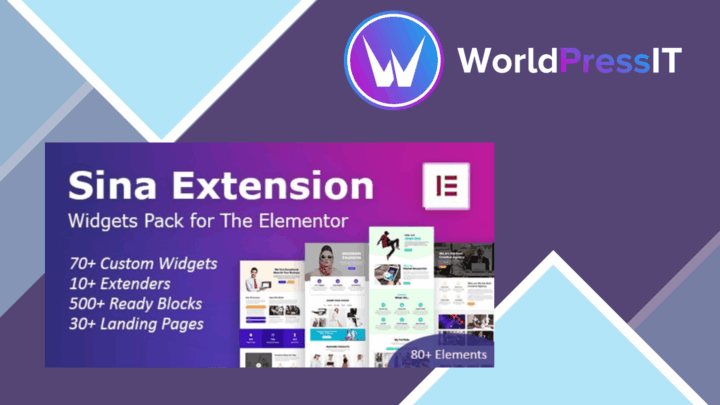
Sina Extension for Elementor
Extend Elementor with more than 30 widgets, reusable templates, responsive controls, WooCommerce support and dynamic con…
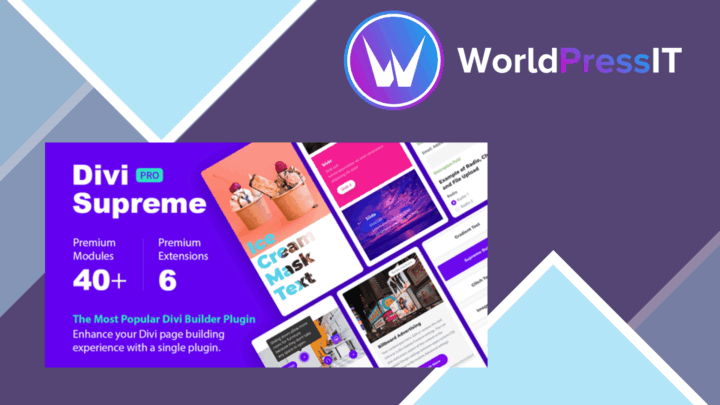
Divi Supreme Custom Divi Modules
Add more than 30 custom modules to the Divi Builder, with responsive layouts and per-module styling for more distinctive…
Timeline Widget Addon For Elementor Pro
Build responsive vertical or horizontal timelines in Elementor Pro for events, milestones, personal stories, company his…